

JSON (JavaScript Object Notation) is the de facto language of APIs and modern web applications. But staring at a raw, unformatted JSON blob can be a nightmare. A powerful json reader online is an essential tool for any developer, data analyst, or marketer, transforming messy data into a clean, navigable structure. Whether you need to quickly validate a snippet, debug a complex API response, or share data with a colleague, the right tool saves you time and prevents headaches.
This guide cuts through the noise to bring you the definitive list of the best online JSON readers, viewers, and formatters available. We evaluated dozens of options to identify the top tools that genuinely improve workflow efficiency. For each platform, you will find a concise summary, key features, a screenshot, direct links, and a clear breakdown of pros and cons.
We cover everything from simple, free validators perfect for quick checks to robust editors and convenient browser extensions that integrate directly into your development process. We also include a few commercial options for those requiring enterprise-grade features. This resource is designed to help you quickly find the perfect json reader online for your specific needs, so you can stop wrestling with unreadable data and get back to building.
1. JSONLint
JSONLint stands as one of the original and most straightforward tools for quick JSON validation and formatting. Its enduring popularity comes from its simplicity: a single text area where you can paste raw JSON, upload a file, or provide a URL to fetch data from. This no-frills approach makes it an excellent json reader online for developers and data analysts who need an immediate, unambiguous answer to the question: "Is this JSON valid?" It instantly reports syntax errors with specific line numbers, saving crucial debugging time.
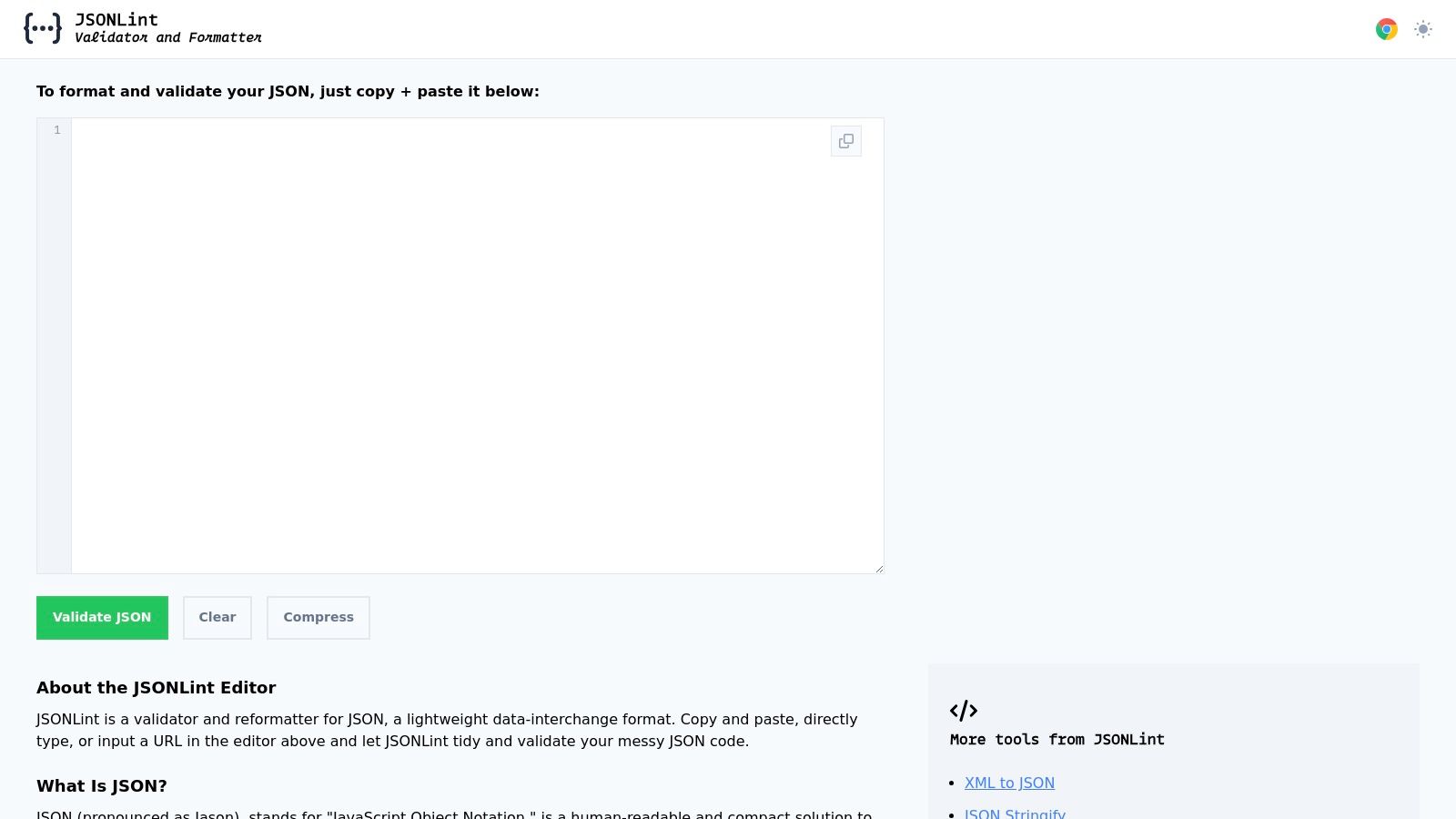
The platform also provides a "reformat" option, which beautifies messy, single-line JSON into a readable, indented structure. Conversely, it can minify or compress well-formatted JSON into a compact string, which is useful for optimizing data for network transmission. JSONLint is entirely free and requires no sign-up, making it a go-to utility for quick, anonymous checks.
Key Features & Use Case
- Best For: Developers needing a fast, reliable validator for debugging API responses or configuration files.
- Standout Feature: The ability to validate JSON directly from a URL is a significant time-saver, eliminating the need to copy and paste data from a live endpoint.
- Pros: Extremely fast and simple, no account needed, supports file and URL inputs.
- Cons: Lacks a tree viewer for navigating complex nested structures, offering no advanced data exploration features.
Website: https://jsonlint.com
2. JSON Editor Online (jsoneditor.io)
JSON Editor Online elevates the concept of a browser-based tool into a full-fledged integrated development environment for JSON data. Far more than a simple validator, it provides a powerful, multi-view interface that includes code, tree, and table modes, allowing users to interact with data in the format that best suits their task. This makes it an exceptional json reader online for anyone who needs to not just view but also manipulate, compare, and transform complex JSON files directly in their browser. The platform's ability to handle large files (up to 512 MB) sets it apart from many simpler tools.
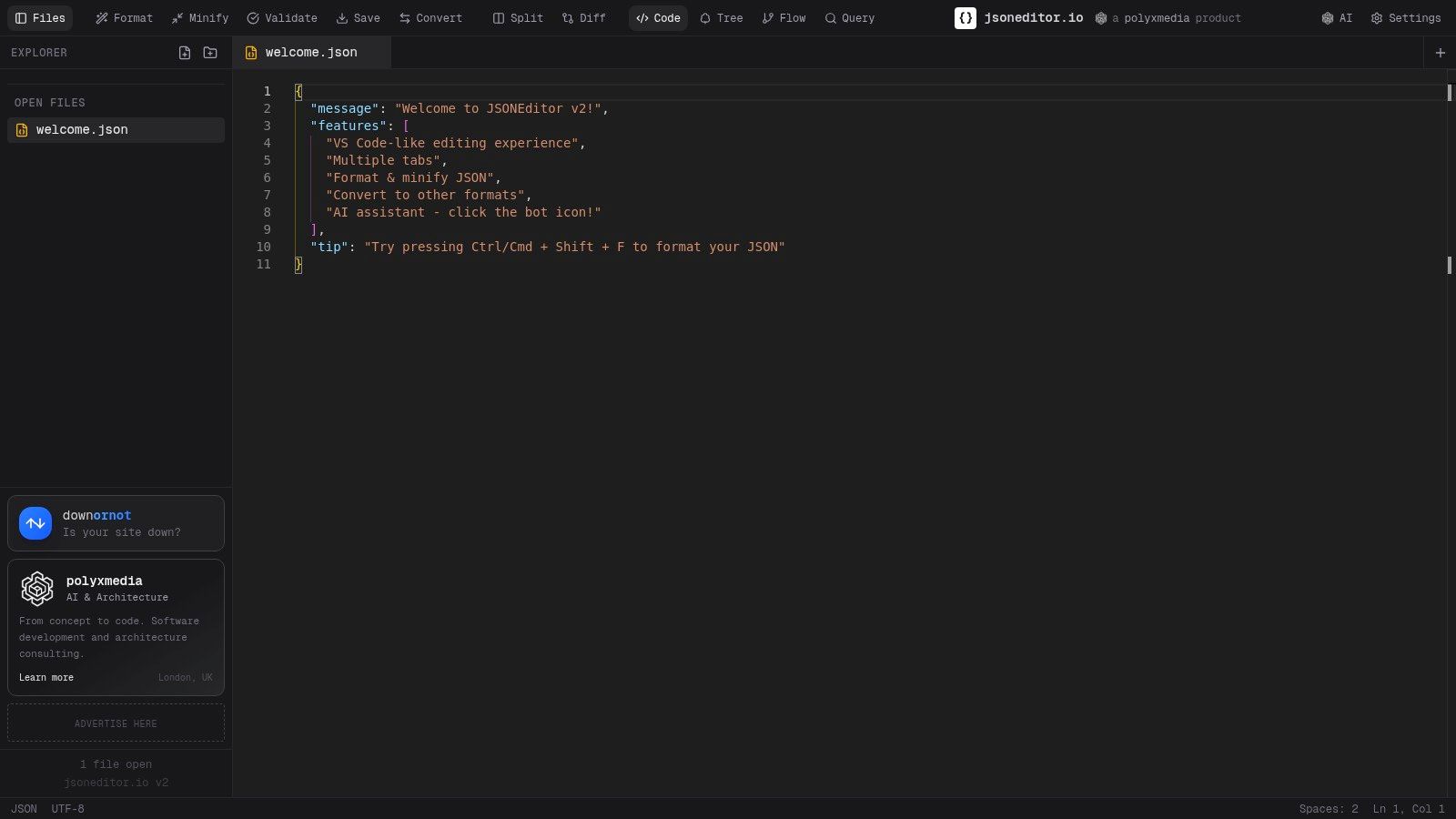
Its feature set is extensive, offering not just formatting and validation but also data conversion to and from CSV, XML, and YAML. A standout feature is its split-screen diff view for comparing two JSON structures, which is invaluable for identifying changes between API versions or configuration files. While the platform is free, it does display some ads, and users should be mindful of privacy when using its cloud-sharing features. You can explore more about what makes an advanced JSON editor powerful on HostMora's guide to JSON files.
Key Features & Use Case
- Best For: Power users and developers who need advanced editing, comparison, and conversion capabilities without leaving the browser.
- Standout Feature: The multi-view interface (Code, Tree, Table) combined with a powerful side-by-side diff tool for comprehensive data analysis.
- Pros: Handles very large files, feature-rich (multiple modes, diff, conversions), multi-tab workspace, and supports schema validation.
- Cons: UI contains ads, and using the cloud storage feature requires considering data privacy.
Website: https://jsoneditor.io
3. Code Beautify — JSON Viewer
Code Beautify offers a comprehensive suite of tools, and its JSON Viewer is a powerful component within that collection. More than just a validator, this platform acts as a versatile json reader online by providing a navigable tree view. This feature allows users to collapse and expand nested objects and arrays, making it significantly easier to explore complex data structures compared to plain text viewers. It supports direct input, file uploads, and fetching from a URL, catering to various workflows.
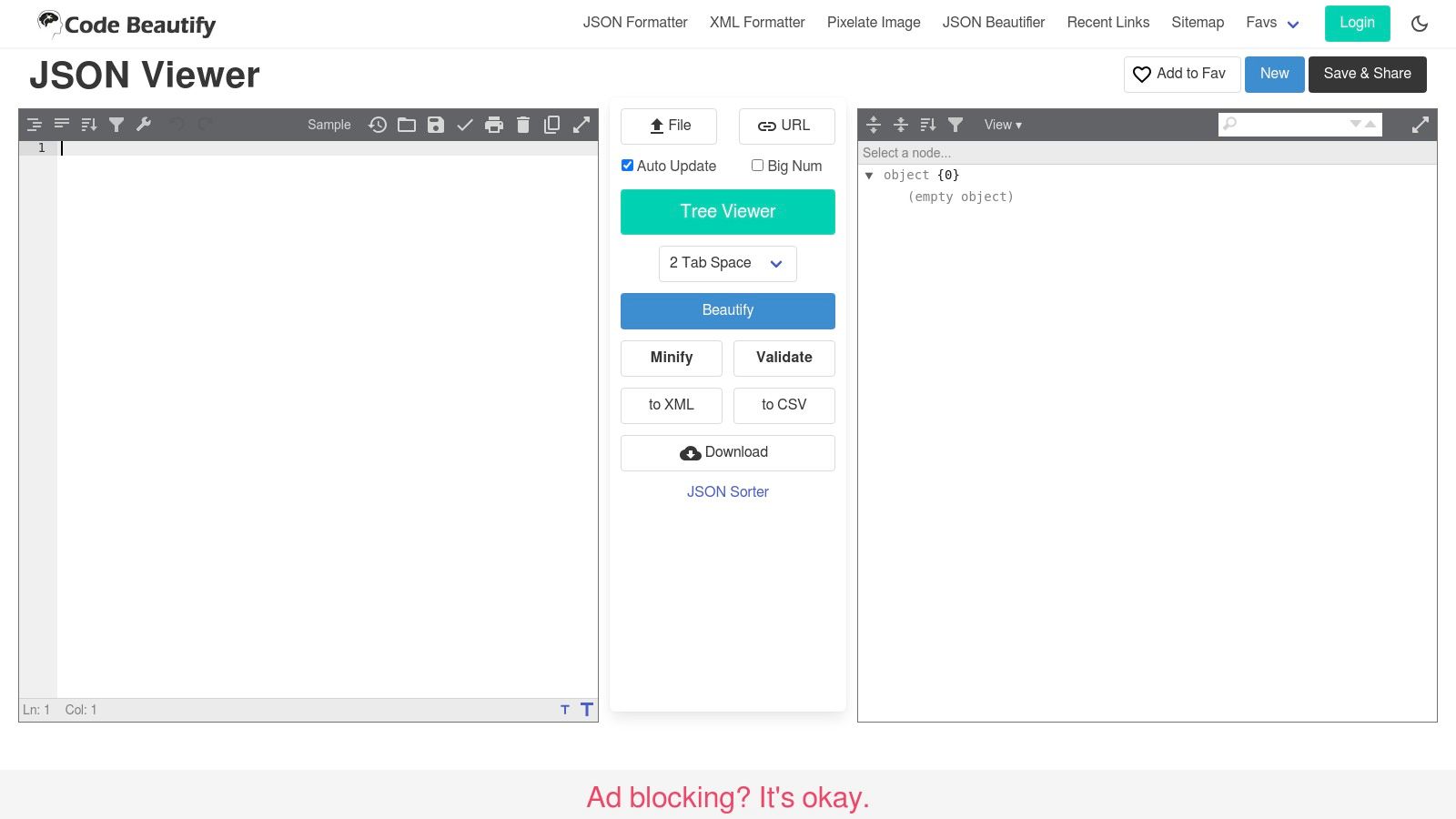
Its key differentiator is the built-in conversion functionality. Users can instantly transform their JSON data into other formats like XML or CSV directly within the interface. While the free version includes ads, the platform's broad utility and familiar layout make it a popular choice for developers who need more than simple validation. The ability to save and share your formatted JSON via a unique link adds a layer of collaboration.
Key Features & Use Case
- Best For: Users who frequently need to convert JSON to other data formats like XML or CSV.
- Standout Feature: The integrated JSON to XML/CSV converter is a standout utility that consolidates multiple tools into one convenient interface.
- Pros: Broad toolset beyond JSON, collapsible tree viewer for easy navigation, familiar and fast UI.
- Cons: The interface contains ads, and it lacks advanced comparison or diffing features for analyzing changes between two JSON files.
Website: https://codebeautify.org/jsonviewer
4. JSONFormatter.org
JSONFormatter.org is a versatile and widely used tool that extends beyond simple validation. While it serves as an excellent json reader online for formatting and beautifying code, its key differentiator is its ability to convert JSON into other popular data formats. Users can paste raw JSON, upload a file, or fetch data directly from a URL, making it highly flexible for various data sourcing needs. The platform instantly processes the input, presenting a clean, readable version and highlighting any syntax errors.
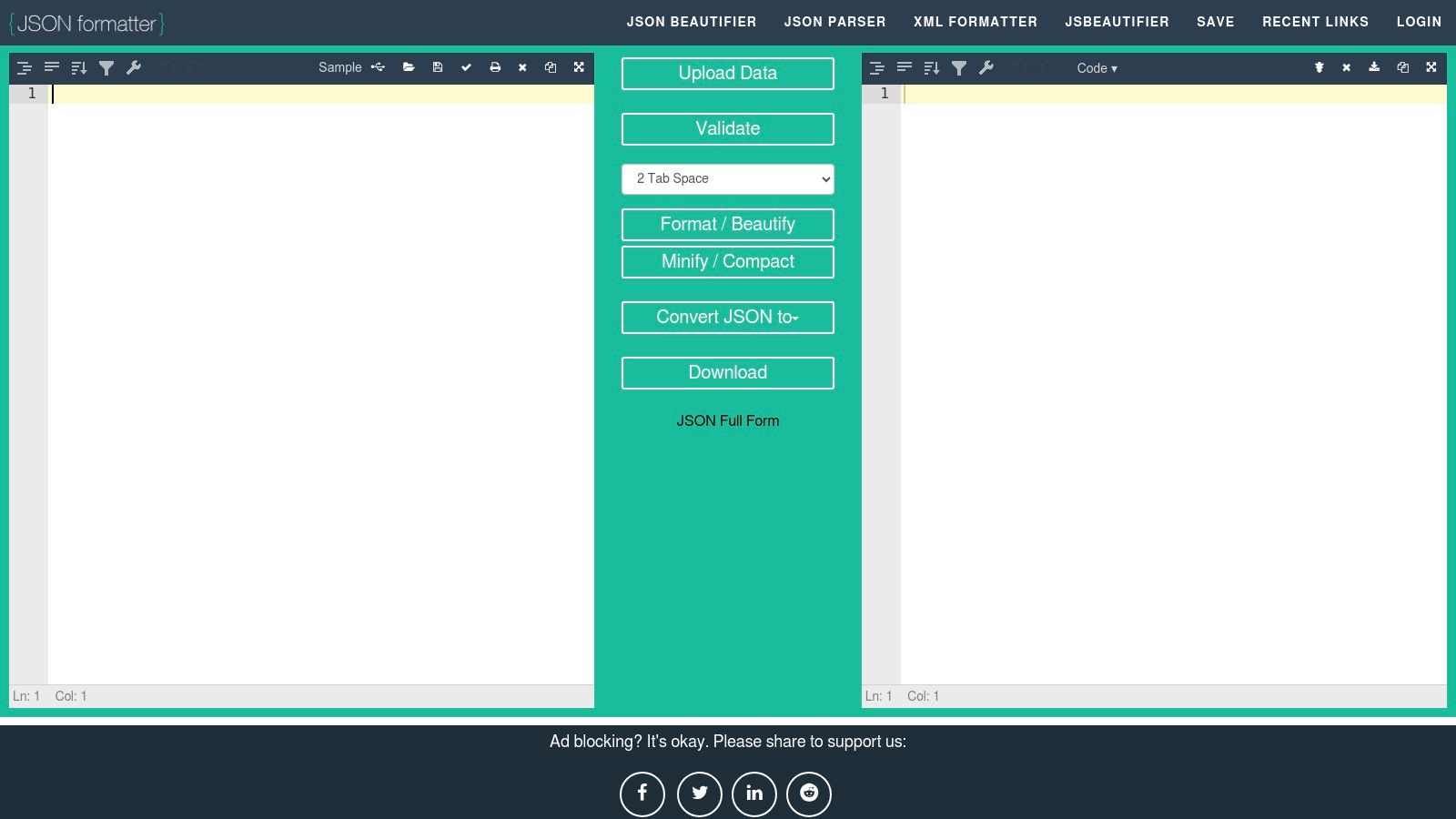
Its built-in conversion utilities allow you to transform JSON into XML, CSV, or YAML with a single click. This feature is invaluable for developers and data analysts who need to integrate data across systems that use different formats. While the "save to link" feature is currently disabled, the tool remains a powerful, free utility for everyday data manipulation tasks. For developers looking to host their JSON or other static files publicly, you can learn more about options for free static site hosting.
Key Features & Use Case
- Best For: Professionals needing to quickly convert JSON data into other formats like XML or CSV for reporting or system integration.
- Standout Feature: The one-click conversion to multiple data formats (XML, CSV, YAML) makes it a multi-purpose data utility, not just a reader.
- Pros: Extremely fast and easy to use, offers valuable data conversion tools, supports URL and file uploads.
- Cons: The interface contains ads, and its "save and share" feature is temporarily unavailable.
Website: https://jsonformatter.org
5. JSONFormatter.me
JSONFormatter.me is a privacy-first tool designed for users who handle sensitive data. Its primary advantage is that all JSON processing, from validation to formatting, happens locally within your browser. This client-side approach ensures your data is never uploaded to a server, offering peace of mind when working with confidential information. This makes it an excellent json reader online for developers conscious about data security.
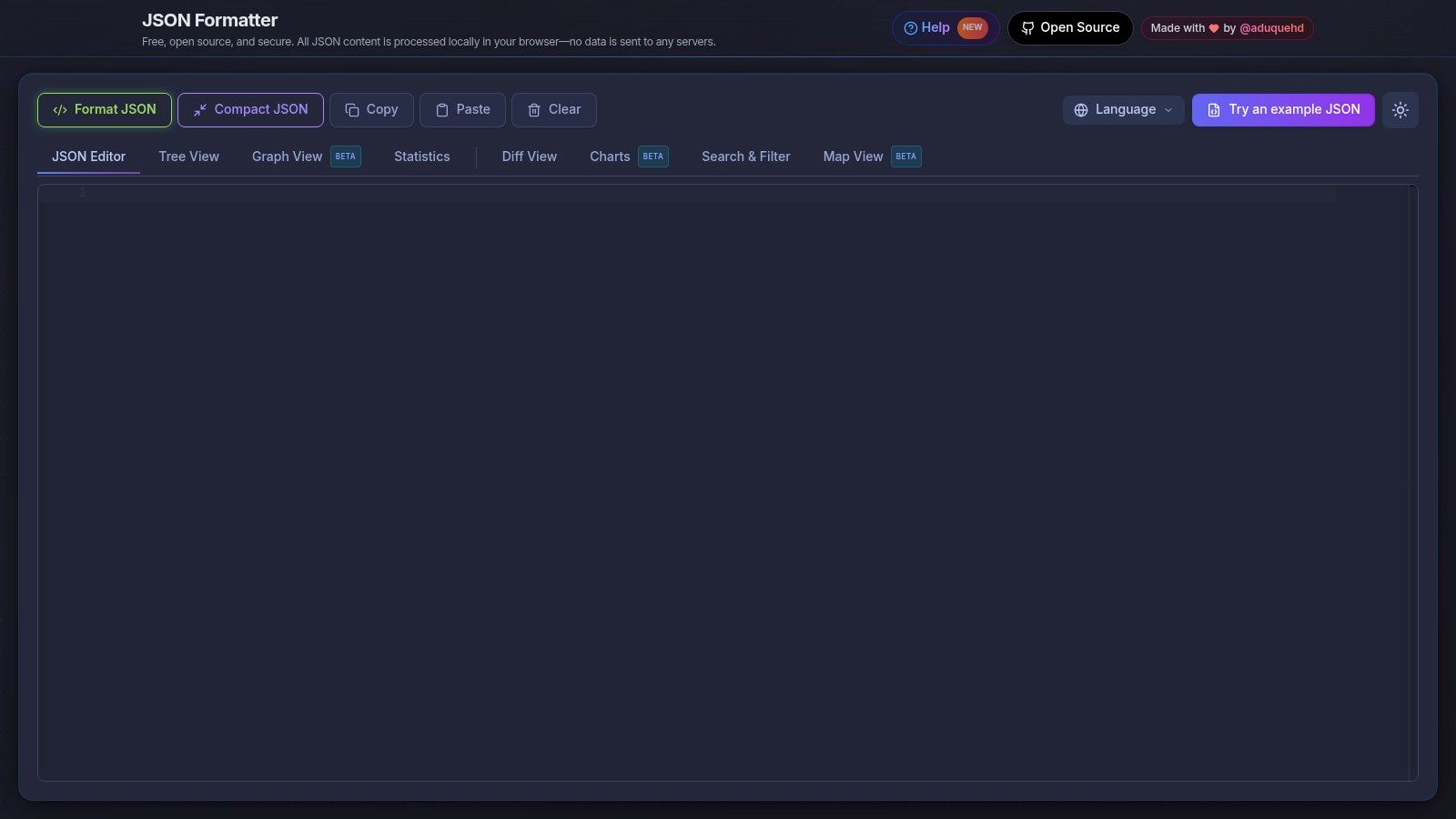
The platform goes beyond simple formatting by offering multiple ways to visualize data, including a classic editor, a navigable tree view, a graph representation to see node relationships, and even a diff tool to compare two JSON objects. This versatility allows users to choose the best view for their specific task, whether it's debugging complex structures or understanding data connections. It also includes powerful search, filter, and copy/compact options to streamline data manipulation.
Key Features & Use Case
- Best For: Users prioritizing data privacy or needing multiple ways to visualize and analyze JSON structures.
- Standout Feature: Its diverse visualization modes (Editor, Tree, Graph, Diff, Charts beta) provide unique insights that a standard text formatter cannot.
- Pros: Strong emphasis on privacy with local processing, multiple visualization modes for different analytical needs.
- Cons: Beta features may be unstable or change over time, and it lacks cloud-based features like saving or team collaboration.
Website: https://www.jsonformatter.me
6. PlayCode — Online JSON Formatter
PlayCode offers a clean, developer-centric environment for handling JSON data, leveraging the powerful Monaco editor, the same engine that powers VS Code. This makes it a uniquely familiar and efficient json reader online for developers who appreciate a robust, in-browser editor experience. The interface is completely ad-free and supports drag-and-drop file uploads, providing a seamless workflow for validating, formatting, or minifying JSON. Its client-side processing ensures that your data remains private and secure.
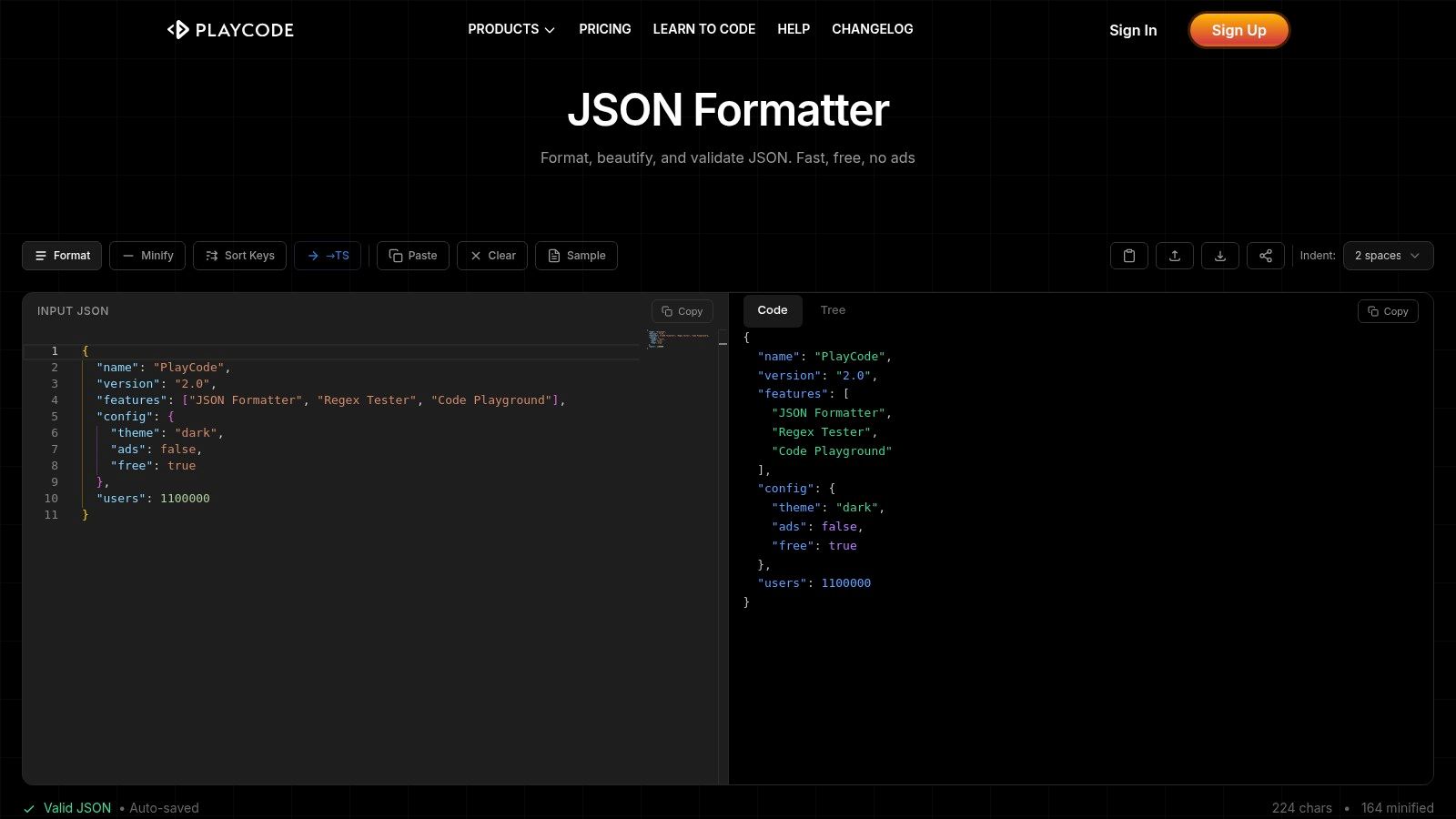
The platform presents a dual-pane view with raw text on one side and a collapsible tree view on the other, allowing for easy navigation of complex data structures. Users can copy paths or download specific nodes directly from the tree view. Because it’s built on the Monaco editor, it supports familiar keyboard shortcuts, syntax highlighting, and code-aware features that feel just like working in a local development environment. This makes PlayCode ideal for those who want more than a simple textbox without the overhead of a full-featured IDE.
Key Features & Use Case
- Best For: VS Code users who want a familiar, keyboard-friendly online editor for quick JSON manipulation.
- Standout Feature: The integration of the Monaco (VS Code) editor provides a superior text editing experience compared to standard HTML text areas.
- Pros: Clean, ad-free interface, powerful and familiar editor, client-side processing for privacy.
- Cons: Tightly focused on formatting and viewing; lacks advanced features like schema validation or data comparison tools.
Website: https://playcode.io/json-formatter
7. TheFormatter.com — JSON Formatter & Validator
TheFormatter.com offers a robust suite of tools centered around its RFC 8259-compliant JSON formatter and validator. It serves as a practical json reader online that not only beautifies and validates your data but also integrates useful format conversion utilities. Users can paste code, upload files, or fetch from a URL, receiving clear, actionable feedback on syntax errors. The interface is straightforward, making it accessible for both technical and non-technical users who need to quickly inspect or convert data structures.
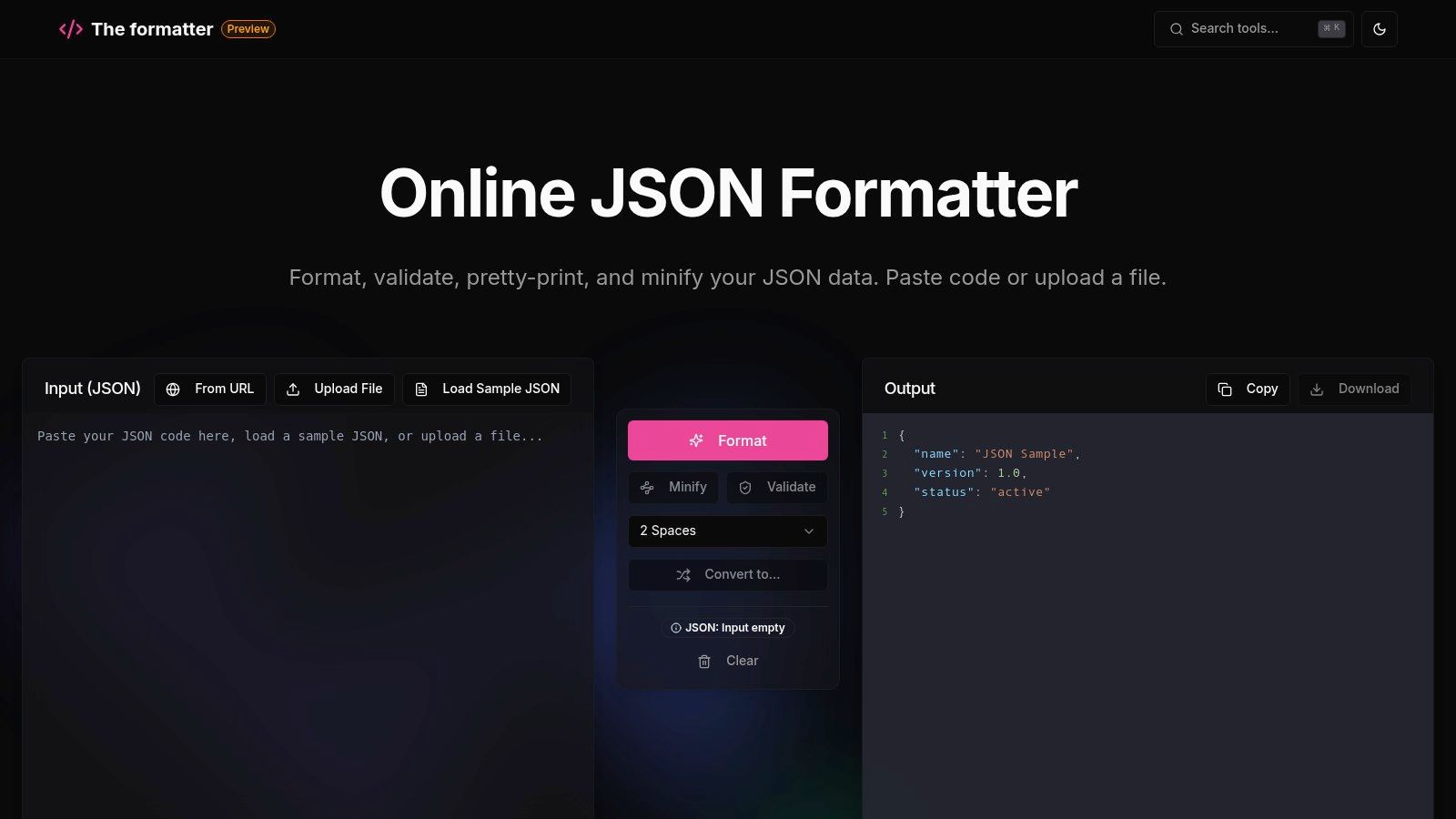
What sets TheFormatter.com apart is its bundled conversion tools, allowing users to transform JSON into XML, CSV, or YAML directly within the same interface. This eliminates the need to use multiple websites for simple data translation tasks. The tree view provides a clean way to navigate nested objects, and the platform’s validation messages are particularly helpful, highlighting the exact line where an error occurs. While free to use, the interface may include ads.
Key Features & Use Case
- Best For: Users who frequently need to convert JSON to other common data formats like XML or CSV.
- Standout Feature: The built-in JSON to XML, CSV, and YAML converters provide a multi-tool experience on a single page.
- Pros: Clear validation messages with line highlighting, useful bundle of format converters, supports tree view navigation.
- Cons: The user interface can feel cluttered with ads, and it lacks advanced power-user features like schema validation or data diffing.
Website: https://www.theformatter.com/json-formatter
8. TrueFormatter
TrueFormatter distinguishes itself by handling "almost JSON" data that other validators would simply reject. This online tool is not just a validator and formatter but also an intelligent auto-fixer, designed to repair common syntax errors. It can automatically remove trailing commas, add quotes to unquoted keys, and strip out comments (as found in JSONC), making it an invaluable json reader online when dealing with human-written or loosely structured configuration files that don't strictly adhere to JSON specifications.
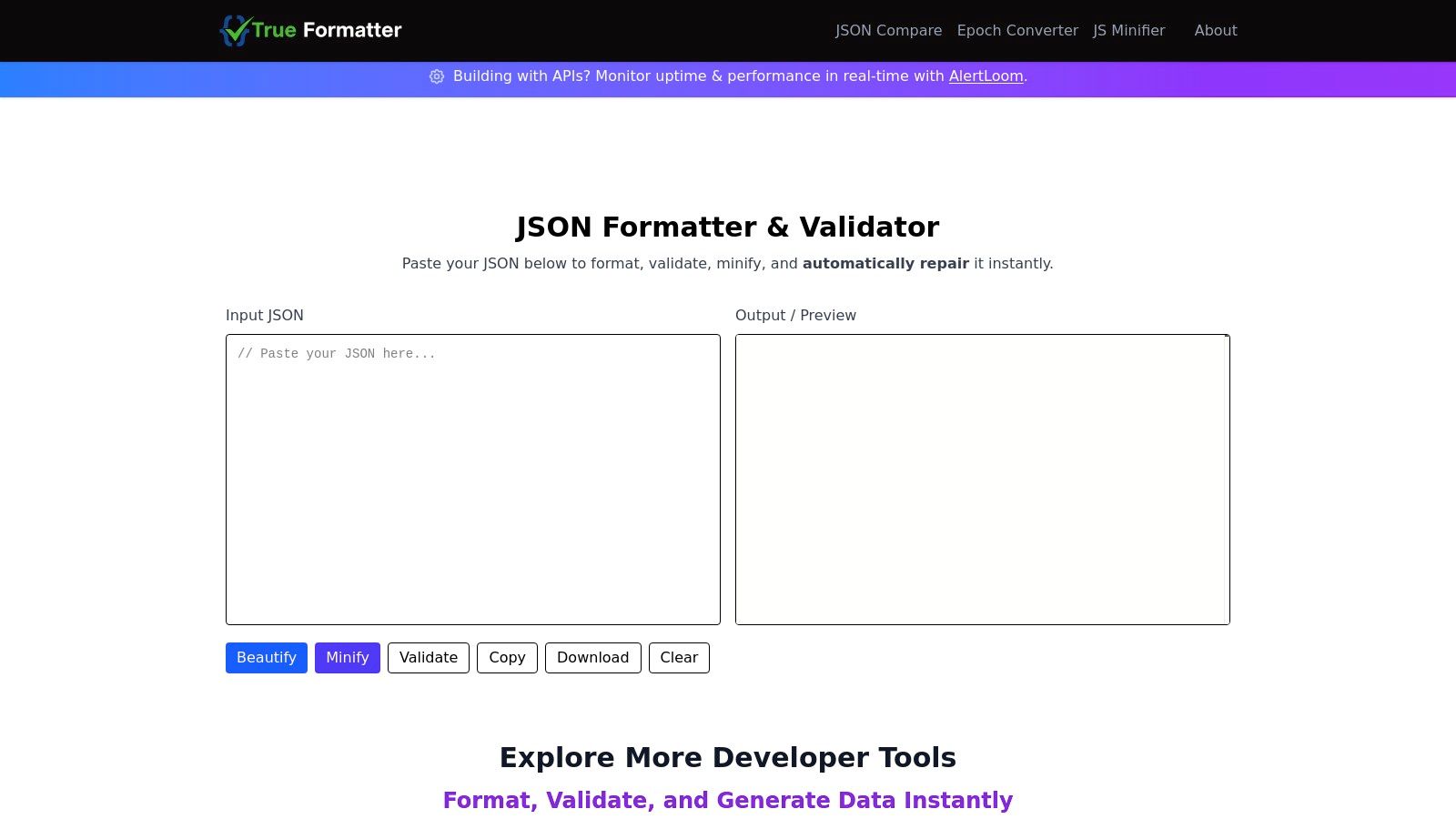
Beyond its repair capabilities, TrueFormatter provides a suite of useful developer utilities, including a JSON diff/compare tool and a seamless YAML to JSON converter. This makes it a versatile workbench rather than just a single-purpose tool. While the free version is supported by ads, its ability to salvage and clean up imperfect JSON makes it a highly practical choice for developers working in real-world scenarios where data sources aren't always pristine.
Key Features & Use Case
- Best For: Developers who frequently work with manually edited config files or API responses that contain common, non-standard syntax errors.
- Standout Feature: The auto-repair function that intelligently fixes malformed JSON, such as missing quotes and trailing commas, is a significant time-saver.
- Pros: Excellent at fixing common JSON mistakes automatically, includes companion tools like a diff checker and YAML converter.
- Cons: The user interface displays advertisements, and the auto-fix feature could potentially misinterpret the intent of severely malformed data.
Website: https://www.trueformatter.com
9. Chrome Web Store — JSON Viewer (extension)
For developers who frequently work with APIs, the JSON Viewer browser extension for Chrome and Chromium-based browsers is an indispensable tool. Instead of seeing a raw, unformatted text string when you visit a URL that returns JSON, this extension automatically detects and formats the data into a clean, collapsible tree view directly in your browser tab. This transforms the browser itself into a powerful json reader online, streamlining the process of inspecting API responses without ever leaving the page or copying data to another tool. It supports modern standards like JSON5 and offers advanced features like JSONPath querying.
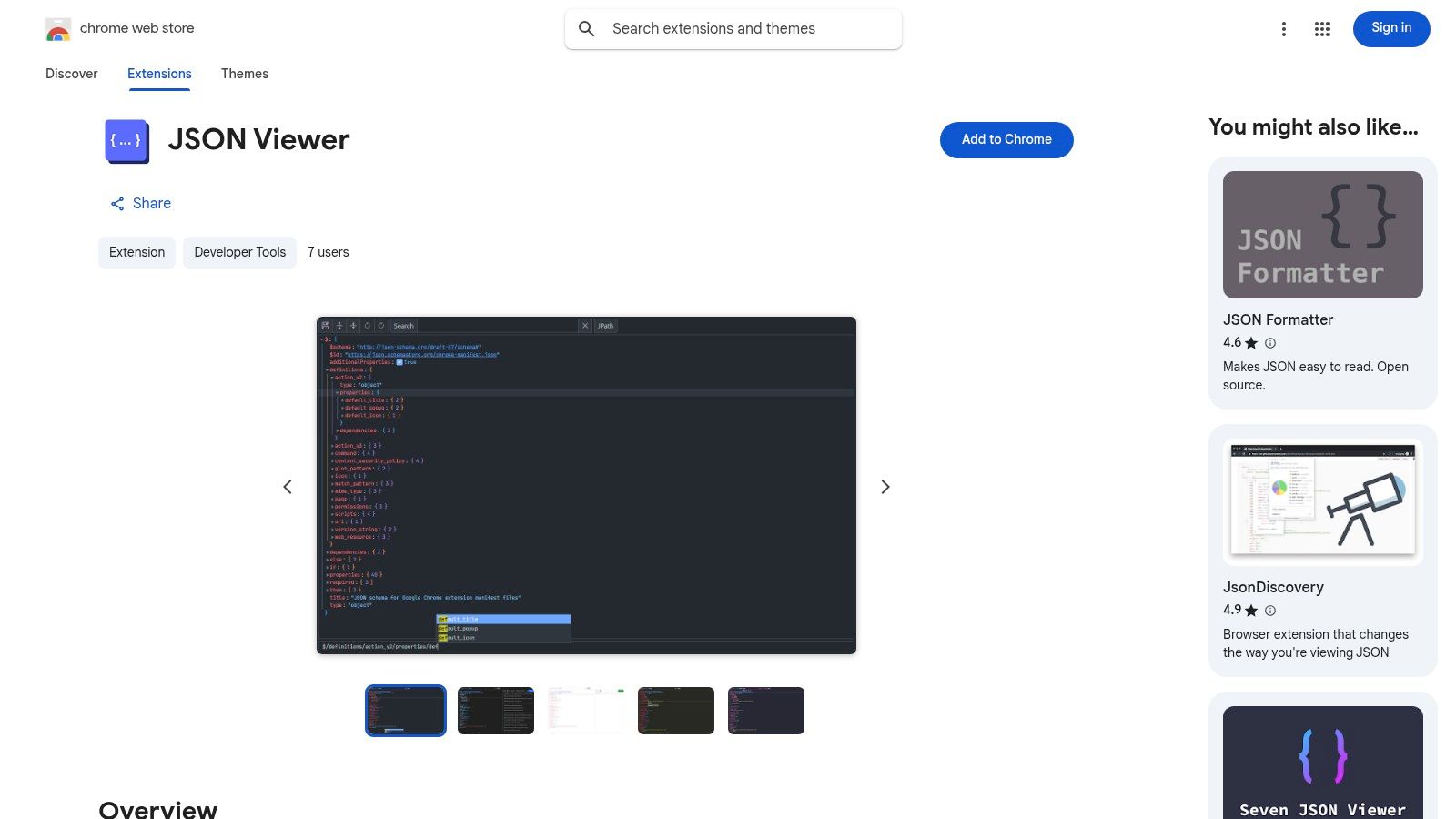
The extension includes light and dark themes to match your development environment, a search function, and the ability to edit the JSON in-place with undo/redo capabilities. Its breadcrumb navigation makes it easy to understand your location within complex, nested data structures. As a free browser extension, it offers a seamless and integrated workflow for anyone debugging or consuming JSON-based APIs directly.
Key Features & Use Case
- Best For: API developers and frontend engineers who need to inspect live JSON endpoints quickly and efficiently within their browser.
- Standout Feature: The auto-detection and in-tab formatting of JSON responses is its core strength, eliminating the need for any manual steps.
- Pros: Integrates directly into the browser workflow, supports JSON5 and JSONPath queries, and collects no user data.
- Cons: It is browser-dependent and may conflict with other JSON-formatting extensions if multiple are installed.
Website: https://chromewebstore.google.com/detail/json-viewer/cempkhpgdolncnkiicodehecdbggnamn
10. Firefox Add‑ons — JSONView (extension)
For Firefox users who prefer a dedicated browser extension, JSONView offers a streamlined and lightweight way to handle JSON directly in the browser. It automatically detects when you navigate to a JSON document and formats it into a clean, human-readable view with syntax highlighting and collapsible nodes. This makes it an ideal json reader online for developers who frequently inspect API responses and want a consistent experience beyond the browser's built-in viewer. It transforms raw, unformatted data into an interactive tree, making complex structures easy to navigate.
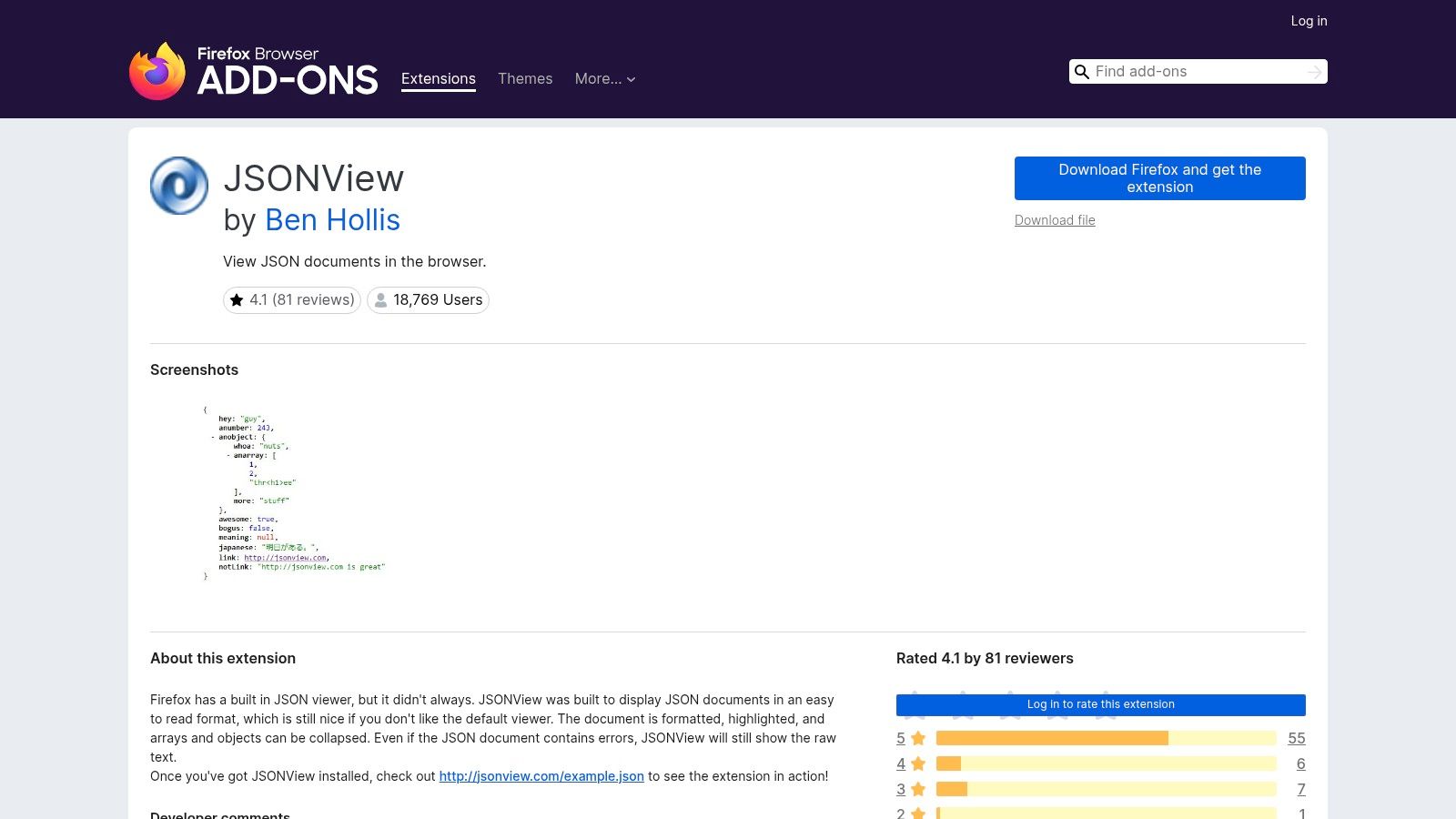
The extension is purpose-built for simplicity, focusing on doing one thing exceptionally well: making JSON readable. It allows users to easily expand or collapse specific objects and arrays, which is invaluable when dealing with large, nested datasets. A quick toggle lets you switch back to the raw JSON if needed. As a free, open-source add-on under the MIT license, it's a trustworthy and efficient tool for those who spend their days working with web APIs.
Key Features & Use Case
- Best For: Firefox users who need a fast, integrated, and reliable JSON viewer for daily API debugging.
- Standout Feature: Its automatic in-browser rendering and minimal interface provide a seamless and non-intrusive way to inspect JSON without leaving the current tab.
- Pros: Lightweight and reliable, easy to toggle between formatted and raw views, no external site needed.
- Cons: Lacks advanced features like data conversion or schema validation, and requires granting extension permissions to read website data.
Website: https://addons.mozilla.org/en-US/firefox/addon/jsonview/
11. Altova XMLSpy — Commercial JSON Viewer/Editor
Altova XMLSpy is a professional-grade desktop editor for Windows that caters to enterprise-level JSON and XML development. While not a typical json reader online, its powerful feature set warrants its inclusion for users handling complex, mission-critical data. The application moves beyond simple validation, offering a sophisticated graphical JSON Grid view that allows users to visualize, query, and even generate charts directly from their JSON data. This is ideal for deep data analysis and manipulation that web-based tools often cannot support.
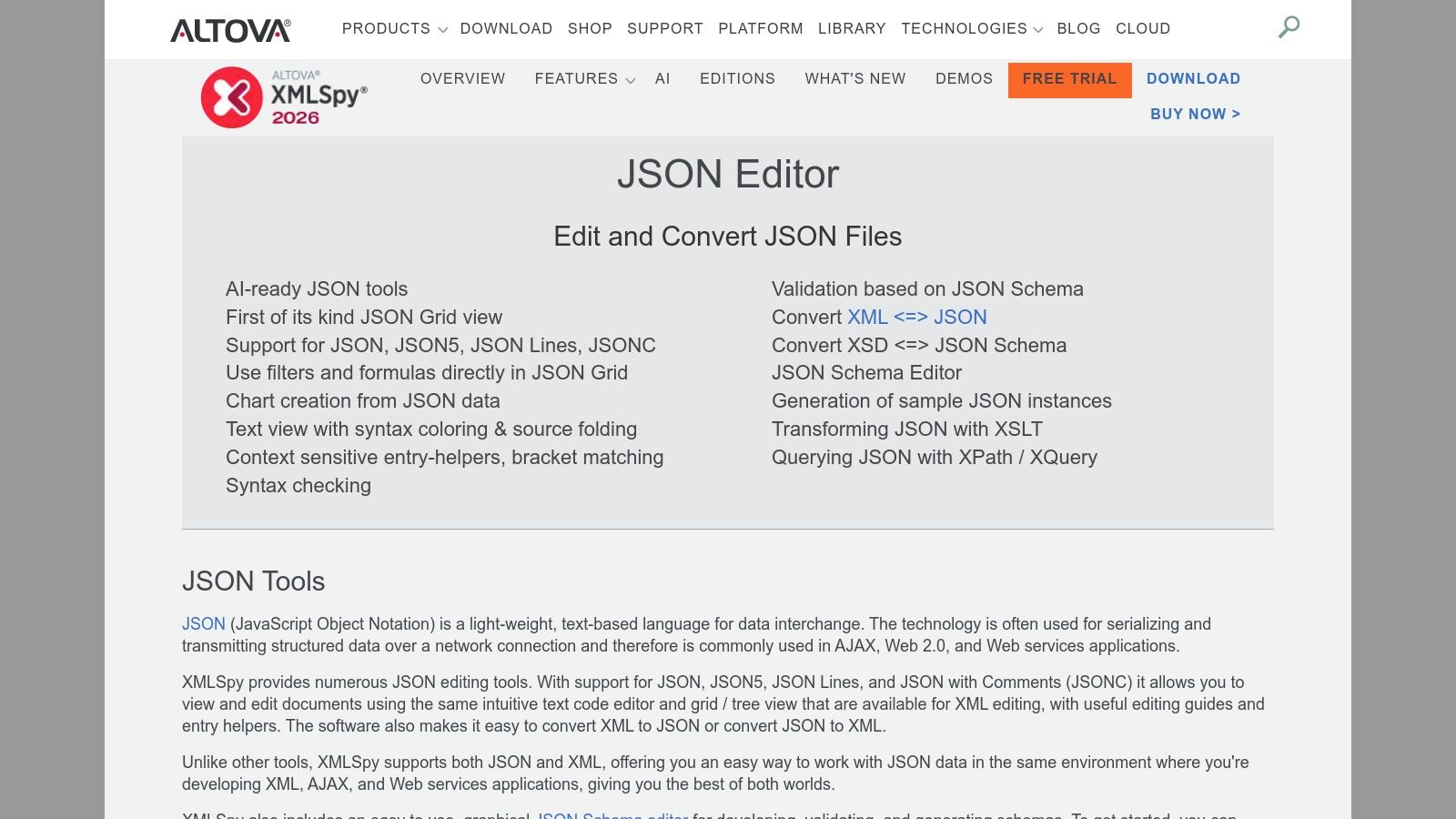
Its core strengths lie in robust JSON Schema editing, generation, and validation. XMLSpy also supports extended formats like JSON5, JSON Lines, and JSON with comments (JSONC), alongside powerful data transformation capabilities, such as converting between JSON and XML. While it requires a paid license after a 30-day free trial, its comprehensive tooling justifies the cost for large-scale projects where data integrity and advanced editing are paramount. Its features are powerful enough to help you prepare JSON for advanced AI processing.
Key Features & Use Case
- Best For: Enterprise developers and data architects on Windows who require advanced validation, schema editing, and data transformation tools for large projects.
- Standout Feature: The graphical JSON Grid view with built-in charting and filtering capabilities offers a unique and powerful way to interact with and analyze complex data structures.
- Pros: Deep feature set for complex projects, strong validation against JSON Schema, supports data conversions (JSON↔XML/YAML).
- Cons: It is a paid Windows desktop application, not a free or web-based tool, making it less accessible for quick, one-off tasks.
Website: https://www.altova.com/xmlspy-xml-editor/json_editor
12. JSONBuddy — Commercial JSON Editor
JSONBuddy is a dedicated Windows application that goes beyond a simple json reader online, offering a comprehensive suite of tools for developers working heavily with JSON and JSON Schema. It provides both a text and grid-style editor, allowing users to visualize and manipulate complex data structures intuitively. Its live validation against JSON Schema drafts is a powerful feature for ensuring data integrity during development, catching errors before they become bigger problems.
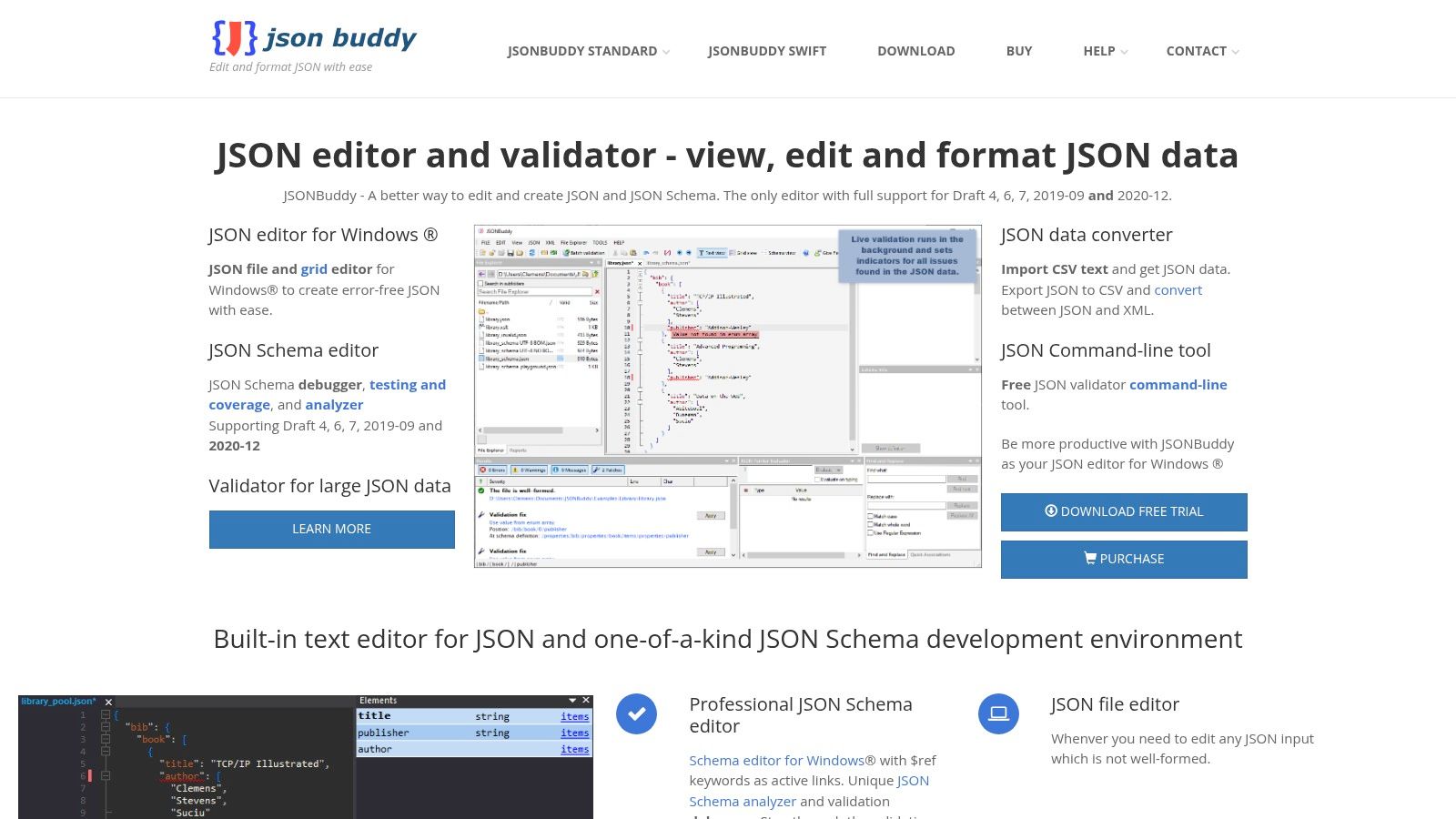
What truly sets JSONBuddy apart is its advanced schema debugger and analyzer. This tool allows developers to step through schema validations, diagnose issues, and ensure their schemas are well-formed and efficient. The editor also includes a streaming formatter for handling large files without consuming excessive memory, plus handy converters for CSV and XML. While it requires a paid license for commercial use, a free license is available for personal and educational purposes, providing full access to its standard features.
Key Features & Use Case
- Best For: Windows developers who need robust JSON Schema creation, validation, and debugging capabilities.
- Standout Feature: The integrated JSON Schema debugger is an invaluable tool for complex schema development, a feature rarely found in online-only viewers.
- Pros: Powerful schema tooling, multiple data views (grid, text), streaming formatter for large files, free personal/educational license.
- Cons: Desktop application limited to Windows only, requires a paid commercial license for business use.
Website: https://www.json-buddy.com
Top 12 Online JSON Readers — Feature Comparison
| Tool | Core features | UX / Quality (★) | Price / Value (💰) | Target (👥) | Unique / Standout (✨ / 🏆) |
|---|---|---|---|---|---|
| JSONLint | Validate, beautify/minify, paste/file/URL input | ★★★★ Fast, no-friction | 💰 Free, no signup | 👥 Quick checks, beginners | ✨ URL-based linting & instant share |
| JSON Editor Online (jsoneditor.io) | Code/Tree/Table, split diff, conversions, large files (≤512MB), schema | ★★★★★ Powerful, VS Code-like | 💰 Free; optional cloud share | 👥 Developers & power users | ✨ Large-file support, split diff 🏆 |
| Code Beautify — JSON Viewer | Tree viewer, beautify/minify, convert JSON↔XML/CSV, upload/share | ★★★★ Familiar, broad tools | 💰 Free (ads) | 👥 General users needing quick conversions | ✨ Wide toolkit across formats |
| JSONFormatter.org | Format/validate, load from file/URL, convert JSON→XML/CSV/YAML, save links | ★★★★ Fast & straightforward | 💰 Free (ads); save limited | 👥 Fast formatting & conversion tasks | ✨ Simple multi-format conversions |
| JSONFormatter.me | Client-side processing, Editor/Tree/Graph/Diff/Charts (beta), search/filter | ★★★★ Privacy-first UX | 💰 Free (local processing) | 👥 Privacy-conscious users | ✨ Local-only processing, Graph/Diff views |
| PlayCode — Online JSON Formatter | Monaco editor, beautify/minify, tree view, drag-&-drop, client-side | ★★★★ Clean, keyboard-friendly | 💰 Free, ad-free | 👥 VS Code users & keyboard-centric editors | ✨ Monaco (VS Code) editor experience |
| TheFormatter.com | RFC 8259 validation, JSON→XML/CSV/YAML, tree nav, clear validation messages | ★★★★ Clear validation & messages | 💰 Free (ads) | 👥 Users needing strict RFC validation | ✨ RFC-compliant validation messages |
| TrueFormatter | Beautify/minify, auto-repair malformed JSON, compare/diff, YAML⇄JSON | ★★★★ Helpful auto-fix tools | 💰 Free (ads) | 👥 Developers working with "almost JSON" | ✨ Auto-repair of common JSON mistakes 🏆 |
| Chrome Web Store — JSON Viewer (ext) | Auto-format JSON/JSON5 in tabs, expand/collapse, JSONPath, edit, theming | ★★★★ Convenient in-browser | 💰 Free extension | 👥 API consumers & frontend devs | ✨ Auto-detects responses, JSONPath queries |
| Firefox Add‑ons — JSONView (ext) | Pretty-print, syntax highlight, collapsible tree, raw view toggle | ★★★ Reliable & lightweight | 💰 Free extension | 👥 Firefox users wanting a minimal viewer | ✨ Minimal, MIT-licensed implementation |
| Altova XMLSpy (commercial) | Graphical JSON Grid/text, JSON Schema editor/generator, conversions, charting | ★★★★★ Enterprise-grade desktop | 💰 Paid (30‑day trial) | 👥 Enterprise & pro developers | ✨ Deep validation/transformation tooling 🏆 |
| JSONBuddy (commercial) | Schema debugger/analyzer, grid/text views, live validation, streaming formatter | ★★★★ Strong schema & streaming tools | 💰 Free personal/edu; paid commercial | 👥 Schema-heavy developers & teams | ✨ Schema debugger, streaming formatters |
Level Up Your Data Workflow with the Right Tools
Navigating the landscape of JSON data, whether for API responses, configuration files, or complex datasets, no longer needs to be a source of frustration. As we've explored, the right json reader online transforms tangled, unreadable code into a structured, manageable format. This simple act of formatting and validation is the first and most critical step in any data-centric project, from debugging a web application to prototyping a new digital product.
The journey through various tools reveals a clear spectrum of solutions. On one end, you have lightning-fast, single-purpose utilities like JSONLint and JSONFormatter.org, perfect for a quick copy-paste-and-validate workflow. In the middle, tools like JSON Editor Online and Code Beautify's JSON Viewer offer enhanced interactivity, including tree views and data editing capabilities, ideal for developers and data analysts who need to manipulate data on the fly. Finally, comprehensive commercial editors like Altova XMLSpy and JSONBuddy provide enterprise-grade features for complex schema validation and deep integration into professional development environments.
Choosing Your Go-To JSON Reader
Selecting the best tool is less about finding a single "winner" and more about matching features to your specific, recurring tasks. Consider these key questions to guide your decision:
- What is your primary goal? Are you mostly just viewing and validating data, or do you need to edit, transform, and query it? Simple viewers are great for the former, while advanced editors are essential for the latter.
- How often do you work with JSON? For occasional use, a browser-based tool is sufficient. For daily work, a dedicated browser extension like JSON Viewer or a desktop application offers a more integrated and efficient experience.
- What is your technical comfort level? Beginners and non-developers will appreciate the straightforward interface of a simple formatter, while experienced developers can leverage the advanced features of a full-fledged IDE or a commercial editor.
- Do you need to share your JSON data? Viewing and formatting are internal tasks. If your goal is to publish your JSON as a live endpoint for an API, a portfolio, or for AI model ingestion, you need a hosting solution.
Beyond Viewing: Putting Your Data to Work
Ultimately, a json reader online is a means to an end. It helps you verify and understand your data so you can build something with it. Whether you're a developer troubleshooting an API, a designer mocking up a dynamic prototype, or a marketer preparing a product catalog, your formatted JSON is the foundation. The true power is unlocked when you take that clean, validated data and make it accessible and useful. By embracing the right set of tools, you move past the tedious syntax-checking phase and dedicate your energy to innovation and creation.
Ready to take your perfectly formatted JSON data live? Instead of just viewing it, publish it as a shareable, stable URL in seconds. Hostmora provides instant, no-fuss hosting for your JSON files, turning them into live APIs for your projects, prototypes, or AI applications. Get your free, permanent URL on Hostmora today and bridge the gap between your local data and the live web.