

Launching a website shouldn't be complicated or expensive. Modern web development has embraced static sites for their speed, security, and reliability, and the ecosystem of free static site hosting has exploded with powerful options. These platforms solve a critical problem: they eliminate the need for costly servers and complex backend management for projects that don't require it.
This guide cuts through the noise to deliver a comprehensive roundup of the best providers available today. Whether you are a developer looking for a git-based workflow, a designer needing to deploy a portfolio, or a small business launching a landing page, the right solution is in this list. We will compare each service on its most important features: custom domain support, free SSL, CDN integration, build limits, and overall ease of use.
You will find a detailed breakdown for each of the top 7 platforms, including:
- Key Features: A quick-glance list of what makes each service stand out.
- Pros and Cons: A balanced view to help you understand potential tradeoffs.
- Best For: Specific recommendations for different user types and projects.
- Pricing and Limits: Clear details on what you get for free and when you might need to upgrade.
- Quick Start Guide: Simple, 2-3 step instructions with screenshots to get your site live immediately.
By the end of this article, you will have a clear understanding of the free static site hosting landscape and be able to confidently choose the perfect platform to get your project online in minutes, not days.
1. Hostmora
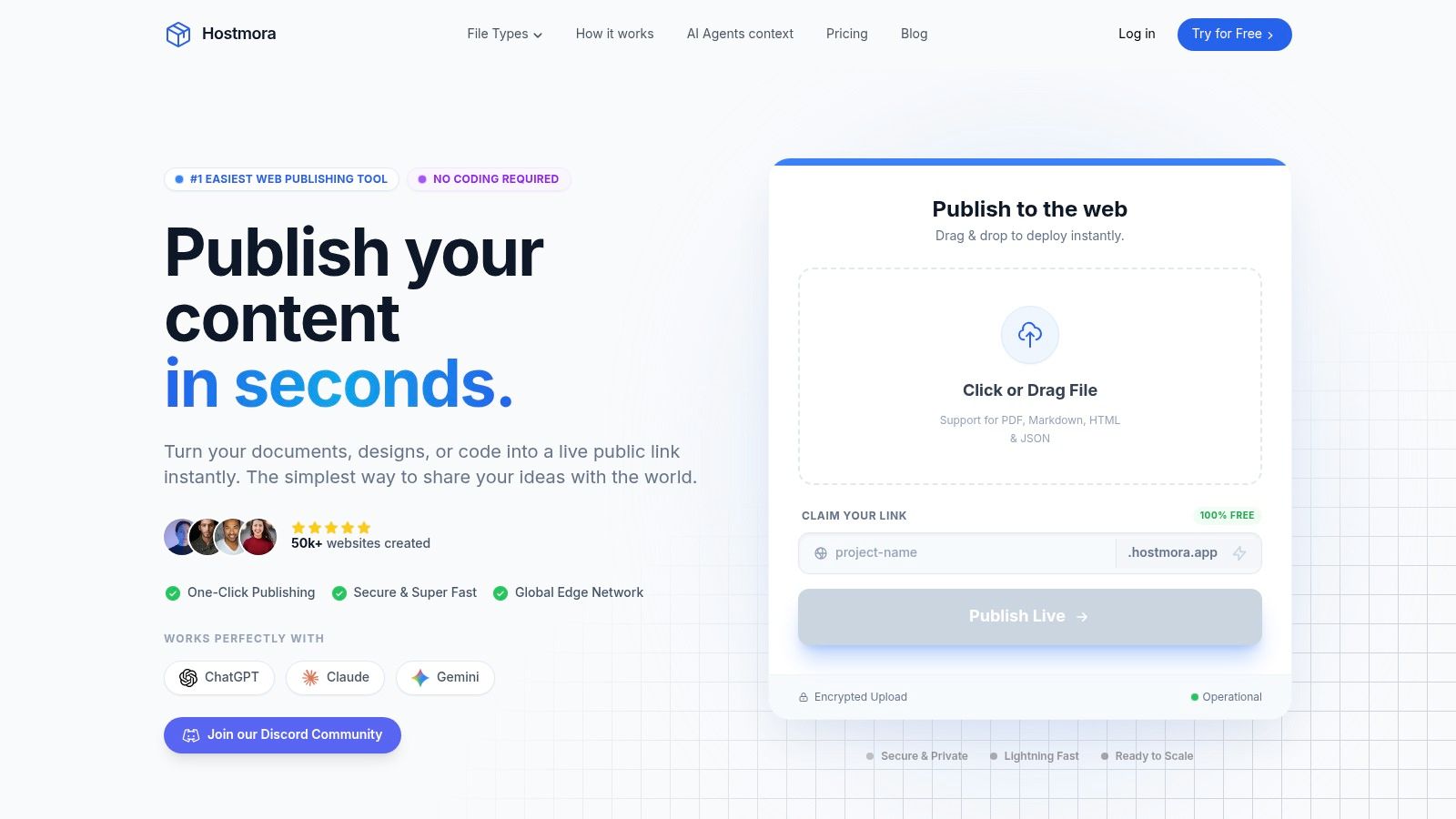
Hostmora establishes itself as a powerful, no-code solution in the free static site hosting landscape, engineered for speed and simplicity. It eliminates the technical hurdles of traditional web publishing by transforming files directly into live, globally-distributed websites in seconds. This zero-configuration approach is its core strength, making it an ideal choice for creators, agencies, and small businesses who need to publish content instantly without touching a line of code or managing server infrastructure.
The platform's drag-and-drop interface is remarkably efficient. Users can upload HTML/ZIP exports, PDFs, Markdown files, or even spreadsheets (CSV/Excel), and Hostmora automatically handles the rest. Within three seconds, it generates a secure subdomain, provisions an SSL certificate, and deploys the content across a global edge network with over 35 points of presence. This ensures sub-second load times for visitors worldwide, a critical factor for user experience and engagement.
Key Features & Capabilities
Hostmora’s feature set is designed for practical, real-world applications, extending far beyond simple hosting.
- Instant Publishing Workflow: The platform's primary appeal is its speed. Go from a local file to a shareable, live URL in under three seconds. Updates are just as fast-simply re-upload the new file.
- Built-in Business Tools: Hostmora integrates features that typically require third-party services. These include password protection for private content, simple built-in analytics to track visitor data, and instant QR code generation for offline marketing.
- Monetization & Gated Content: Creators can turn their static sites into revenue streams. The platform supports gated content, digital download sales, and accepting donations directly, making it a viable tool for selling templates, e-books, or other digital products.
- AI-Optimized Content Delivery: Published links are structured for clean ingestion by AI models like ChatGPT, Claude, and Gemini. This allows your live site to serve as a reliable, high-quality data source for AI agents and custom GPTs.
- Agency-Grade White-Labeling: Paid plans unlock a suite of professional tools, including a multi-client dashboard, API access, and comprehensive white-labeling. Agencies can manage dozens of client sites from a single interface and present the platform as their own.
How to Publish Your Site in 3 Steps
- Sign Up: Create a free account on Hostmora.
- Upload Your File: Drag and drop your ZIP file, HTML document, PDF, or other supported file type directly onto the dashboard.
- Go Live: Hostmora instantly processes the file, assigns a URL, and deploys your site. You can immediately share the link or its generated QR code.
Pricing and Limits
Hostmora offers a tiered structure that allows users to start for free and scale as their needs grow.
| Plan | Price | Key Features & Limits | Best For |
|---|---|---|---|
| Free | $0/mo | 1 project, 50 MB storage, 10,000 visits/month. Requires login every 14 days. | Testing the platform, personal projects, or temporary sites. |
| Starter | $4/mo | Adds custom domain support, 1 GB storage, 50,000 visits/month. | Small portfolios, landing pages, and personal sites. |
| Personal | $12/mo | 5 projects, 5 GB storage, 100,000 visits/month, password protection. | Freelancers, creators, and professionals with multiple projects. |
| Pro | $29/mo | 15 projects, 15 GB storage, 250,000 visits/month, monetization tools. | Small businesses, designers, and power users. |
| Business | $59/mo | 50 projects, 50 GB storage, 1M visits/month, multi-client dashboard. | Agencies, teams, and businesses managing multiple client sites. |
Pros and Cons
Pros:
- Truly Zero-Configuration: The fastest file-to-live-site workflow available.
- All-in-One Toolkit: Combines hosting with analytics, monetization, and security.
- Agency-Ready Features: Powerful multi-client management and white-labeling on higher tiers.
- Global Performance: Automatic CDN ensures fast load times for all users.
- AI Integration: Content is optimized to function as a data source for AI agents.
Cons:
- Limited Free Tier: The free plan has strict limits (1 project, 50 MB) and an activity requirement (14-day login) to keep the site active.
- Advanced Features are Premium: Key professional tools like custom domains, API access, and white-labeling are reserved for paid plans.
Who is Hostmora Best For?
Hostmora is the premier choice for non-technical users and professionals who prioritize speed and efficiency over complex configuration. It is an exceptional tool for agencies needing to deploy client proofs, restaurants digitizing menus with QR codes, designers launching portfolios, and creators selling digital goods. Its straightforward approach makes it a standout option for anyone who wants to bypass the technical complexities of web hosting.
2. Cloudflare Pages
Cloudflare Pages is a powerful JAMstack platform for frontend developers to build, collaborate on, and deploy websites. By leveraging Cloudflare's world-class edge network, it offers incredibly fast and secure free static site hosting. Its core strength lies in its "free forever" plan, which provides unlimited static requests and bandwidth, making it an exceptional choice for high-traffic personal sites, documentation, and small business projects that need to scale without incurring costs.
The platform is designed around a seamless Git-based workflow. You simply connect your GitHub or GitLab repository, and Cloudflare Pages automatically builds and deploys your site with every git push. This continuous integration process includes preview deployments for every commit, allowing you to review changes in a production-like environment before merging them.
Key Features & Limits
Cloudflare's offering is one of the most generous free tiers available. The platform's tight integration with the broader Cloudflare ecosystem allows for a simple upgrade path to add dynamic functionality using Cloudflare Workers for serverless functions.
| Feature | Free Plan Limit |
|---|---|
| Bandwidth | Unlimited |
| Requests | Unlimited (static) |
| Sites | Unlimited |
| Custom Domains | Yes (up to 100 per project) |
| Automatic SSL | Yes, via Cloudflare |
| Builds per Month | 500 |
| Concurrent Builds | 1 |
Pros & Cons
Pros:
- Truly unlimited static bandwidth and requests on the free plan.
- Blazing-fast content delivery via Cloudflare's massive global edge network.
- Easy integration with Cloudflare Workers to add serverless functions.
Cons:
- Serverless function requests on the free plan have daily limits.
- Build concurrency is limited to one at a time on the free plan, which can slow down active development cycles.
Who is Cloudflare Pages For?
This platform is ideal for developers who want a robust, scalable, and cost-effective hosting solution without sacrificing performance. It's particularly well-suited for projects like a simple landing page to validate a business idea, where speed and reliability are crucial for making a good first impression.
Getting Started: 3 Steps to Deploy
- Sign up at pages.cloudflare.com and click "Create a project."
- Connect your GitHub or GitLab account and select the repository you want to deploy.
- Configure your build settings (e.g., framework preset, build command, output directory) and click "Save and Deploy." Cloudflare will handle the rest.
3. Netlify
Netlify is a pioneer in the JAMstack ecosystem, offering a highly polished and intuitive platform for frontend developers. It excels at providing a seamless workflow from development to deployment, making it a top choice for free static site hosting. The platform is built around a powerful continuous integration and continuous deployment (CI/CD) pipeline that automates builds and deploys directly from your Git provider, complete with unique features like Deploy Previews for every pull request.
The "Free" tier is designed to be a permanent starting point, operating on a generous monthly usage-credit model. This model covers bandwidth, build minutes, and serverless function invocations, giving users a clear and predictable way to manage resources. This combination of an exceptional developer experience and integrated features like serverless functions, forms, and identity management makes Netlify a comprehensive solution for modern web projects.
Key Features & Limits
Netlify's free plan is robust, providing developers with a full-featured environment to build and launch real-world applications. The platform's integrated services and global edge network ensure sites are fast and reliable right out of the box.
| Feature | Free Plan Limit |
|---|---|
| Bandwidth | 100 GB per month |
| Build Minutes | 300 minutes per month |
| Sites | Unlimited |
| Custom Domains | Yes |
| Automatic SSL | Yes, via Let's Encrypt |
| Team Members | 1 |
| Concurrent Builds | 1 |
Pros & Cons
Pros:
- Incredibly smooth and polished developer experience with best-in-class Git integration.
- Deploy Previews for every pull request, allowing teams to review changes collaboratively.
- Easy upgrade path and a rich ecosystem of add-ons (Functions, Forms, Identity).
Cons:
- The 300 monthly build minutes can be restrictive for very active projects or larger teams.
- The free tier is limited to a single team member, which can be a hurdle for collaborative projects.
Who is Netlify For?
Netlify is perfect for individual developers, freelancers, and small teams who prioritize a frictionless workflow and a superior developer experience. Its features are especially useful for those who want to build a modern web application without managing complex infrastructure. It's an excellent platform for anyone looking to make a simple website with no-code tools and scale up as their needs grow.
Getting Started: 3 Steps to Deploy
- Sign up at app.netlify.com using your GitHub, GitLab, or Bitbucket account.
- Click "Add new site" and choose "Import an existing project," then select your repository.
- Confirm your build settings (Netlify often autodetects them) and click "Deploy site." Your site will be live in minutes.
4. Vercel
Vercel, the company behind the popular Next.js framework, is a premier frontend cloud platform offering powerful free static site hosting through its generous "Hobby" plan. It is engineered for a world-class developer experience, providing an end-to-end solution for building, deploying, and scaling modern web applications. The platform excels at creating an effortless Git-based workflow that supports instant deployments, automatic CI/CD, and collaborative preview environments.
The Hobby plan is designed for personal and non-commercial projects, making it a fantastic choice for developers building portfolios, side projects, or experimenting with new technologies. Every git push triggers an automatic build and deployment, and each pull request generates a unique preview URL. This allows teams and individuals to review changes in a live, isolated environment before merging to production, significantly streamlining the development and feedback cycle.
Key Features & Limits
Vercel's free tier goes beyond static hosting by including allowances for serverless functions, image optimization, and analytics, making it a comprehensive platform for modern web projects. This integrated approach simplifies the tech stack and provides a clear, scalable path to production-grade features.
| Feature | Hobby Plan Limit |
|---|---|
| Bandwidth | 100 GB per month |
| Requests | Unlimited (static) |
| Sites | Unlimited (personal/non-commercial) |
| Custom Domains | Yes |
| Automatic SSL | Yes, via Let's Encrypt |
| Builds per Month | 6,000 Build Minutes |
| Serverless Functions | Included monthly allowances |
Pros & Cons
Pros:
- Seamless Git integration provides instant deployments and preview URLs.
- Optimized for modern JavaScript frameworks, especially Next.js.
- Generous free allowances for dynamic features like serverless functions and image optimization.
Cons:
- The Hobby plan is strictly for personal, non-commercial use.
- If free usage limits are exceeded, features are paused until the next billing cycle begins.
Who is Vercel For?
Vercel is the perfect choice for frontend developers, especially those working with Next.js, React, and other modern JavaScript frameworks. It's ideal for individual developers, students, and open-source contributors who need a robust, all-in-one platform for their personal projects without managing complex infrastructure.
Getting Started: 3 Steps to Deploy
- Sign up at vercel.com using your GitHub, GitLab, or Bitbucket account.
- Click "Add New... Project" and import the Git repository you wish to deploy.
- Vercel automatically detects the framework, configures the build settings, and deploys your site. You can customize settings if needed before clicking "Deploy."
5. GitHub Pages
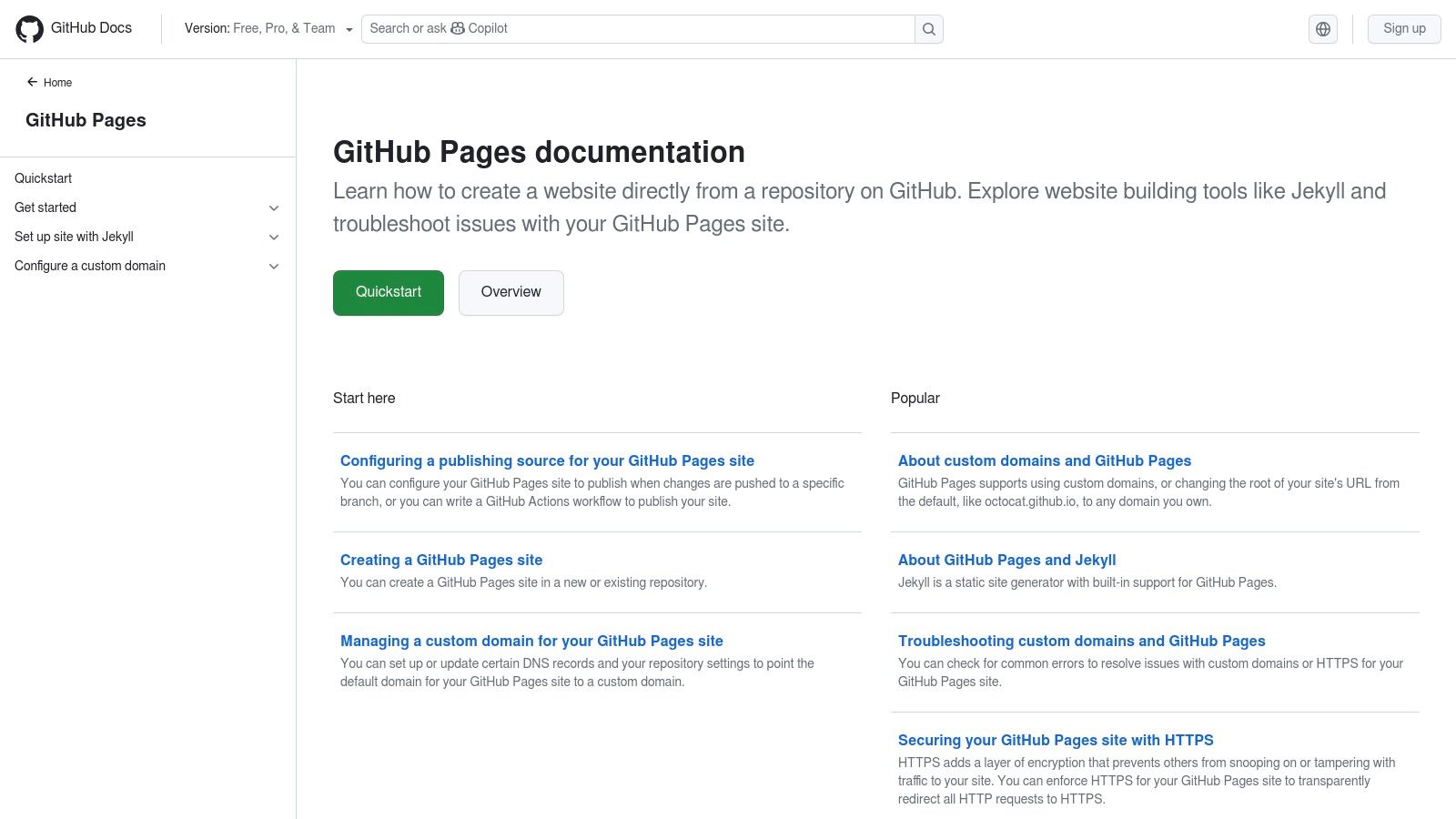
GitHub Pages is one of the original and most straightforward platforms for free static site hosting, offered directly from a GitHub repository. It is deeply integrated into the developer workflow, making it an excellent choice for hosting project documentation, open-source project sites, and personal developer portfolios. Its main appeal is its simplicity and direct integration with the version control system that millions of developers already use daily.
The service allows you to publish a website from a specific branch in your repository, such as main or gh-pages. It natively supports Jekyll, a static site generator, but can be used with any build tool through GitHub Actions. This allows for powerful and customizable continuous integration and deployment pipelines directly within your repository, triggering builds and deployments automatically on every git push.
Key Features & Limits
While GitHub Pages is incredibly generous, it operates on soft limits intended for standard project sites rather than high-traffic commercial applications. The platform's real strength is its seamless developer experience and zero-cost entry point for public projects.
| Feature | Free Plan Limit |
|---|---|
| Bandwidth | 100 GB per month (soft limit) |
| Published Site Size | 1 GB (soft limit) |
| Sites | 1 per account/org, plus 1 per repo |
| Custom Domains | Yes |
| Automatic SSL | Yes, via Let's Encrypt |
| Builds per Month | Unlimited (via GitHub Actions) |
| Deployment Source | Public repositories |
Pros & Cons
Pros:
- Completely free for public repositories with no hidden costs.
- Unbeatable integration with the GitHub ecosystem and Actions for CI/CD.
- Simple setup process that can have a site live in minutes.
Cons:
- Soft limits on bandwidth and site size make it less suitable for high-traffic sites.
- Requires a paid plan for use with private repositories.
- Lacks the global edge network performance of dedicated hosting platforms.
Who is GitHub Pages For?
This platform is perfect for developers, students, and open-source contributors who need a quick and free way to publish project documentation or a personal blog. It is an ideal starting point for creating a free portfolio website for beginners who want to showcase their skills without worrying about hosting costs.
Getting Started: 3 Steps to Deploy
- Create a new public GitHub repository or use an existing one.
- Navigate to the repository's "Settings" tab, then select "Pages" from the left sidebar.
- Choose the branch you want to deploy from (e.g.,
main) and a folder (usually/or/docs), then click "Save." Your site will be live atyour-username.github.io/repository-namein a few moments.
6. Firebase Hosting
Part of the Google ecosystem, Firebase Hosting is a production-grade web content hosting service for developers. It provides secure and reliable free static site hosting powered by a global content delivery network (CDN). Its core appeal lies in its straightforward command-line interface (CLI) for deployments and its seamless integration with the wider suite of Firebase services, such as Firestore, Cloud Functions, and Authentication.
The "Spark" plan is Firebase’s no-cost offering, designed for personal projects, prototypes, and small-scale websites. It provides a generous but defined set of resources, ensuring that your costs remain zero as long as you stay within the limits. This predictable model is a key differentiator, preventing surprise bills while still delivering the performance benefits of Google's robust global infrastructure.
Key Features & Limits
Firebase's Spark plan offers a solid foundation, and projects that outgrow it can be easily upgraded to the "Blaze" pay-as-you-go plan. A unique feature is that if a project on the Spark plan exceeds its monthly quotas, hosting is simply paused for the remainder of the month rather than incurring charges.
| Feature | Free Plan Limit |
|---|---|
| Storage | 10 GB |
| Bandwidth (Egress) | 360 MB per day |
| Sites | Yes (multiple per project) |
| Custom Domains | Yes |
| Automatic SSL | Yes, via Let's Encrypt |
| Builds per Month | N/A (local builds) |
| CLI Deploys | Yes |
Pros & Cons
Pros:
- Simple and powerful CLI makes deployments fast and scriptable.
- Deep integration with other Firebase and Google Cloud services.
- Predictable free quotas protect users from unexpected costs.
Cons:
- Bandwidth limits are modest and calculated daily, which may not suit sites with inconsistent traffic.
- Adding dynamic functionality often requires upgrading to the Blaze (pay-as-you-go) plan.
Who is Firebase Hosting For?
Firebase Hosting is an excellent choice for developers already invested in the Google Cloud or Firebase ecosystem. It’s perfect for deploying prototypes, single-page applications (SPAs), and small marketing sites that can benefit from its easy-to-use tooling and powerful backend integrations.
Getting Started: 3 Steps to Deploy
- Install the Firebase CLI on your local machine using
npm install -g firebase-tools. - Run
firebase loginto authenticate, then navigate to your project directory and runfirebase init hosting. - After configuring your project (e.g., setting the public directory), run
firebase deployto push your site live.
7. Surge
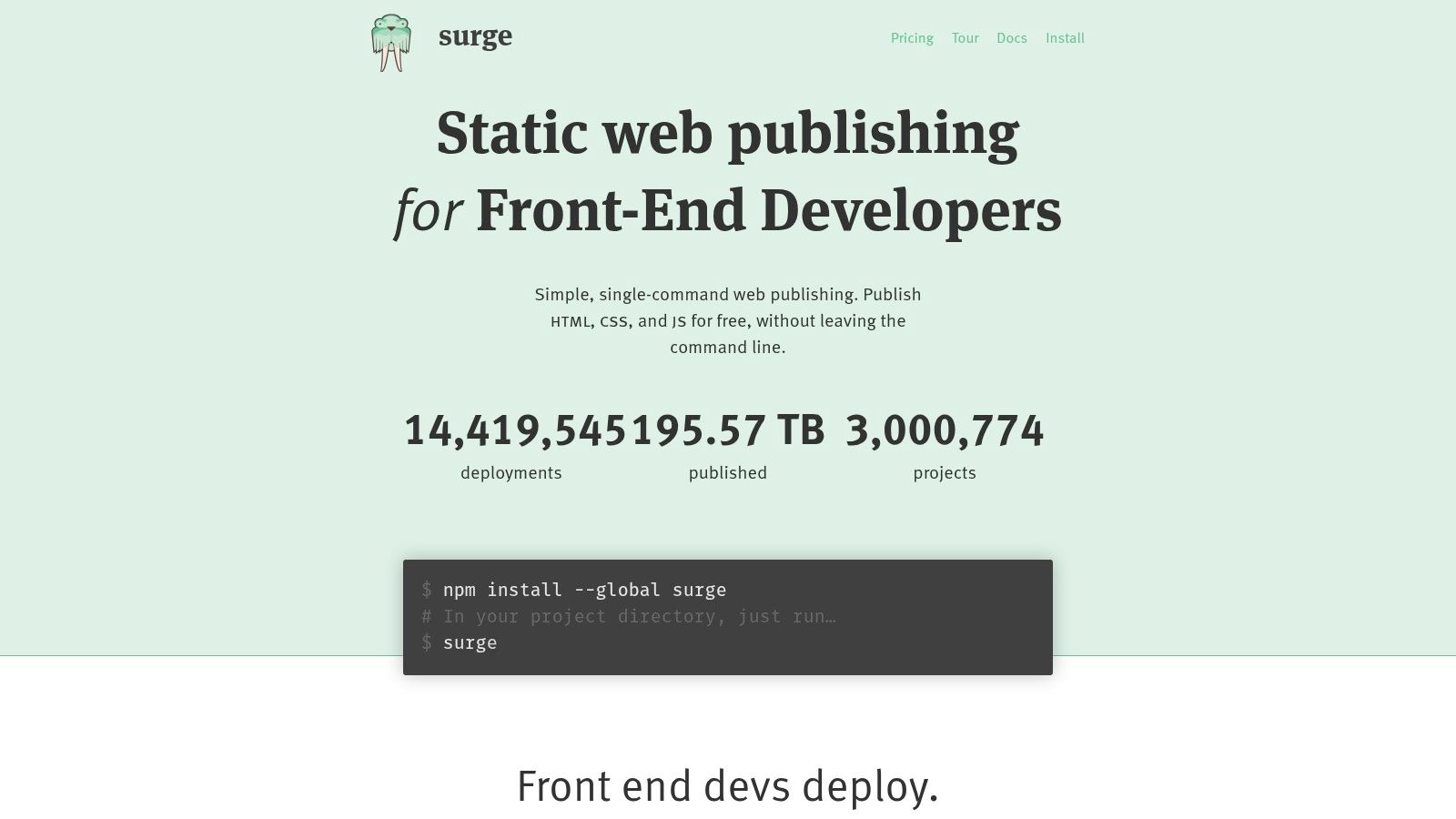
Surge is a command-line-first platform designed for one purpose: making static web publishing incredibly simple and fast. It appeals directly to developers who want to deploy a website from their terminal with a single command, without a complex Git-based setup. This frictionless workflow makes it a top-tier choice for free static site hosting when speed of deployment is the highest priority, such as for prototypes, demos, and quick landing pages.
The platform's philosophy is "simple, single-command web publishing." Once the CLI tool is installed, you can navigate to any project directory and run the surge command to push your site live in seconds. The free plan is surprisingly capable, offering unlimited publishing and support for custom domains, which is often a paid feature on other platforms focused on simplicity.
Key Features & Limits
Surge's free tier provides all the essentials for getting a static site online quickly. For more advanced production needs, the Surge Professional plan adds necessary features like password protection and custom redirects, offering a clear and affordable upgrade path.
| Feature | Free Plan Limit |
|---|---|
| Publishing | Unlimited |
| Projects | Unlimited |
| Bandwidth | Unspecified (Fair Use) |
| Custom Domains | Yes |
| Automatic SSL | Yes (Basic) |
| Password Protection | No (Paid feature) |
| Custom Redirects | No (Paid feature) |
Pros & Cons
Pros:
- Extremely fast and frictionless CLI-based deployments.
- Generous free tier with unlimited publishing and custom domain support.
- Simple to learn; perfect for quick prototypes and client previews.
Cons:
- Lacks the integrated CI/CD and Git-based workflows of larger platforms.
- Advanced features like redirects and password protection require a paid plan.
- Smaller ecosystem with fewer built-in integrations compared to Vercel or Netlify.
Who is Surge For?
Surge is the ideal tool for developers, designers, and agencies who need to publish static content instantly without configuration overhead. It excels for client-side applications, project documentation, marketing landing pages, and any scenario where deploying from a local folder in seconds provides a significant workflow advantage. It's less suited for large, collaborative teams that depend on a Git-triggered build pipeline.
Getting Started: 3 Steps to Deploy
- Install the Surge CLI globally using Node.js:
npm install --global surge. - Navigate into your project's build directory (e.g.,
public,dist, orbuild). - Run the
surgecommand in your terminal and follow the prompts to confirm your domain and deploy the site. Your site will be live moments later.
Free Static Site Hosting — 7-Platform Comparison
| Platform | Implementation complexity 🔄 | Resource requirements ⚡ | Expected outcomes ⭐ | Ideal use cases 💡 | Key advantages 📊 | Notable limitations |
|---|---|---|---|---|---|---|
| Hostmora | 🔄 Very low — no‑code drag‑and‑drop, zero‑config | ⚡ Minimal for small sites; paid tiers for higher storage/traffic | ⭐ Instant live URL, sub‑second global loads, AI‑ingestible links | 💡 Creators, designers, agencies, small businesses needing instant portfolios/menus/proofs | 📊 Fast file→URL workflow, white‑label, monetization, QR codes, simple analytics | Free tier limited (50 MB, 10k visits, login every 14 days); advanced features paid |
| Cloudflare Pages | 🔄 Low–medium — Git CI/CD with preview deployments | ⚡ Generous: unlimited static requests & bandwidth on Free | ⭐ Highly reliable global delivery via Cloudflare edge | 💡 Personal sites, docs, small projects that need unlimited static bandwidth | 📊 Unlimited static bandwidth, massive CDN, extendable via Workers | Serverless/Workers quotas on Free; 1 concurrent build on Free |
| Netlify | 🔄 Low — Git workflows, deploy previews, built‑in CI/CD | ⚡ Free includes 300 monthly usage credits (bandwidth/builds) | ⭐ Smooth developer/preview experience, reliable static hosting | 💡 Developers and teams needing previews and built‑in features (forms, edge) | 📊 Easy CI/CD, deploy previews, upgrade path for growth | 300 credits can be restrictive; only 1 free team seat |
| Vercel | 🔄 Low — seamless repo import, instant preview deployments | ⚡ Generous Hobby allowances for functions/CPU/image opt. | ⭐ Fast modern‑framework hosting with preview environments | 💡 Next.js/React projects, hobby projects with light dynamic needs | 📊 Excellent framework support, generous free dynamic allowances | Hobby intended non‑commercial; limits pause if exceeded |
| GitHub Pages | 🔄 Low for simple sites; medium if using Actions for builds | ⚡ Soft limits (≈1 GB site size, ≈100 GB/month bandwidth) | ⭐ No‑cost static hosting tightly integrated with GitHub | 💡 Personal websites, project docs, open‑source project pages | 📊 Free for public repos, easy Git integration, HTTPS support | Soft quotas make it unsuitable for high‑traffic production sites |
| Firebase Hosting | 🔄 Low — simple CLI deploys; integrates with Firebase services | ⚡ Spark free quotas modest (examples: ~10 GB storage, low daily egress) | ⭐ Predictable small‑project hosting on Google infra | 💡 Prototypes, small apps, projects using Firebase/Google Cloud | 📊 Strong global performance, easy integration with Google services | Spark quotas small; Blaze is pay‑as‑you‑go without hard caps |
| Surge | 🔄 Very low — CLI‑first, one‑command deploys | ⚡ Free unlimited publishing; paid for advanced features | ⭐ Extremely fast for demos and simple static sites | 💡 Quick demos, simple static sites, one‑off prototypes | 📊 Fast, frictionless CLI deploys with custom domains on free tier | Smaller ecosystem, advanced features (redirects/passwords/custom SSL) are paid |
Choosing Your Platform: From Code-Free to Code-First
The landscape of modern web hosting has fundamentally shifted, and as we've explored, the power to launch a fast, secure, and globally-available website for free is now more accessible than ever. The era of complex server management and expensive hosting plans for simple projects is over. Today’s free static site hosting providers empower everyone from seasoned developers to non-technical creators to bring their ideas to life in minutes.
We've journeyed through a diverse set of powerful platforms. From the iconic simplicity of GitHub Pages to the enterprise-grade infrastructure of Cloudflare Pages, the options are robust. For developers seeking an integrated ecosystem, Netlify and Vercel stand out, offering seamless Git-based workflows, serverless functions, and extensive plugin architectures that blur the line between static and dynamic. Meanwhile, Firebase Hosting leverages Google's immense infrastructure for unparalleled reliability, and Surge remains a go-to for its command-line purity and speed.
Making the Right Choice for Your Project
Choosing the right platform isn't about finding a single "best" option; it's about aligning a tool's strengths with your specific goals, technical skills, and project scope. The decision-making process boils down to a few critical questions you should ask yourself.
1. What is your technical comfort level?
- Code-First (Developer-Focused): If you live in a code editor and your workflow is built around Git, platforms like Netlify, Vercel, and Cloudflare Pages are your natural habitat. Their CI/CD pipelines, branch deploys, and CLI tools are designed to integrate perfectly with a developer's daily routine.
- Code-Free (Creator-Focused): If your goal is to get a site online without touching a line of code or a command-line interface, a visual, drag-and-drop solution is superior. For designers, marketers, and small business owners, the priority is speed and simplicity, not build configurations.
2. What is the primary purpose of your site?
- Prototypes & Portfolios: For visual projects like portfolios, client previews, or marketing landing pages, the speed of deployment is critical. A platform that allows instant updates via a simple file upload can dramatically accelerate your feedback loop.
- Complex Web Applications: If your static site is the frontend for a larger application and you anticipate needing serverless functions, edge computing, or A/B testing, a more developer-centric platform like Netlify or Cloudflare Pages offers a clear growth path.
- Documentation & Open Source: For project documentation or open-source sites tied directly to a repository, the convenience of GitHub Pages is often unmatched. It keeps your code and your site in one centralized, version-controlled location.
3. How do you plan to scale?
- Generous Free Tiers: All the services listed offer incredible value for free, but it's wise to review their limits on bandwidth, build minutes, and team members. Vercel and Netlify offer a clear upgrade path to paid plans with more features, while Cloudflare’s generosity with bandwidth is a major draw for high-traffic sites.
- Avoiding Vendor Lock-In: The beauty of static sites is their portability. Since your project is just a collection of HTML, CSS, and JavaScript files, moving between most of these hosting providers is a relatively straightforward process. This freedom allows you to start with one service and migrate to another as your needs evolve.
The abundance of powerful, free static site hosting solutions means there are no more excuses for letting your great ideas sit on a hard drive. Whether you're a developer fine-tuning a build pipeline or a creator dragging and dropping a folder, your perfect hosting platform is waiting. Evaluate your needs, pick your tool, and launch.
Ready to launch your site in seconds without the command line? Hostmora is built for creators, designers, and marketers who need a fast, visual, and completely free static site hosting solution. Simply drag and drop your site folder and go live instantly on a global CDN. Get started for free with Hostmora.