

The modern web is faster and more secure than ever, thanks in large part to the rise of static sites. But launching a project, portfolio, or even a small business site shouldn't require a hefty upfront investment in hosting. The good news is, it doesn't have to. The ecosystem for static site hosting free of charge has matured from a niche developer tool into a powerful, accessible solution for everyone.
This guide moves beyond marketing jargon to provide a realistic look at what you get without spending a dime. We'll explore the key differences between Git-based platforms like Netlify and Vercel versus instant drag-and-drop publishers. We analyze the real-world limitations of free tiers, from bandwidth caps to build minute quotas, helping you avoid surprise costs as your project grows. Beyond the well-known options, there are other platforms like Hostim Dev that cater to developers looking for efficient hosting solutions.
Our goal is to help you match the right provider to your specific needs. Each entry includes screenshots, direct links, and a breakdown of key features. Whether you're a freelancer launching a portfolio, an agency prototyping for clients, or a creator sharing your work with the world, this comprehensive list will help you find the perfect free hosting platform to get your site live today. We've done the research so you can focus on building.
1. Hostmora
Hostmora stands out as a premier choice for static site hosting free of the usual complexity, offering a radically simplified, no-code publishing experience. It strips away the need for command lines, Git repositories, and configuration files. Instead, users simply drag and drop a file or ZIP archive, and the platform handles the rest-from unpacking files to provisioning SSL and deploying content globally.
This zero-configuration approach makes it exceptionally powerful for users who need to publish content instantly without a developer's skillset. Within seconds, a static HTML site, a PDF menu, or a design prototype becomes a secure, live web link, complete with a QR code for easy sharing. This makes it an ideal solution for freelancers sharing proposals, restaurants updating digital menus, or agencies deploying client proofs on the fly.
Key Features & Use Cases
- Instant Publishing: Go from file to live URL in under three seconds. Perfect for time-sensitive projects like client presentations or quick portfolio updates.
- Versatile File Support: Natively handles HTML/CSS/JS (as ZIPs), PDFs, Markdown, images, and even Office documents.
- Built-in Security & CDN: Every site gets automatic SSL, one-click password protection, and distribution across a global edge network for fast load times.
- AI-Friendly Links: Creates clean, accessible URLs that AI tools like ChatGPT and Claude can easily ingest, making it great for sharing datasets, documentation, or content for analysis.
- Agency-Ready Tools: Paid plans offer white-labeling, multi-client project organization, and unlimited custom domains, streamlining agency workflows.
Plans & Pricing
Hostmora operates on a freemium model that allows users to experience its core functionality without commitment. The free plan is robust enough for small projects, while the paid tiers offer increased limits and professional features.
| Plan | Price | Upload Limit | Custom Domains | Key Feature |
|---|---|---|---|---|
| Free | $0/forever | 10 MB | No | Instant drag-and-drop publishing |
| Starter | $9/month | 50 MB | Yes | Ideal for freelancers and small sites |
| Pro | $19/month | 100 MB | Yes | Agency tools and white-labeling |
Pros & Cons
- Pros:
- Unmatched speed and simplicity; no technical skills required.
- Generous free tier to get started.
- Integrated security, CDN, and QR codes out of the box.
- Excellent for agencies needing multi-client management.
- Cons:
- File upload limits on free and lower-tier plans can be restrictive for larger sites.
- Strictly for static content; no server-side processing.
- Built-in analytics are intentionally basic.
Website: https://hostmora.com
2. Netlify
Netlify is a powerhouse in the Jamstack ecosystem, offering one of the most comprehensive and developer-friendly platforms for free static site hosting. It goes far beyond simple file hosting, providing an integrated workflow that automates builds directly from Git repositories (like GitHub, GitLab, and Bitbucket). This continuous deployment (CD) pipeline is a core feature, making it incredibly simple to push changes and see them live within moments.
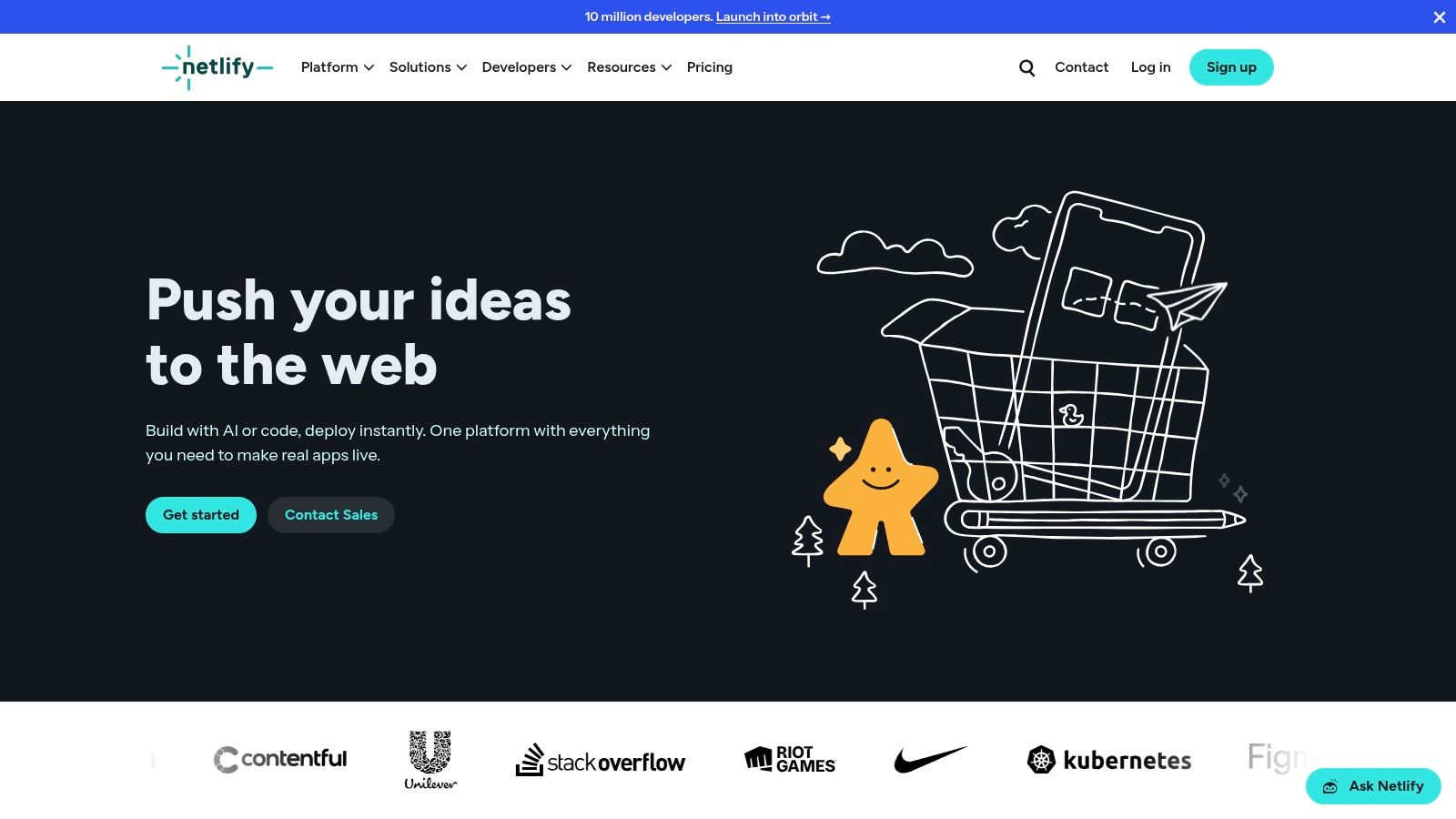
The platform is ideal for freelancers and agencies who need to iterate quickly. A standout feature is its "Deploy Previews," which automatically generate a unique, shareable URL for every pull request. This allows teams and clients to review changes in a live environment before merging them into the main site, streamlining the feedback process significantly.
Key Features & Limitations
Netlify's free "Starter" plan is generous, providing a solid foundation for most personal and small business projects.
- Free Plan Highlights:
- Bandwidth: 100 GB/month
- Build Minutes: 300 minutes/month
- Custom Domains: Yes, with free Let's Encrypt SSL certificates.
- Serverless Functions: 125k requests/month
- Pros:
- Extremely intuitive user interface and zero-configuration setup.
- Powerful features like Deploy Previews and instant rollbacks.
- A rich ecosystem of plugins to add functionality without custom code.
- Cons:
- Exceeding monthly build minutes or bandwidth will pause your builds and site until the next cycle or an upgrade.
- Advanced team collaboration and security features are locked behind paid tiers.
Netlify excels as a fully-managed platform where you can build, deploy, and scale without ever configuring a server. It’s an excellent choice for modern web projects that leverage static site generators.
Website: https://www.netlify.com
3. Vercel
Vercel is the creator of the popular React framework Next.js, and its platform is purpose-built to provide a seamless, high-performance hosting experience, especially for modern frontend projects. It offers first-class support for free static site hosting through its generous "Hobby" plan. Much like its competitors, Vercel integrates directly with Git providers, automating the entire build and deployment process into a smooth, continuous workflow.
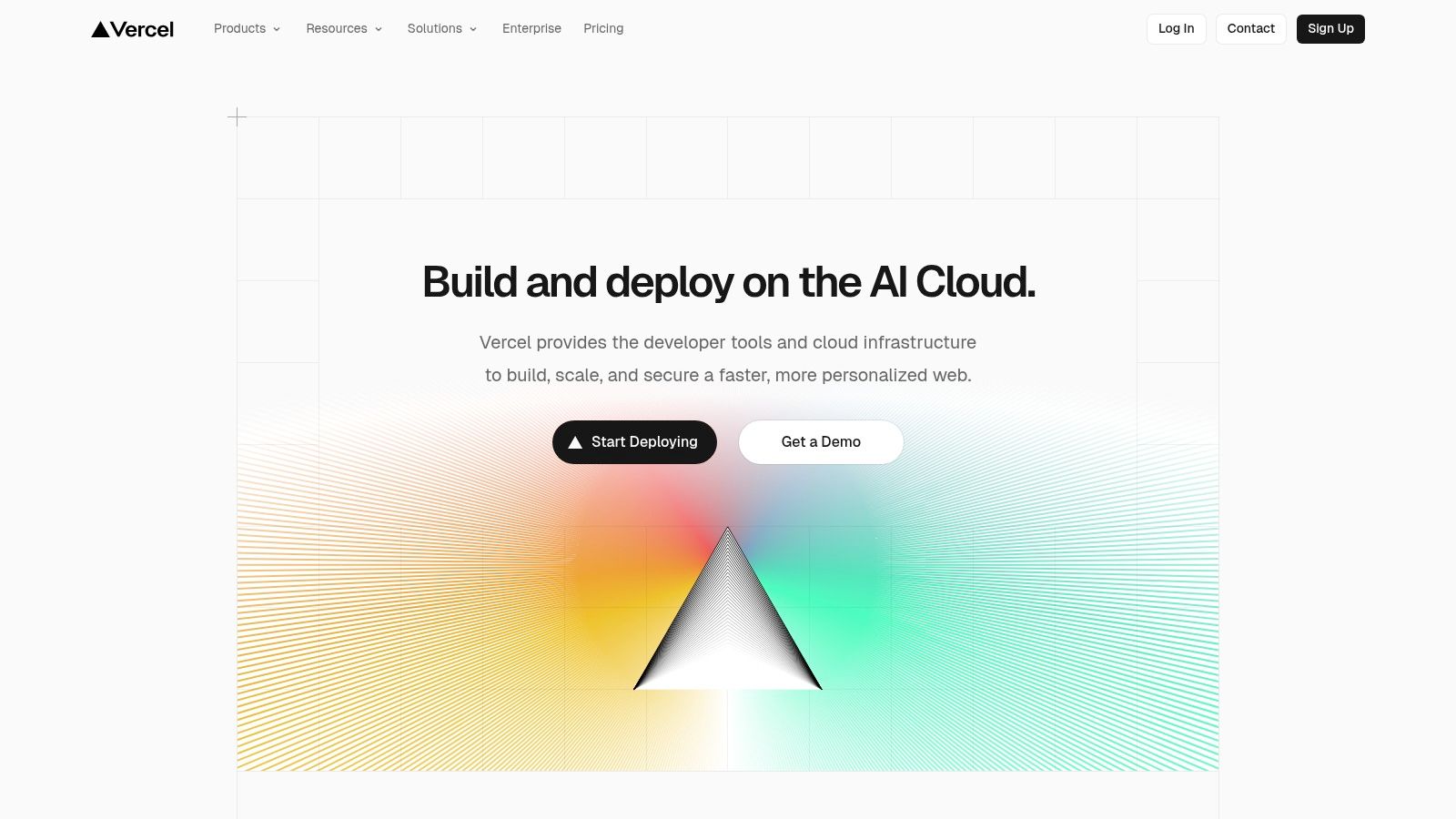
The platform is renowned for its exceptional developer experience and its powerful global Edge Network. Vercel automatically handles complex optimizations, like image resizing and caching, at the edge, ensuring your site is incredibly fast for users worldwide. Its Preview Deployments for every Git push are a standout feature, creating isolated environments to test changes before they go live, making it a fantastic choice for collaborative projects.
Key Features & Limitations
Vercel's free "Hobby" plan is ideal for personal projects, prototypes, and non-commercial use, offering access to its powerful infrastructure.
- Free Plan Highlights:
- Bandwidth: 100 GB/month
- Build Time: 6,000 minutes/month
- Custom Domains: Yes, with free automatic SSL.
- Serverless Functions: Generous allowances for invocations and execution time.
- Pros:
- Unparalleled integration and optimization for Next.js projects.
- A global Edge Network provides top-tier performance by default.
- Free analytics (Speed Insights and Web Analytics) are included.
- Cons:
- The Hobby plan is strictly for non-commercial use.
- More advanced features like priority support and enhanced security are reserved for paid tiers.
Vercel is the definitive choice for developers building with Next.js or other modern JavaScript frameworks who prioritize performance and an integrated workflow.
Website: https://vercel.com
4. Cloudflare Pages
Cloudflare Pages leverages the company's massive global edge network to offer exceptionally fast and reliable free static site hosting. It integrates directly with Git providers like GitHub and GitLab for a seamless continuous deployment workflow. When you push a change to your repository, Cloudflare Pages automatically builds and deploys your site, distributing it across its extensive network for near-instant load times for users anywhere in the world.
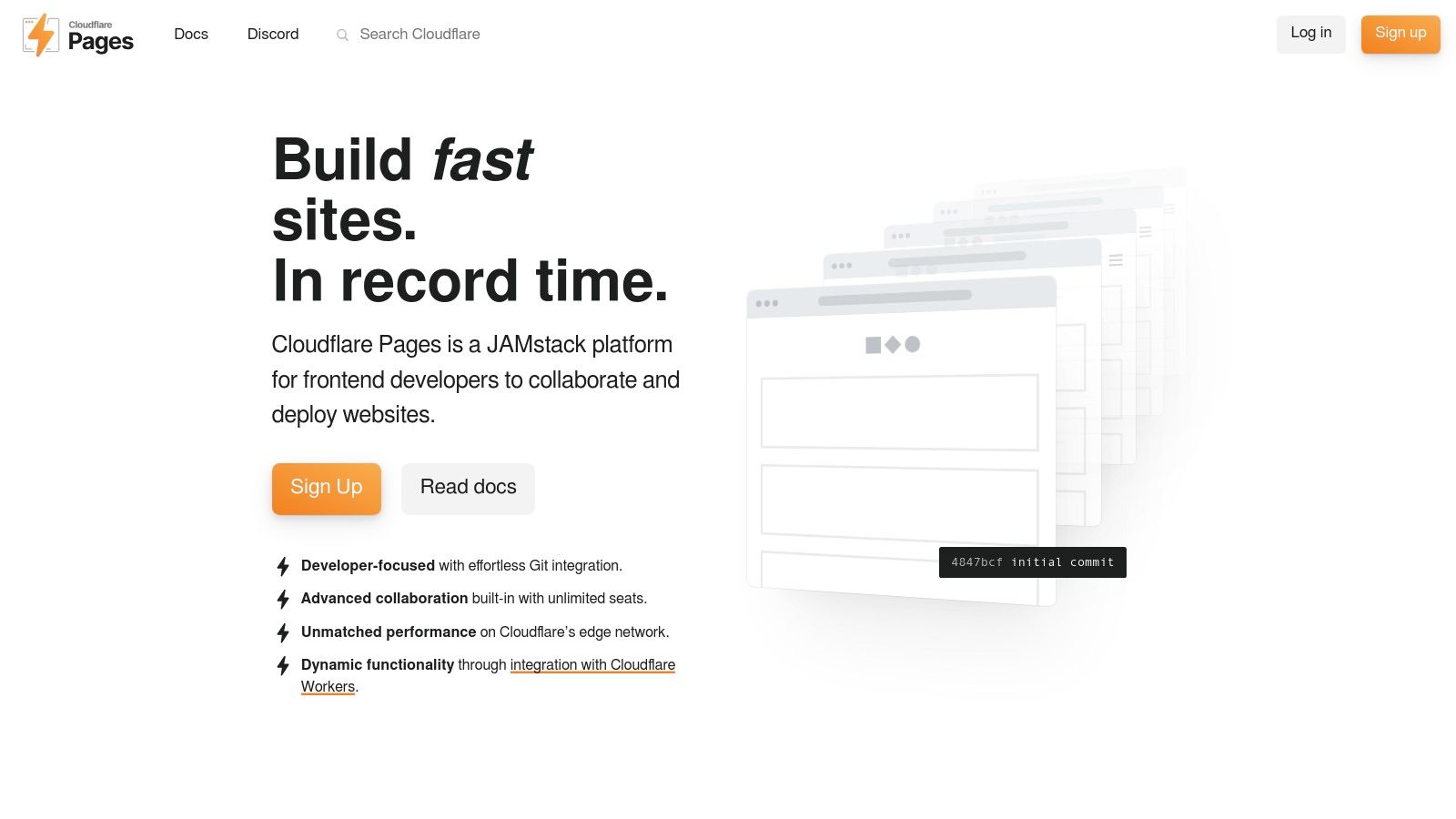
This platform is a top choice for projects where global performance and uptime are critical. A key differentiator is its incredibly generous free tier, which offers unlimited requests and bandwidth for static assets. This makes it ideal for high-traffic sites like portfolios, documentation, or marketing landing pages that don't want to worry about hitting usage caps. Similar to other modern hosts, it also provides automatic preview deployments for every commit.
Key Features & Limitations
Cloudflare Pages' free plan is one of the most generous available, particularly for purely static content that needs global distribution.
- Free Plan Highlights:
- Bandwidth: Unlimited
- Requests: Unlimited
- Custom Domains: Yes, with free automatic SSL.
- Serverless Functions: 100k invocations/day (via Workers)
- Pros:
- Truly unlimited free requests and bandwidth for static assets.
- Exceptional performance and security powered by Cloudflare's global CDN.
- Seamless integration with other Cloudflare products (DNS, SSL, etc.).
- Cons:
- Serverless function invocations are generous but have daily limits.
- Some advanced settings are managed in different parts of the main Cloudflare dashboard, which can be less intuitive.
Cloudflare Pages is a powerhouse for deploying static sites that need to be fast, secure, and scalable without incurring costs for traffic. It is an excellent choice for anyone already using the Cloudflare ecosystem.
Website: https://pages.cloudflare.com
5. GitHub Pages
GitHub Pages is one of the most established and straightforward solutions for free static site hosting, leveraging the power of the world's largest code hosting platform. It allows developers to publish web pages directly from a GitHub repository, making it an incredibly efficient choice for project documentation, personal portfolios, and open-source project sites. The integration is seamless: push your code to a specific branch, and your site goes live.
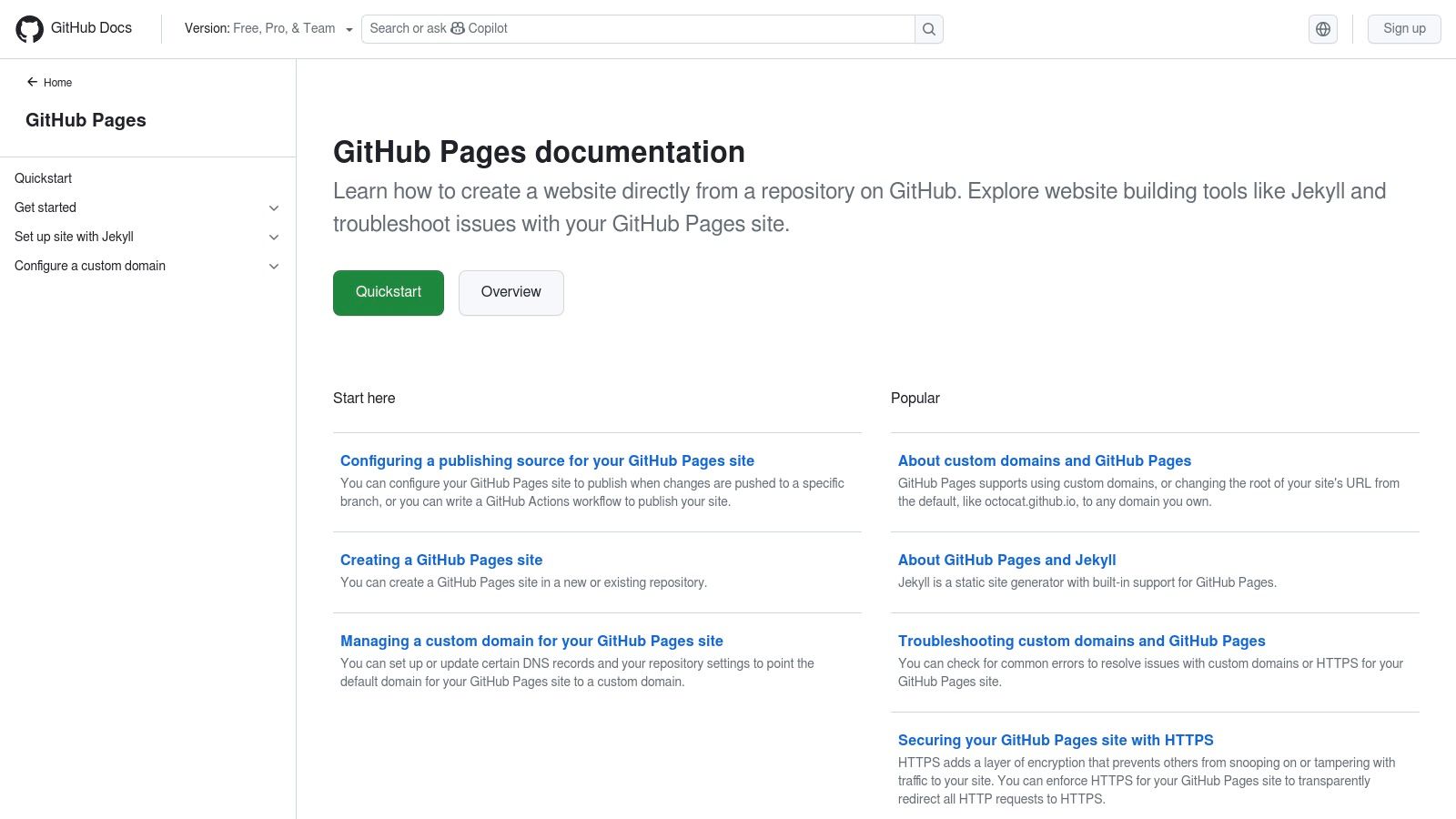
The platform is perfect for developers who live inside the GitHub ecosystem. It offers native support for the Jekyll static site generator, but you can also use it with any build tool by pushing the final HTML/CSS/JS output to the designated branch. For those already exploring free hosting, understanding the broader applications of platforms like the GitHub platform can be beneficial for integrating various developer workflows.
Key Features & Limitations
GitHub Pages is designed for simplicity and direct integration with your development workflow, though it comes with some usage guidelines.
- Free Plan Highlights:
- Bandwidth: Soft limit of 100 GB/month
- Site Size: Recommended limit of 1 GB
- Custom Domains: Yes, with free HTTPS via Let's Encrypt.
- Build Process: Native Jekyll support or manual builds pushed to a repo.
- Pros:
- Completely free for public repositories with no hidden costs.
- Deeply integrated with the GitHub workflow, including GitHub Actions for builds.
- Extremely reliable and simple to set up for basic projects.
- Cons:
- Usage policy prohibits its use for primary commercial or transactional sites.
- Less build customization compared to dedicated hosts like Netlify or Vercel.
- Soft limits on bandwidth and repository size can be restrictive for larger sites.
GitHub Pages excels as a no-fuss, developer-centric hosting solution directly tied to your source code. It's the default choice for countless open-source projects and developer portfolios.
Website: https://pages.github.com
6. GitLab Pages
For development teams already integrated into the GitLab ecosystem, GitLab Pages offers a seamless solution for free static site hosting. Instead of being a standalone platform, it's a feature built directly into GitLab's DevOps lifecycle. It leverages the power of GitLab CI/CD to build and deploy your static site directly from your repository, making it a natural extension of an existing workflow for developers.
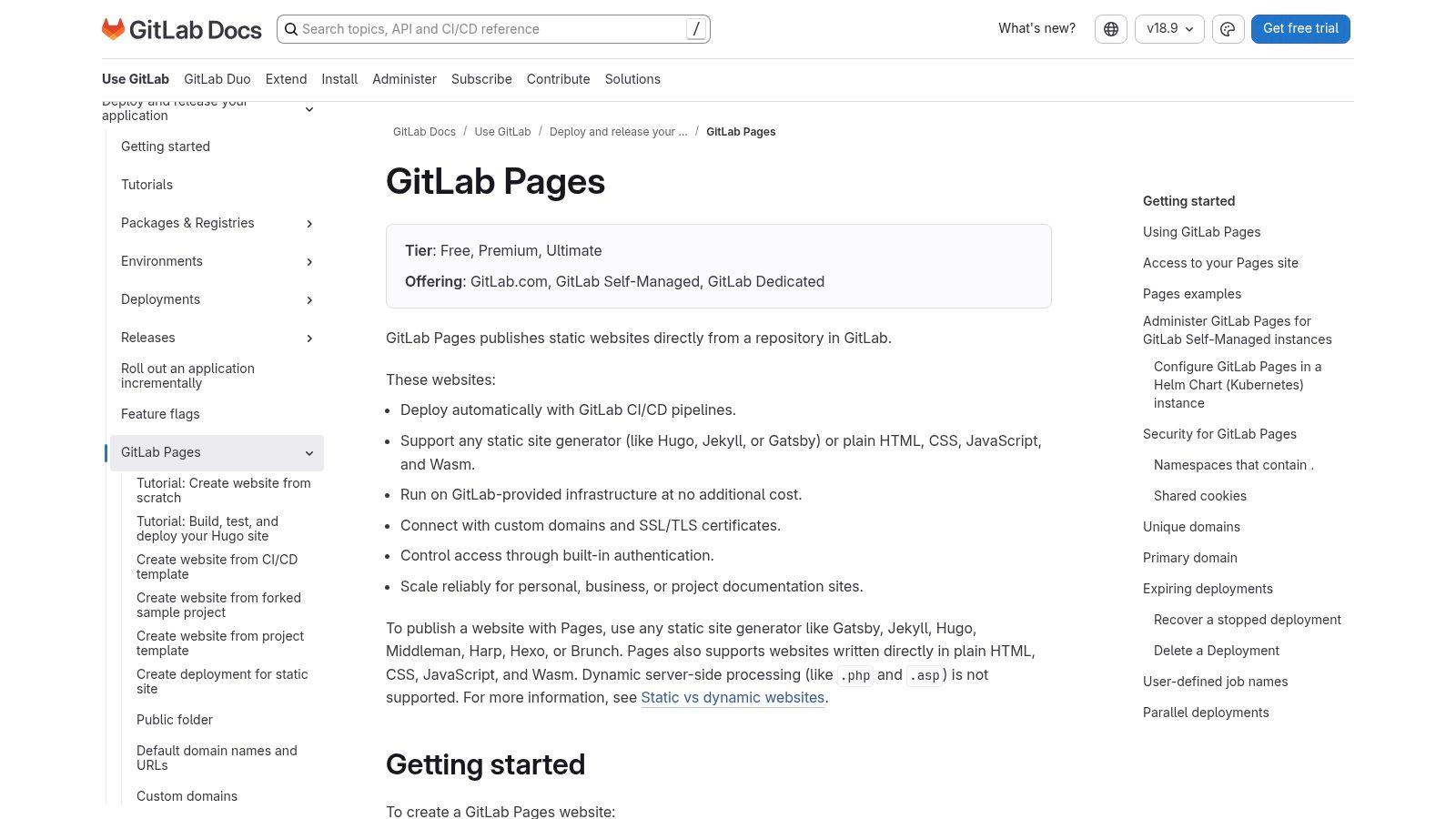
This tight integration is its key differentiator. If your code, project management, and CI/CD pipelines are already in GitLab, publishing a project website or documentation becomes incredibly efficient. It's an ideal choice for internal company wikis or private project documentation, thanks to its ability to set access controls that mirror your repository's permissions (private, internal, or public).
Key Features & Limitations
GitLab Pages is included within the generous GitLab.com Free tier, making it an excellent value for those using the platform.
- Free Plan Highlights:
- Storage: 10 GB per repository
- CI/CD Minutes: 400 minutes/month
- Custom Domains: Yes, with free Let's Encrypt SSL certificates.
- Access Control: Ability to create private or internal-only sites.
- Pros:
- Perfect for teams already committed to the GitLab platform.
- Powerful CI/CD integration allows for complex build processes with any static site generator.
- Excellent for hosting internal documentation or private project sites.
- Cons:
- Requires manual configuration of a
.gitlab-ci.ymlfile, which has a steeper learning curve than GUI-based competitors. - Fewer turnkey add-ons and a less intuitive UI compared to dedicated hosting platforms like Netlify or Vercel.
- Requires manual configuration of a
GitLab Pages shines as an integrated tool for developers who value control and want to keep their entire workflow, from code to deployment, within a single platform.
Website: https://docs.gitlab.com/ee/user/project/pages/
7. Firebase Hosting
Backed by Google's powerful infrastructure, Firebase Hosting offers a robust and scalable solution for free static site hosting. It’s designed for high performance, serving content from a global CDN to ensure fast load times for users anywhere in the world. The primary deployment method is through a simple command-line interface (CLI), which makes pushing updates a quick and straightforward process for developers.
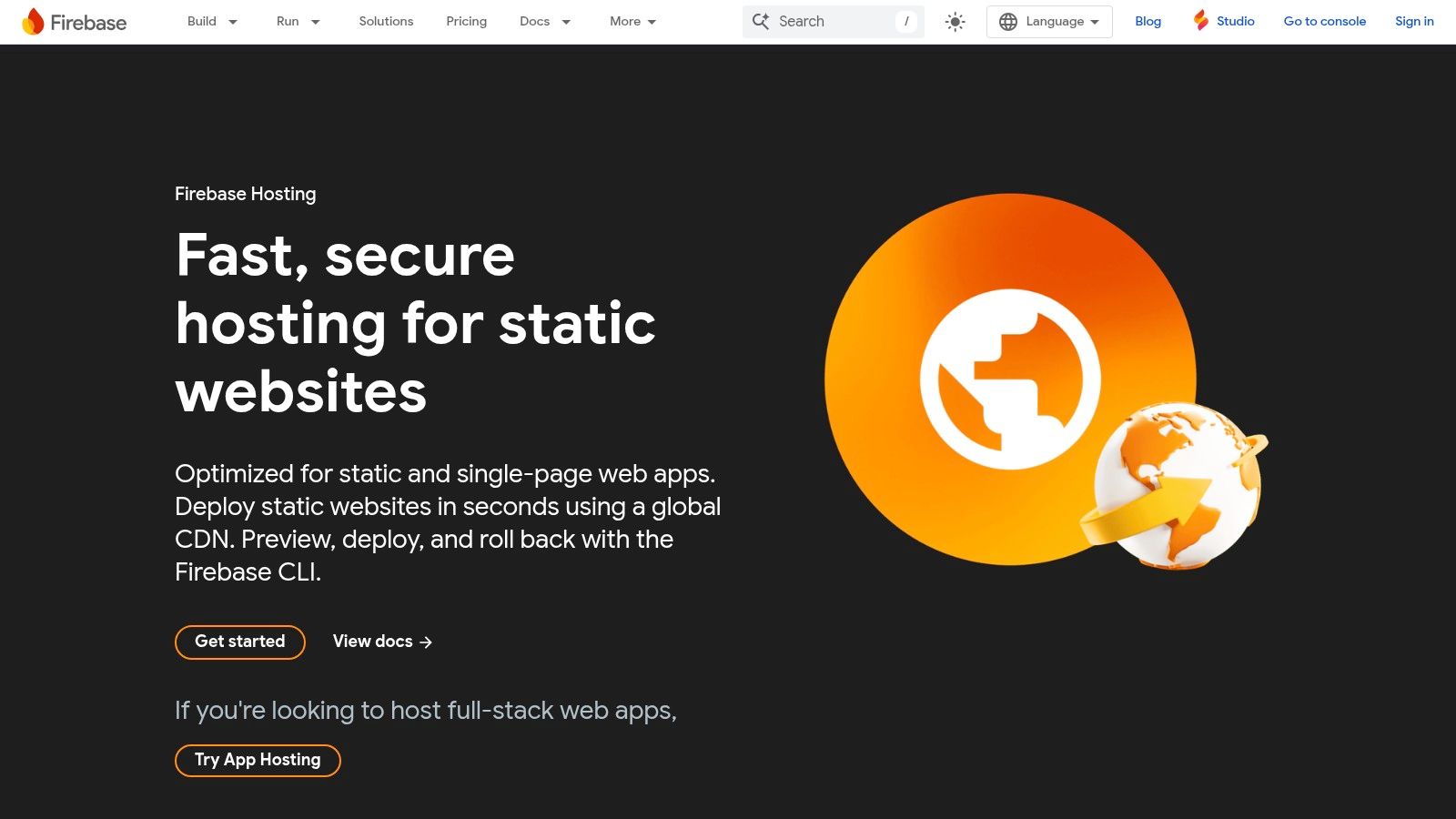
This platform is particularly well-suited for single-page applications (SPAs) and projects that may eventually need dynamic back-end features. Its tight integration with the broader Firebase ecosystem (like Authentication, Firestore, and Cloud Functions) provides a clear growth path from a simple static site to a full-featured web application without changing hosting providers. To dive deeper into its capabilities, you can find a comprehensive guide on setting up a website with Firebase.
Key Features & Limitations
The free "Spark" plan is generous, offering production-grade hosting suitable for many small to medium-sized projects before requiring any payment.
- Free Plan Highlights:
- Data Transfer: 10 GB/month
- Hosting Storage: 10 GB
- Custom Domains: Yes, with free, auto-provisioned SSL certificates.
- Global CDN: Included by default for fast delivery.
- Pros:
- Extremely fast content delivery via Google’s global edge network.
- Seamless integration with other Firebase and Google Cloud services.
- Simple CLI-based workflow with easy rollbacks and preview channels.
- Cons:
- Exceeding free quotas requires upgrading to the Blaze (pay-as-you-go) plan.
- Less of an all-in-one platform compared to competitors; no built-in build service for Git repositories.
Firebase Hosting excels at delivering static assets with speed and reliability, making it a fantastic choice for developers already invested in or planning to use the Google Cloud ecosystem.
Website: https://firebase.google.com/products/hosting
8. Azure Static Web Apps
Microsoft enters the Jamstack arena with Azure Static Web Apps, a compelling service offering free static site hosting deeply integrated into its broader cloud ecosystem. It provides a streamlined workflow for developers by automating builds and deployments directly from GitHub and Azure DevOps repositories. This integration allows for a unified CI/CD pipeline, making it an excellent option for teams already invested in Microsoft’s development tools.
The platform is designed for professional-grade development cycles, even on its free tier. A key advantage is its built-in staging environments, which are automatically created for each pull request. This allows for thorough testing and review of changes in an isolated, production-like environment before merging, providing a robust and enterprise-level development experience without the cost.
Key Features & Limitations
Azure's free plan is notably generous with bandwidth, making it suitable for high-traffic personal projects or small-scale applications.
- Free Plan Highlights:
- Bandwidth: 100 GB/month per subscription
- Custom Domains: Yes, with free SSL certificates.
- Staging Environments: Built-in support for pre-production environments.
- Serverless Functions: Integrated Azure Functions with 1 million free executions/month.
- Pros:
- Excellent integration with GitHub and Azure DevOps for seamless CI/CD.
- A generous free bandwidth allowance and a clear upgrade path for enterprise use.
- Powerful staging environment workflow included in the free tier.
- Cons:
- The free plan has a hard cap on bandwidth; the site will stop serving traffic if the quota is exceeded until the next cycle.
- Storage and overall app size limits are modest on the free tier.
Azure Static Web Apps is an ideal choice for developers looking for a scalable, enterprise-ready platform that grows with their project's needs.
Website: https://azure.microsoft.com/en-us/products/app-service/static
9. AWS Amplify Hosting
AWS Amplify Hosting leverages the robust infrastructure of Amazon Web Services to provide a scalable and reliable solution for free static site hosting. It integrates seamlessly with Git-based workflows (GitHub, GitLab, Bitbucket, AWS CodeCommit), offering a fully managed CI/CD pipeline that automates builds and deployments. Your site is automatically distributed globally via the Amazon CloudFront CDN, ensuring low latency for users worldwide.
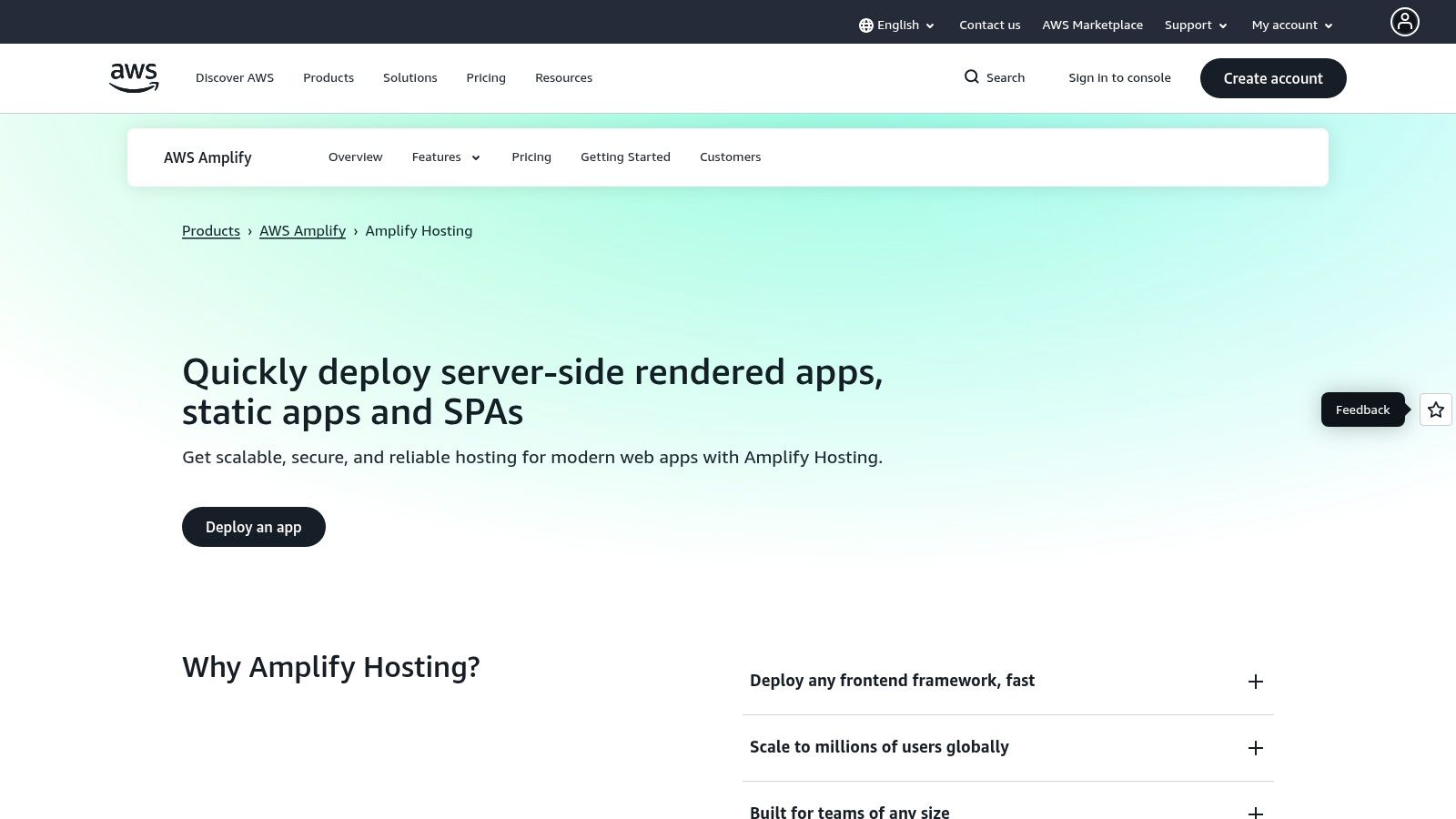
This platform is particularly powerful for developers already invested in or planning to use the AWS ecosystem. It provides a clear, integrated path to add dynamic backend functionality, such as user authentication with Cognito, APIs with AppSync, or serverless logic with Lambda. This makes it an ideal choice for projects that start static but are expected to grow in complexity.
Key Features & Limitations
AWS Amplify offers a free tier for the first 12 months for new AWS accounts, which transitions to a pay-as-you-go model. This provides a generous runway for new projects.
- Free Plan Highlights (First 12 months for new accounts):
- Bandwidth: 100 GB/month data transfer out
- Build Minutes: 1,000 minutes/month
- Storage: 5 GB/month
- Custom Domains: Yes, with free automatic SSL certificates.
- Pros:
- Leverages the power of AWS, including CloudFront CDN for fast global delivery.
- Seamless path to scale and add complex backend services within the same ecosystem.
- Pay-as-you-go pricing after the free tier can be very cost-effective for low-traffic sites.
- Cons:
- The free tier is limited to 12 months for new AWS accounts.
- Setting up an AWS account and understanding the granular pricing model can be more complex than simpler platforms.
AWS Amplify Hosting is the perfect entry point into the expansive AWS cloud, offering enterprise-grade performance and a clear upgrade path for ambitious projects.
Website: https://aws.amazon.com/amplify/hosting
10. DigitalOcean App Platform (Static Sites)
DigitalOcean's App Platform extends its cloud infrastructure offerings to include a streamlined solution for free static site hosting. While known for its developer-focused virtual servers, the App Platform simplifies deployment by connecting directly to GitHub and GitLab repositories. It handles the build process and deployment automatically, making it an accessible entry point into a more extensive cloud ecosystem.
This platform is particularly useful for developers already invested in the DigitalOcean environment or those who anticipate needing to scale beyond a simple static site. The App Platform allows you to add dynamic components like databases or backend services to your project later on, all managed within the same interface. This provides a clear and integrated upgrade path from a free, simple project to a complex, scalable application.
Key Features & Limitations
DigitalOcean’s free tier is designed for small personal projects, with a clear path to paid plans as your needs grow.
- Free Plan Highlights:
- Bandwidth: 1 GiB outbound data per app/month
- Static Sites: Up to 3 free static sites
- Custom Domains: Yes, with free, auto-managed SSL certificates.
- Infrastructure: Global CDN, DDoS mitigation, and Git-based deploys.
- Pros:
- Excellent integration with the broader DigitalOcean ecosystem.
- Simple, intuitive deployment from a Git repository.
- Clear and predictable upgrade path if you need to add backend services.
- Cons:
- The 1 GiB monthly bandwidth limit is very low and easy to exceed.
- Overage charges apply immediately after exceeding the free allowance, which could lead to unexpected costs if not monitored.
The App Platform is a solid choice for developers who want a managed hosting experience with the option to easily scale into a full-stack application without migrating providers.
Website: https://www.digitalocean.com/products/app-platform
11. Surge
Surge is the ultimate tool for developers who live in the command line and need to publish a static site with maximum speed and minimum fuss. This platform provides free static site hosting by stripping the deployment process down to its essentials: a single command. By running surge in any local project folder, you can deploy your files to a live, publicly accessible URL in seconds, making it one of the fastest ways to get a front-end project online.
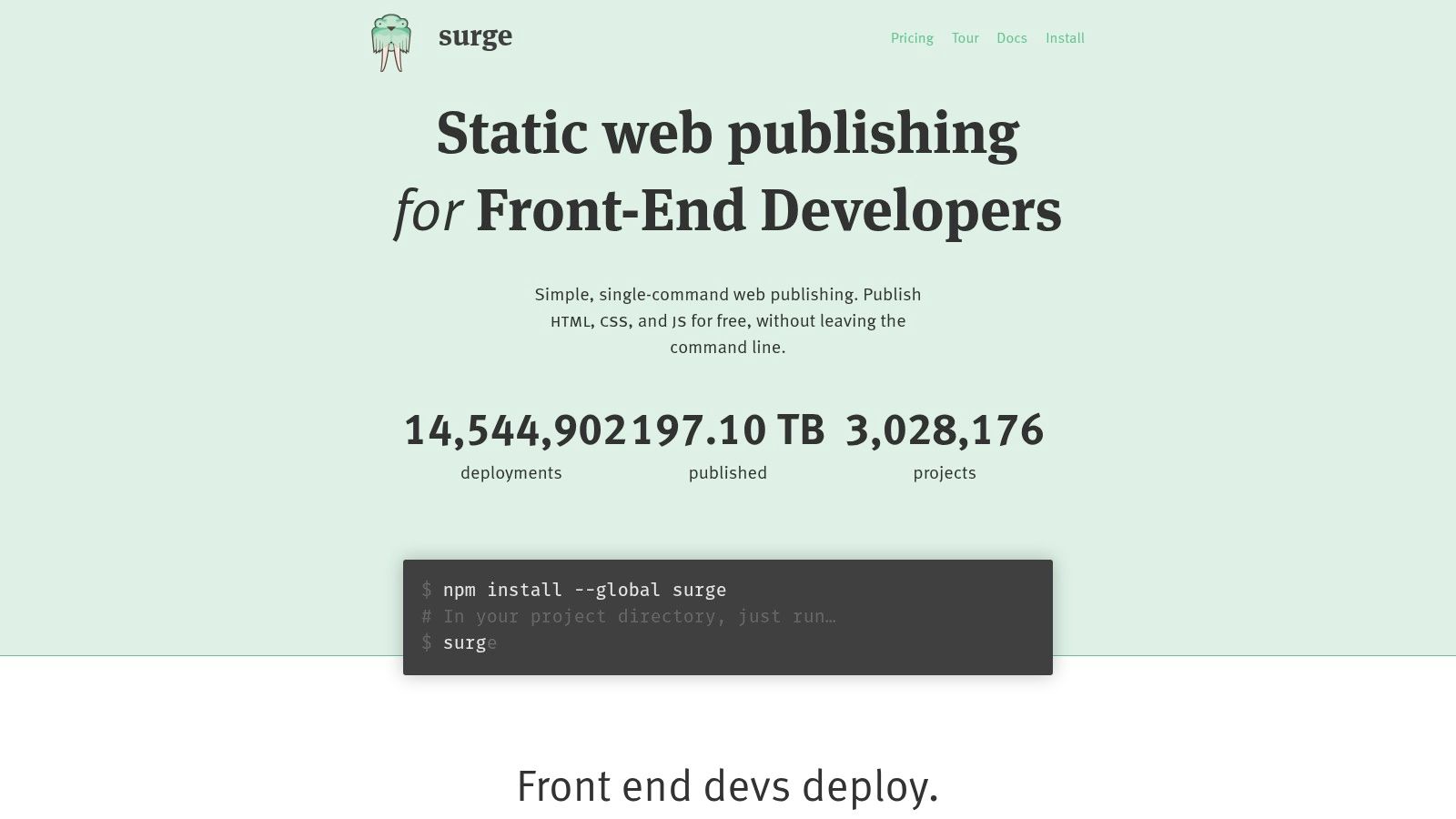
Its CLI-first approach makes it an incredible asset for rapid prototyping, sharing demos with clients, or quickly launching a landing page. There is no Git integration or complex build pipeline to configure; you simply point Surge at a directory, and it handles the rest. This simplicity is its greatest strength, offering a frictionless path from local development to a live website.
Key Features & Limitations
Surge’s free plan is designed for simplicity and speed, with a paid "Professional" plan for more advanced production needs.
- Free Plan Highlights:
- Bandwidth: Unlimited (subject to fair use)
- Build Minutes: N/A (deploys local builds)
- Custom Domains: Yes, with basic SSL.
- Deploy Method: Command-Line Interface (CLI) only.
- Pros:
- The fastest deployment process available for CLI-savvy developers.
- Zero configuration required to get a site live.
- Excellent for quick prototypes, demos, and one-off projects.
- Cons:
- No graphical user interface or dashboard for managing sites.
- Lacks the automated Git-based workflows of platforms like Netlify or Vercel.
- Features like password protection and redirects are part of the paid plan.
Surge is the perfect choice when your primary goal is to publish a folder of static files immediately, without navigating a web interface or setting up a repository.
Website: https://surge.sh
12. Neocities
Neocities is a throwback to the creative, community-driven web of the past, offering free static site hosting with a focus on individuality and learning. It deliberately steps away from complex build pipelines and frameworks, instead championing handcrafted HTML, CSS, and JavaScript sites. This makes it an excellent platform for beginners, artists, and hobbyists who want to build a personal website without the overhead of modern development workflows.
The platform fosters a strong sense of community, allowing users to discover and follow other sites, creating a social network of personal web pages. Its built-in editor lets you get started immediately, making it one of the most accessible entry points into web development. The focus is purely on hosting your static files without ads, tracking, or complicated setups.
Key Features & Limitations
Neocities' free plan is designed for personal expression and is quite generous for truly static content. The optional "Supporter" plan adds more professional features.
- Free Plan Highlights:
- Storage: 1 GB
- Bandwidth: 200 GB/month
- Custom Domains: Requires a paid Supporter plan.
- SSL: Yes, on neocities.org subdomains.
- Pros:
- Incredibly welcoming for students, creators, and hobbyists.
- A strong, ad-free community culture focused on the indie web.
- Generous free bandwidth is more than enough for most personal projects.
- Cons:
- Lacks modern CI/CD integrations and is not suited for framework-based applications.
- Key features like custom domains require upgrading to the paid plan.
Neocities excels as a creative sandbox and a return to the roots of the web. It's the perfect choice for anyone looking to build a unique personal site without getting tangled in complex tooling.
Website: https://neocities.org
12 Free Static Site Hosts — Quick Comparison
| Solution | Key features | UX & Reliability | Pricing & Value | Target audience | Unique selling points |
|---|---|---|---|---|---|
| 🏆 Hostmora | Drag‑&‑drop publish (HTML/ZIP/PDF/MD/JSON), auto‑SSL, global CDN, QR & password protect | ★★★★★ (publish <3s, 99.99% uptime) | 💰 Free; Starter $9/mo; Pro $19/mo; Enterprise options | 👥 Creators, freelancers, agencies, students, devs | ✨ Zero‑config file→link, AI‑friendly links, white‑label & multi‑client |
| Netlify | Git/CD & drag‑drop, deploy previews, CDN, serverless/edge functions | ★★★★☆ (mature CI/CD, good docs) | 💰 Free + usage credits; paid team plans | 👥 Devs, teams, marketing sites | ✨ Jamstack ecosystem, plugins, instant rollbacks |
| Vercel | One‑click Git import, preview deploys, edge functions, image optimization | ★★★★★ (excellent DX for modern frameworks) | 💰 Free Hobby; Pro/Team paid tiers, function caps | 👥 Next.js/frontend developers, teams | ✨ Framework‑optimized, built‑in analytics & edge perf |
| Cloudflare Pages | Git CI, unlimited static requests on Cloudflare CDN, optional Workers | ★★★★★ (extremely fast global delivery) | 💰 Free unlimited static; Workers quotas for dynamic | 👥 Performance‑centric teams, static sites | ✨ True global CDN with generous free model |
| GitHub Pages | Git‑backed publishing, automatic HTTPS, Jekyll support | ★★★★☆ (simple, reliable for docs/portfolios) | 💰 Free for public repos; soft caps on bandwidth | 👥 Open‑source projects, docs, personal portfolios | ✨ Seamless GitHub integration, zero config for repos |
| GitLab Pages | GitLab CI deploys, custom domains, TLS, access control | ★★★★☆ (great for GitLab teams) | 💰 Free on GitLab.com; self‑managed options | 👥 Teams using GitLab, private/internal sites | ✨ Built into CI pipelines, fine‑grained access control |
| Firebase Hosting | Global CDN, CLI deploys, previews, integrates with Firebase services | ★★★★☆ (fast edge delivery, easy previews) | 💰 Free quotas (10GB storage/10GB transfer); Blaze pay‑as‑you‑go | 👥 SPAs, small apps, Firebase users | ✨ Tight Firebase/Google Cloud integration |
| Azure Static Web Apps | Git workflows, staging envs, custom domains, Azure Functions | ★★★★☆ (generous free bandwidth, enterprise path) | 💰 Free (100GB/mo); paid for SLA & higher capacity | 👥 Azure users, enterprise teams | ✨ Staging + Azure Functions, enterprise upgrade path |
| AWS Amplify Hosting | Git CI/CD, CloudFront CDN, automatic SSL, AWS integrations | ★★★★☆ (scalable, AWS ecosystem) | 💰 Free tier for new accounts; pay‑as‑you‑go thereafter | 👥 Apps needing AWS backends, enterprise | ✨ Seamless path to AWS services (Cognito, Lambda) |
| DigitalOcean App Platform | Free static apps, HTTPS, CDN, GitHub/GitLab deploys | ★★★★☆ (approachable, easy to start) | 💰 Free tier (3 apps), low free egress; paid upgrades | 👥 Small businesses, individuals | ✨ Easy upgrade path to dynamic backends |
| Surge | CLI one‑command deploys, custom domains, basic SSL | ★★★★☆ (fast CLI workflow, minimal overhead) | 💰 Free basic; Pro adds redirects/passwords | 👥 CLI‑savvy devs, prototypes & demos | ✨ Ultra‑simple terminal deploys |
| Neocities | Built‑in editor, 1GB free storage, 200GB bandwidth, community focus | ★★★★☆ (friendly indie community) | 💰 Free; Supporter paid plan for extras | 👥 Hobbyists, students, indie creators | ✨ Community‑oriented hosting, generous free bandwidth |
Choosing Your Platform: The Final Verdict on Free Hosting
The journey through the landscape of static site hosting free providers reveals a powerful truth: launching a professional, high-performance website no longer requires a significant budget or deep technical expertise. We've explored a dozen incredible platforms, each with its own unique philosophy and feature set, from the developer-centric powerhouses to the elegantly simple drag-and-drop solutions.
Your final decision hinges not on finding the "best" platform, but the right platform for your specific needs. The sheer quality of the free tiers available means you can experiment without financial risk, a luxury that was unthinkable just a few years ago.
Key Takeaways and Decision Factors
As you weigh your options, revisit the core questions that define your project. An honest assessment of these factors will illuminate the clearest path forward.
- Your Technical Comfort Level: Are you a developer who thrives in a Git-based workflow, comfortable with command-line tools and build configurations? If so, Vercel, Netlify, and Cloudflare Pages offer an unparalleled developer experience with advanced features like serverless functions and edge computing.
- Simplicity and Speed to Launch: Is your primary goal to get your content online as quickly and easily as possible, without touching a line of code or configuring a Git repository? For freelancers, creators, and small businesses who prioritize speed, platforms like Hostmora and Surge are game-changers, offering a direct path from local files to a live URL in seconds.
- Ecosystem Integration: Do you already live and breathe within a specific ecosystem? GitHub Pages and GitLab Pages are the natural choice for projects already hosted on those platforms. Similarly, if your work involves cloud services, AWS Amplify, Azure Static Web Apps, and Firebase Hosting provide seamless integration with their respective parent clouds.
- Project Scalability: Consider your project's future. While all platforms on this list offer generous free tiers, your potential growth path matters. The major cloud providers and CI/CD-focused hosts like Netlify are built for massive scale, while simpler tools are perfect for projects with defined, static needs.
Making the Final Choice: A Practical Guide
To distill this down even further, here is a simplified decision-making framework based on your role and primary goal:
For the Developer-First Workflow: If your process starts with
git push, your top contenders are Vercel (for Next.js/React projects), Netlify (for its robust ecosystem and features), and Cloudflare Pages (for its unrivaled global performance). These are the champions of modern web development, offering automation and power right out of the box.For Ultimate Simplicity and Speed: If your goal is to publish a portfolio, client preview, or event page right now with zero friction, the choice is clear. A tool like Hostmora completely removes the DevOps barrier, making static site hosting free accessible to everyone, regardless of technical skill.
For the Ecosystem Loyalist: If your project is already part of a larger ecosystem, stick with what you know. Use GitHub/GitLab Pages for open-source documentation and personal projects, and leverage AWS, Azure, or Firebase when you need deep integration with other cloud services.
The world of free static hosting is no longer a niche for hobbyists. It is a professional-grade solution powering businesses, agencies, and creators worldwide. The tools are mature, the performance is exceptional, and the cost of entry is zero. Your perfect platform is on this list, waiting for you to build something amazing.
Ready to skip the complex setup and launch your site in under 60 seconds? Hostmora was built for creators and professionals who value speed and simplicity. Experience the easiest static site hosting free platform by dragging and dropping your site folder and going live instantly.