
Picking the right place to register your domain is one of the first, most crucial decisions you'll make for any online venture. When you buy a domain name ovh, you're not just getting an address; you're tapping into a huge catalog of extensions and services that work well for freelancers, agencies, and small businesses who just want to get online without a fuss.
Why an OVH Domain Is a Smart Move for Your Project

When you're launching a site with a no-nonsense platform like Hostmora, you need a domain provider that's equally reliable and easy to manage. OVH hits that sweet spot. It offers a solid set of features without being overly expensive or complicated, which is exactly what you need to get your project off the ground fast.
Think of it like this: Hostmora gives you the engine to publish your content quickly and easily, while OVH provides the memorable address that points people straight to your site. It's a powerful and efficient combination.
Where OVH Fits in the Bigger Picture
The domain registration world is crowded, but OVH has carved out a respectable space for itself. It holds about 0.65% of the market share, making it the 13th largest registrar on the planet.
Sure, it's not as big as a giant like GoDaddy, but managing millions of domains out of a global total of roughly 362.4 million shows it’s a trusted choice, especially for users who appreciate bundled services. If you're curious, you can find more data about the domain registrar market and see how the key players stack up.
For a quick comparison, here's how OVH stands against a couple of other popular options.
OVH vs Competitors A Quick Snapshot
| Feature | OVH | GoDaddy | Cloudflare |
|---|---|---|---|
| Pricing Model | Competitive first-year, standard renewals | Frequent promos, higher renewal rates | At-cost registration/renewal |
| WHOIS Privacy | Free | Free | Free |
| Included Email | Basic 5GB email account often included | Paid add-on (Microsoft 365) | Email forwarding only |
| Primary Focus | Web hosting & cloud infrastructure | Small business services, domains | Performance & security (CDN, DNS) |
While each has its strengths, OVH's bundled email and straightforward pricing make it a compelling, all-in-one package for many users.
Core Benefits That Matter
For creators and small businesses, the practical advantages of using an OVH domain are what really count.
- Massive Selection of Extensions: With over 800 domain extensions available, you’re not stuck with just
.com. You can grab a.design,.photo, or something else that truly fits your brand. - Security Essentials Included: OVH typically throws in DNSSEC protection and free WHOIS privacy. That privacy feature is huge—it keeps your personal contact info hidden from public view, cutting down on spam and keeping you safer.
- A Connected System: Being able to manage your domain, web hosting, and email all in one place just makes life easier. It streamlines your workflow and reduces the technical juggling act.
Choosing a registrar isn't just about the cheapest price; it's about finding a partner that helps you reach your goals. OVH gives you a practical set of tools that pairs perfectly with the needs of creators and businesses building on platforms like Hostmora.
Securing Your New Domain Name at OVH
Grabbing the right domain name with OVH is a pretty smooth experience. I've always appreciated their clean interface—it makes searching for and buying a web address from their massive catalog of over 800 extensions refreshingly simple.
The first thing to do, of course, is come up with a name that’s memorable and actually fits your brand. Don't get stuck on just .com either. Think a little outside the box. A .io can be perfect for a tech startup, or maybe a .art for your creative portfolio. The real goal is to find something that sticks with people.
Finding and Claiming Your Domain
Once you have a list of ideas, pop them into OVH's search tool to see what's available. The results often show you options across a bunch of different extensions, which can sometimes spark an even better idea you hadn't considered.
Here’s a glimpse of the kind of variety you’ll see in their extension catalog.
This huge selection is a real advantage, especially when your first-choice name is inevitably taken. After you find the one you want, their checkout process is straightforward and walks you right through the purchase.
One thing you absolutely should not skip during checkout: activate the free WHOIS privacy. This hides your personal details like your name, address, and email from public view. Trust me, this single click will save you from a mountain of spam and protect your privacy from day one.
A Quick Tour of the Dashboard
After you’ve completed the purchase, you'll be dropped into the OVH control panel. This is ground zero for managing everything about your domain. It might look a bit intimidating at first, but the main spot you'll be spending time in is the DNS Zone editor.
Knowing your way around the DNS Zone is crucial because it's where you'll be adding the records needed to connect services like your website hosting or email. If you ever need to track down specific records, like for your email, you can learn more in our guide on how to find your MX record.
This initial setup shows that OVH is much more than just a place to buy a domain; they're a serious infrastructure provider. In fact, they command a leading 13% market share in the U.S. dedicated hosting market, a testament to their ability to power high-performance sites. You can get a better sense of OVH's market position and recent trends to see how they stack up.
Pointing Your OVH Domain to Hostmora
Alright, you've got your domain name registered with OVH. Now it's time to make it actually point to your new website at Hostmora. We’ll do this by editing your DNS records, which is basically like updating the internet's address book to tell everyone where your site lives.
This whole process boils down to adding three specific records to your OVH account: an A record, a CNAME record, and a TXT record. It might sound a bit technical, but it's mostly just a copy-and-paste job. We'll be working inside the OVH DNS Zone editor to get this done.
What Are These Three DNS Records, Anyway?
Before we jump in, let’s quickly cover what each of these records does. Understanding the 'why' makes the 'how' a lot less intimidating, especially when you’re managing your domain settings.
- The A Record: This is the big one. It maps your root domain (e.g.,
yourbrand.com) directly to your website's server IP address at Hostmora. Think of it as the primary street address for your site. - The CNAME Record: This one is an alias. We'll use it to make sure the "www" version of your address (like
www.yourbrand.com) also points to your main site. It catches anyone who types in the "www" out of habit. - The TXT Record: This is purely for verification. Hostmora gives you a unique code to add as a TXT record, which proves you're the legitimate owner of the domain. It’s a simple security step.
Of course, getting to this point means you've already gone through the initial process of finding and securing your domain.
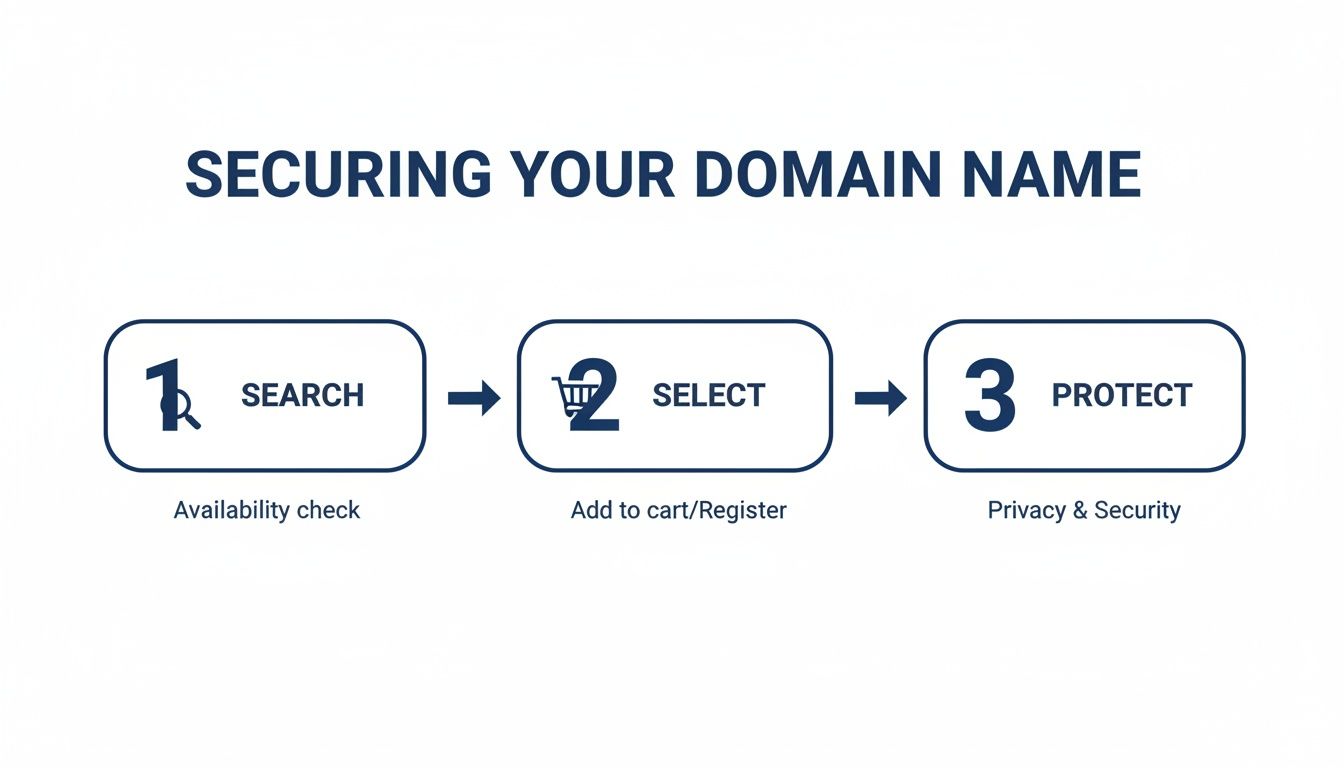
That initial journey—searching, selecting, and protecting your name—is what sets the stage for connecting it to your actual website.
Making the Changes in Your OVH Account
First things first, log into your OVH control panel and navigate to the domain you’re setting up. You should see a tab or section labeled DNS Zone. This is where the magic happens. Hostmora will provide you with the exact values needed for each of the three records.
I can't stress this enough: double-check everything for typos before you click save. A single wrong character in a record is the number one cause of connection headaches. A few extra seconds of checking can save you hours of frustration.
When you're adding these new records, be careful not to delete any existing ones unless you know exactly what they do. For example, accidentally deleting your MX records will almost certainly break your email. If you're curious and want to learn more, you can read our guide on how to show DNS records to get a better handle on things.
Once you’ve successfully added the A, CNAME, and TXT records, your work is done. Now, we wait. It can take a few hours for your changes to update across the global internet, a process called DNS propagation. Next, we'll talk about what to expect while you're waiting.
Verifying Your Domain and Activating SSL Security
After you've saved the new DNS records in your domain name ovh account, the next step is simply to wait. This is what's known as DNS propagation—the process of servers worldwide updating to recognize your domain's new home.
This can take anywhere from 30 minutes to 48 hours, but in my experience, it's often on the shorter end of that spectrum. There’s nothing you need to do during this time. Hostmora’s system is already on the lookout for the changes.
The verification process itself is completely automatic. Once Hostmora sees your domain pointing to the right place, it handles the rest. This automated approach is becoming the standard for modern hosting, much like the streamlined setups you'd find when configuring Firebase website hosting.
The Automatic SSL Certificate
As soon as your domain is successfully verified, Hostmora gets to work issuing and installing a free SSL certificate for you. This is what puts the "S" in HTTPS, creating a secure, encrypted connection for your visitors.
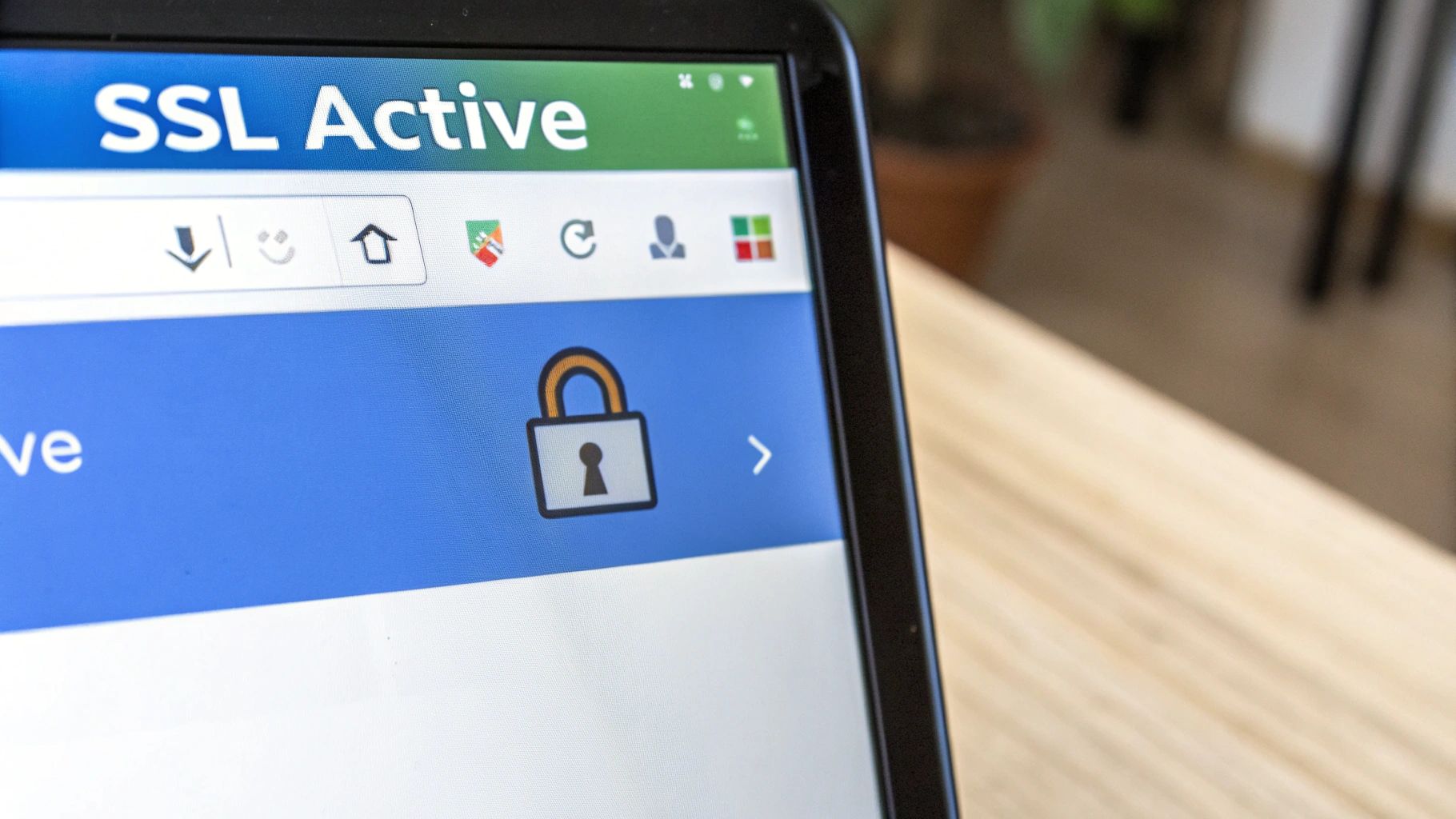
You'll know it's all done when you see the little padlock icon in your browser's address bar next to your URL. That padlock is a crucial trust signal for anyone visiting your site.
Websites without SSL are often flagged as "Not Secure" by browsers like Chrome, which can deter over 80% of potential visitors. The automatic SSL activation from Hostmora ensures you make a secure first impression every time.
That padlock isn't just for show. It protects user data, boosts visitor confidence, and even gives you a slight edge in search engine rankings. With your domain verified and SSL active, your website is officially live, secure, and ready to go.
Solving Common Connection Roadblocks
Even when you follow the steps perfectly, you can still hit a snag connecting your OVH domain to a new host like Hostmora. Don't worry, it happens. Most of the time, the fix is surprisingly simple and it usually starts with a little bit of patience.
DNS changes aren't instant. They need time to "propagate," which is just a fancy way of saying they need to travel across the internet's network.
What to Do When Your Site Isn't Showing Up
The most common issue by far is the classic "site not found" error. Before you start pulling your hair out, just give it a few hours. Seriously.
If your site is still MIA after a full day, it's time to retrace your steps. Nine times out of ten, a tiny typo in an A or CNAME record is the culprit. Double-check the values you entered in your OVH DNS Zone and make sure they match exactly what Hostmora provided.
If your records look correct, the next thing to check is propagation. You can use a free online tool like DNS Checker to see if your new settings are live around the world. This will tell you if you just need to wait a bit longer or if there's a more stubborn problem.
The Dreaded SSL Privacy Warning
Another frequent hiccup is the SSL certificate. If you finally see your site but get a big privacy warning from your browser, it usually just means the SSL certificate hasn't been issued yet. This often happens if you try to visit your site before the domain verification process is 100% complete.
The whole connection process is a chain reaction. The domain has to be fully verified before the SSL certificate can be generated and installed. Trying to force an HTTPS connection too early will throw an error until the system catches up.
Here’s a quick troubleshooting checklist to run through before you contact support:
- Wait it Out: Have you given it at least a few hours for the DNS changes to kick in? Sometimes it can take up to 24 hours.
- Check for Typos: Are the A, CNAME, and TXT records in your OVH panel an exact match to the values from Hostmora?
- Clear Your Cache: Your own browser might be hanging onto the old information. Try clearing your cache or opening your site in an incognito/private window.
Running through these simple checks solves the vast majority of connection headaches.
Got More Questions About Your OVH Domain?
We’ve walked through the whole setup process, but I know from experience that a few more questions tend to pop up once you start managing your domain long-term. Let's tackle some of the most common ones I hear.
How Long Does DNS Propagation *Really* Take?
This is the big one. You’ve updated your DNS records to point to Hostmora, and now you’re hitting refresh, wondering when your site will appear.
Most registrars, including OVH, will tell you to wait up to 48 hours. While that's the official "worst-case scenario" answer, I almost never see it take that long. In most cases, you'll see the changes kick in within just a few hours—usually between 2 to 4 hours. It all depends on how quickly servers around the globe update their records. My best advice? Grab a coffee and check back in a bit.
Can I Use My OVH Domain With Other Services?
Of course! Think of your domain name as your digital address—you own it, and you can point it wherever you want.
Whether you're connecting it to another web host, an email service like Google Workspace, or an e-commerce platform like Shopify, the method is the same. You'll simply go into your OVH control panel and update the DNS records with the specific values that the new service gives you.
Here’s a crucial thing to remember: Your domain registrar (where you bought the name) and your web host (where your site's files live) are separate things. This is great because it gives you total freedom to switch hosting providers anytime without risking your domain name. It’s your asset, period.
This flexibility is fundamental to how the internet works. It’s a huge market, with over 362.4 million registered domain names worldwide. OVH even has its own specialized extension, the .ovh TLD, which has found a solid niche, especially in Europe. If you're curious, you can dig into the usage trends of the .ovh TLD and see how different extensions stack up.
What If I Want to Transfer My Domain Somewhere Else?
No problem at all. If you decide to move your domain from OVH to a different registrar, the process is straightforward and standardized across the industry.
Here’s the quick rundown:
- First, you’ll "unlock" your domain in the OVH dashboard. This is a security feature to prevent unauthorized transfers.
- Next, you'll request an authorization code, often called an EPP code.
- Finally, you just give that code to your new registrar, and they'll handle the transfer from there.
Ready to turn your files into a live website in seconds? Hostmora makes it happen. Drag, drop, and publish your site with automatic SSL, a global CDN, and zero technical headaches. Start publishing for free on Hostmora.