
The dream of launching a professional website without writing a single line of code is now a reality. No-code website builders have democratized web design, empowering freelancers, small businesses, and agencies to create stunning, functional sites with drag-and-drop simplicity. These platforms eliminate the technical barriers, saving you significant time and development costs, and allowing you to focus on your content and business goals.
However, the sheer number of options can be overwhelming. Choosing the wrong platform can lead to frustrating limitations, unexpected costs, or a site that doesn't scale with your needs. This guide cuts through the noise to help you find the best no code website builders for your specific project. We provide a detailed, side-by-side analysis of the top tools available, moving beyond marketing claims to offer real-world insights.
This comprehensive resource is designed to help you make an informed decision quickly. For each platform, you'll find:
- A concise overview of its core strengths.
- Honest pros and cons based on practical use cases.
- Clear pricing information and screenshots.
- Recommendations for who it's best suited for, from creating a simple portfolio to managing multiple client sites.
Our goal is to equip you with the knowledge to not only launch your site but also to optimize its performance. After all, building a beautiful site is just the first step; learning how to effectively increase your website conversion rate is paramount for achieving your online goals. Let’s explore the builders that can turn your vision into a live website today.
1. Hostmora
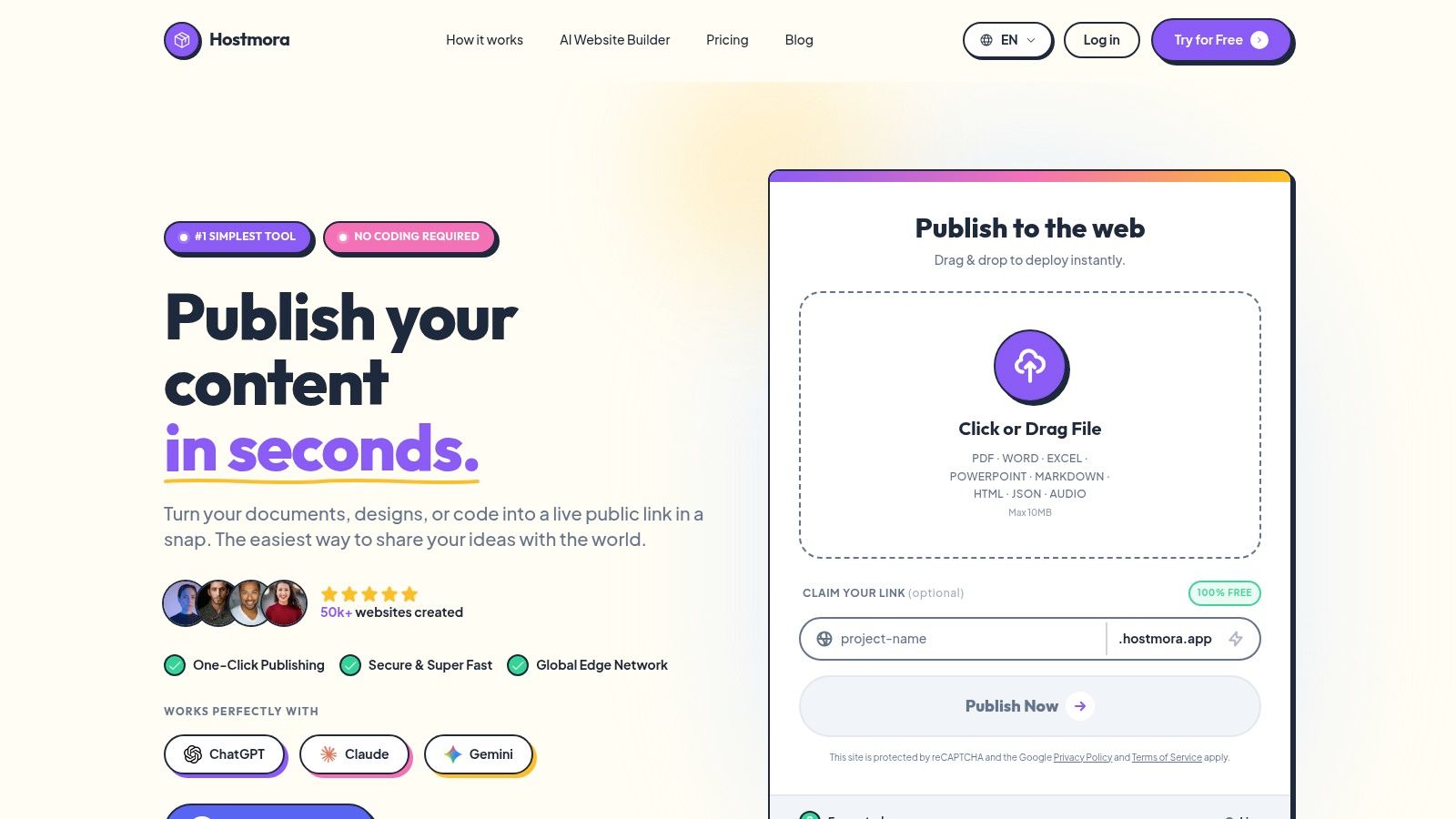
Hostmora establishes itself as a premier choice among the best no code website builders by redefining simplicity and speed. Instead of a traditional visual editor, it operates on a direct file-to-live-site model. Users simply drag and drop their project files (HTML, ZIP, PDFs, images) into the dashboard, and Hostmora instantly publishes them to a secure, live URL. This zero-configuration approach completely bypasses the complex setup, build steps, and server management typically required, making it an incredibly efficient tool for rapid deployment.
Its core strength lies in this "instant publishing" engine. The platform automatically handles SSL certificate provisioning, asset optimization, and distribution across a global edge network (CDN) with over 35 locations. This ensures that content, whether it's a portfolio, a client prototype, or a restaurant menu, loads with exceptionally low latency worldwide. For agencies and freelancers, this translates to faster client handoffs and superior user experiences without any DevOps overhead.
Key Features and Use Cases
Hostmora excels in scenarios where speed and ease of sharing are critical. Its automatic ZIP extraction is a standout feature, allowing users to upload an entire website structure in a single file and have it deployed instantly. This is ideal for developers exporting static sites from other tools or designers sharing interactive mockups.
- For Agencies & Freelancers: The platform offers robust white-labeling and multi-client management on its Pro tier. This allows agencies to provide clients with a branded portal for managing their sites, enhancing professionalism and client retention.
- For Small Businesses: Instant QR code generation makes it perfect for restaurants creating digital menus, retailers sharing catalogs, or service providers distributing informational flyers.
- For AI & Tech: Hostmora’s AI-friendly links are optimized for sharing datasets, documentation, or prototypes directly with large language models like ChatGPT, Claude, and Gemini for analysis or integration.
- For Creators: Simple password protection allows creators to gate access to exclusive content or client previews, with built-in analytics providing straightforward visitor insights without a complex dashboard.
Pricing and Limitations
Hostmora offers a generous free tier that doesn't require a credit card, making it accessible for anyone to start. Paid plans are affordably priced, with the Starter plan at around $4/month and the Pro plan at about $9/month, unlocking custom domains, SEO settings, forms, and higher usage limits.
The primary limitation is that it's designed for static content. It does not include a built-in dynamic server runtime, so it isn't a replacement for complex, server-side applications that require a database or backend processing. However, for the vast majority of brochure sites, portfolios, and marketing pages, its performance and simplicity are hard to beat. If you're looking for a powerful way to host a static website for free, Hostmora provides an exceptional starting point.
Website: https://hostmora.com
2. Wix
Wix has earned its reputation as one of the most popular and versatile platforms among the best no code website builders. It offers two distinct editing experiences: Wix ADI (Artificial Design Intelligence), which generates a site for you based on a few questions, and the classic Wix Editor, a structured drag-and-drop interface that provides more granular control over page elements. This dual approach makes it accessible for absolute beginners while still offering depth for users who want to fine-tune their designs.
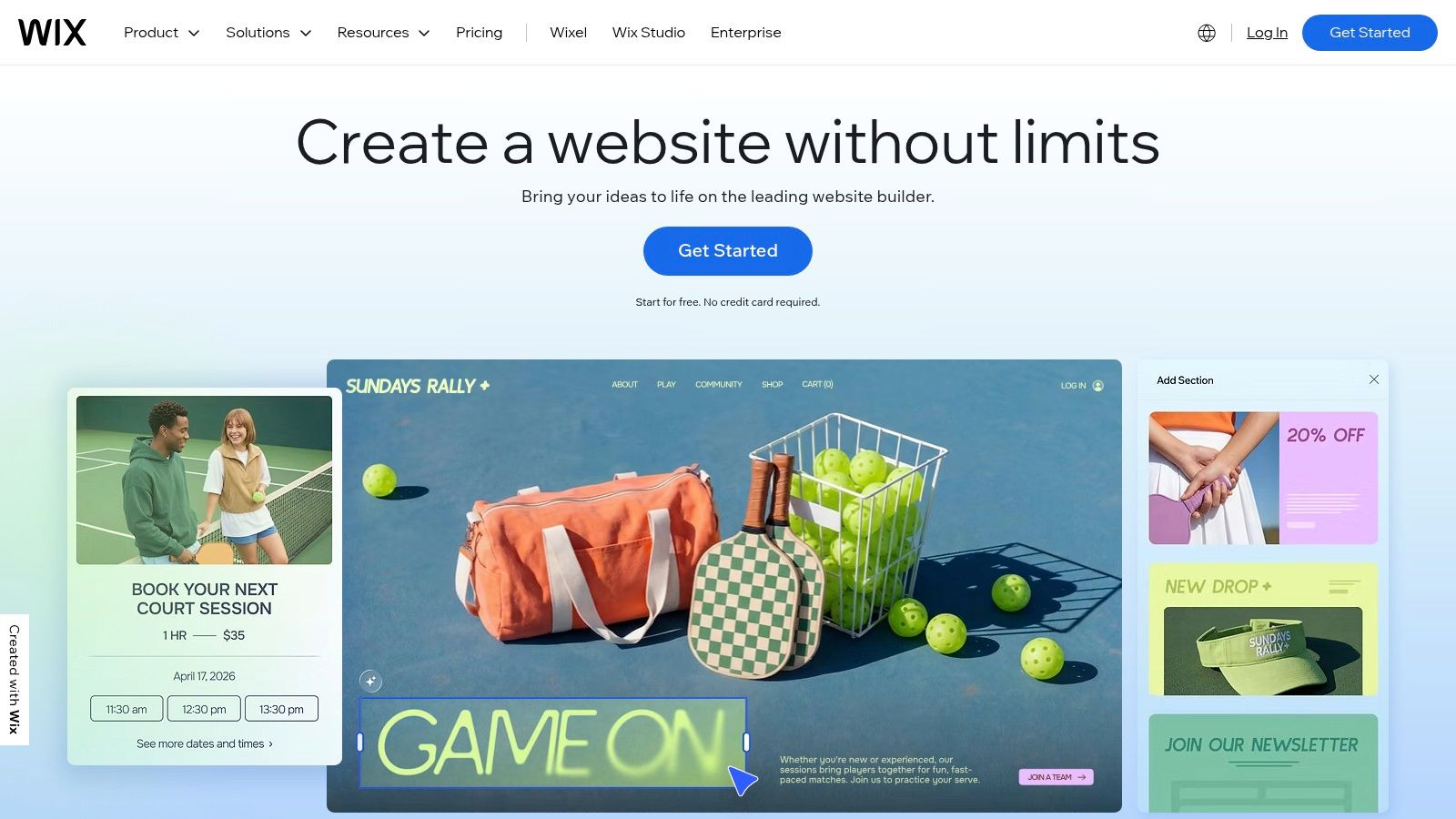
Its core strength lies in its all-in-one ecosystem. Beyond basic page building, Wix provides robust, native solutions for ecommerce, event management, restaurant bookings, and online scheduling, all managed from a single dashboard. This integration is a significant advantage for small businesses that need comprehensive functionality without relying on third-party tools.
Key Features & Considerations
Wix stands out for its extensive App Market, which allows you to add hundreds of integrations, from marketing automation to advanced analytics, with a single click.
- Best For: Freelancers, small businesses, restaurants, and artists who need a feature-rich site with minimal technical setup.
- Pros: Massive template library, powerful ecommerce and booking features, and an intuitive editor.
- Cons: Once a template is chosen, you cannot switch to another without rebuilding the site. The cost of premium apps can also increase the monthly expense.
- Pricing: A limited free plan is available. Paid plans start at $17/month for personal use and range up to $159/month for enterprise-level business and ecommerce solutions.
Website: https://www.wix.com
3. Squarespace
Squarespace has carved out a niche as the design-forward leader among the best no code website builders, appealing strongly to creatives, photographers, and premium small businesses. It is renowned for its award-winning, polished templates that provide a sophisticated starting point for any project. The platform operates on a section-based editor, ensuring that designs remain structured and professional-looking, even for users with no design experience.
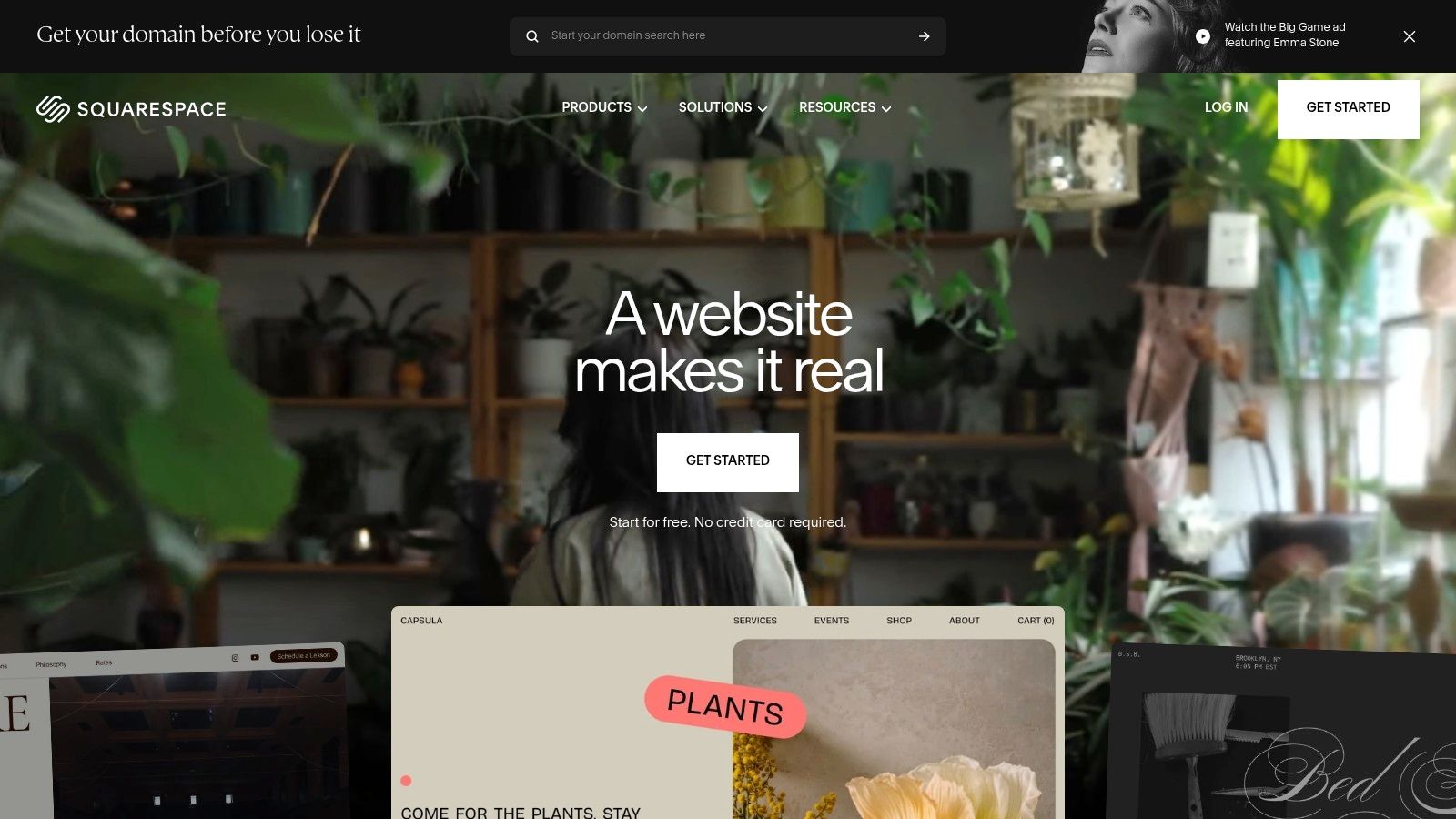
Its primary strength is its elegant, all-in-one ecosystem that integrates commerce, scheduling, member areas, and marketing tools seamlessly into one dashboard. This unified approach eliminates the common hassle of managing third-party plugins and ensures a consistent user experience. For creators looking to build a stylish brand presence without technical complexity, Squarespace provides a curated and powerful toolset.
Key Features & Considerations
Squarespace stands out for its superior aesthetic control and comprehensive, built-in functionality, making it ideal for portfolio-driven websites. For a detailed guide on setup, you can check out resources on building a free portfolio website for beginners.
- Best For: Artists, designers, photographers, bloggers, and service-based businesses who prioritize visual appeal and brand consistency.
- Pros: Best-in-class aesthetics and templates, a true all-in-one platform approach, and an excellent onboarding experience for new users.
- Cons: Less creative freedom than pure drag-and-drop editors. Recent changes to pricing and plan naming have caused some confusion for users.
- Pricing: Starts at $16/month for a Personal plan and goes up to $49/month for the Advanced Commerce plan, with annual billing discounts available.
Website: https://www.squarespace.com
4. Webflow
Webflow bridges the gap between traditional no-code platforms and custom-coded websites, positioning itself as a top choice for designers, agencies, and businesses that refuse to compromise on design. It provides a visual canvas that translates directly to clean, semantic HTML and CSS, offering pixel-level control that other builders often lack. This approach empowers users to create professional, highly customized, and responsive web experiences without writing a single line of code.
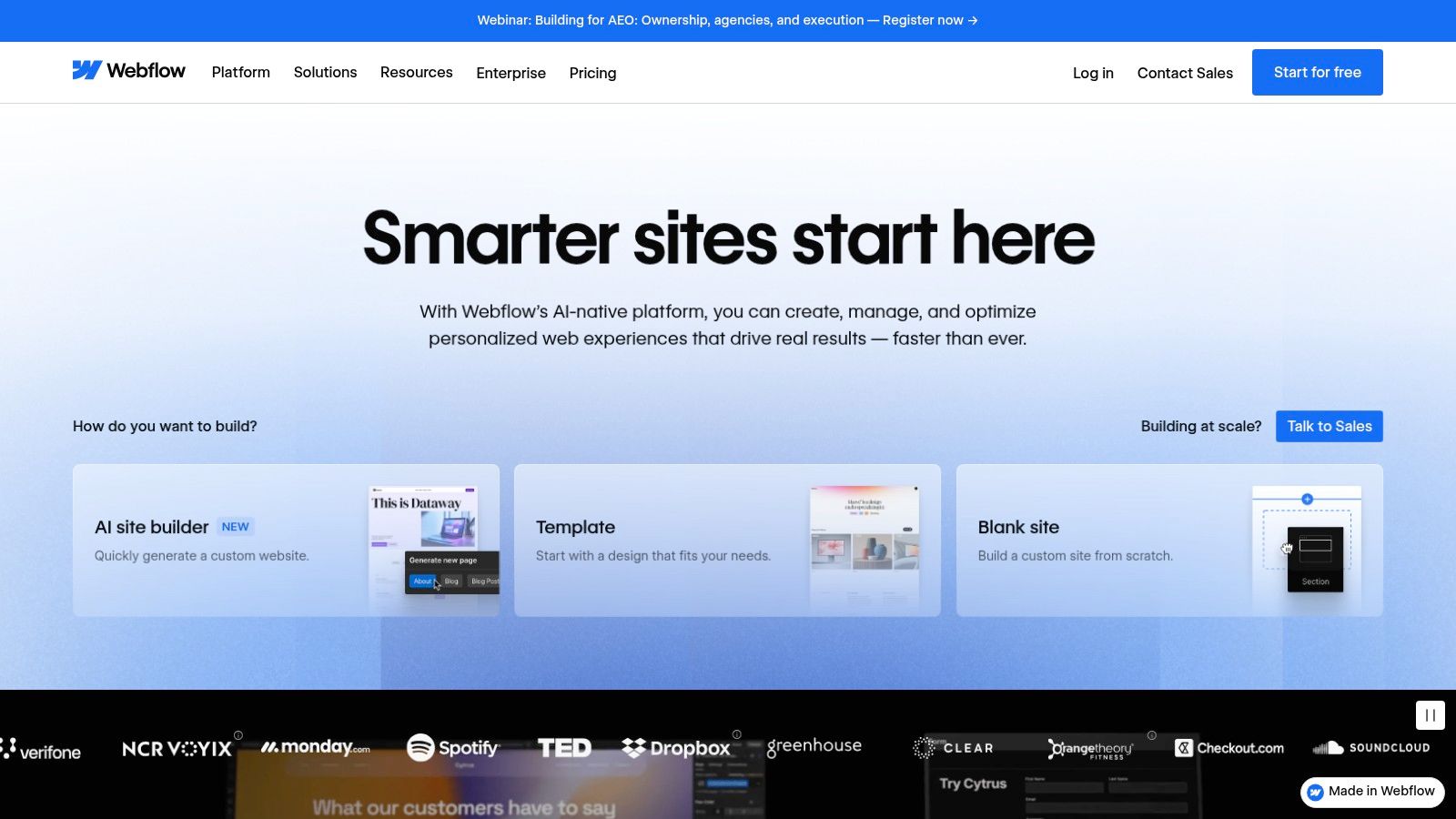
Its greatest strength is the powerful combination of its visual designer with a fully integrated Content Management System (CMS). The Webflow CMS allows you to build dynamic, content-driven sites like blogs, portfolios, and directories with structured collections that can be updated easily by clients or team members. This makes it one of the best no code website builders for projects requiring both sophisticated design and scalable content management.
Key Features & Considerations
Webflow excels with its advanced animations, interactions, and robust hosting infrastructure, which ensures sites are fast, secure, and reliable. Its collaboration tools, including roles, permissions, and client seats, are tailored for professional agency workflows.
- Best For: Professional designers, agencies, and startups needing granular design control and powerful CMS capabilities for content-rich websites.
- Pros: Unmatched pixel-level control without coding, a very strong CMS and excellent SEO options, and highly scalable hosting.
- Cons: Has a significantly steeper learning curve compared to simpler builders. The cost can increase quickly with seat licenses and feature add-ons for teams.
- Pricing: A free starter plan is available to learn the platform. Paid site plans start at $14/month (billed annually) for basic sites and range up to $39/month for business and ecommerce.
Website: https://webflow.com
5. Framer
Framer has rapidly carved out a niche for itself as a high-performance tool among the best no code website builders, appealing particularly to designers and teams who prioritize sophisticated animations, interactions, and a polished final product. Originally a prototyping tool, it has evolved into a comprehensive platform where you can design and publish production-ready websites with pixel-perfect precision. Its editor feels more like a professional design tool (akin to Figma) than a traditional block-based builder, offering unparalleled creative freedom.
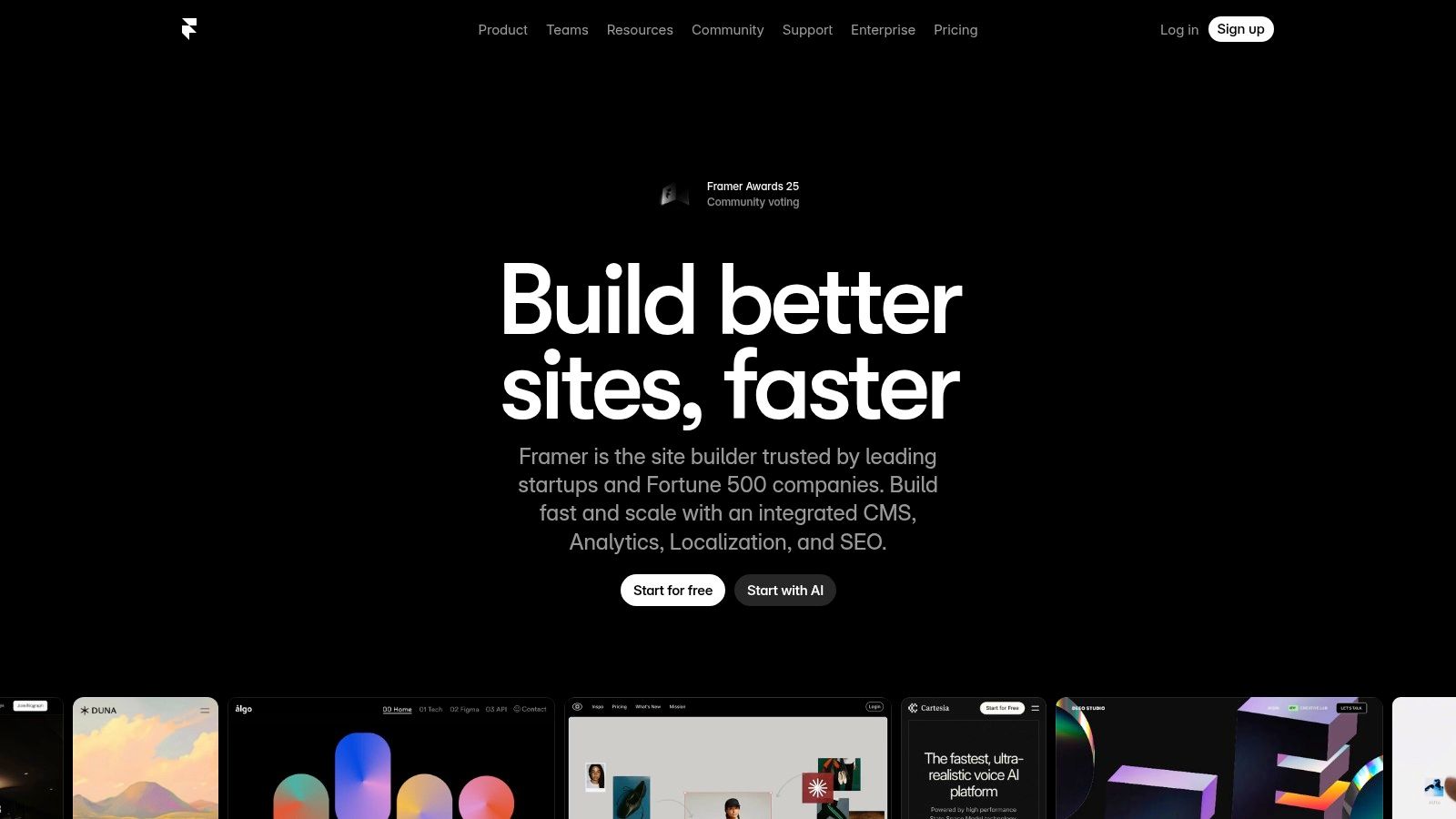
The platform is engineered for speed, both in the design process and in the performance of the live site. It includes a powerful built-in CMS for managing dynamic content, staging environments for safe updates, and collaboration features that make it ideal for agency workflows. Framer bridges the gap between design and development, allowing for the creation of visually stunning sites that are also fast, responsive, and SEO-friendly without writing a single line of code.
Key Features & Considerations
Framer excels with its powerful AI tools that can generate or refine entire pages, along with its robust set of features like site search, redirects, and a premium CDN for global delivery.
- Best For: Designers, agencies, and tech startups that need to create visually complex, high-performance marketing sites and interactive prototypes.
- Pros: Unmatched design flexibility and animation control, excellent site performance, and powerful collaboration tools for teams.
- Cons: Has a steeper learning curve than simpler builders. Usage-based overages and add-ons can increase costs for high-traffic sites.
- Pricing: A free plan is available for hobby projects. Paid plans start at $10/month per site for the Mini plan and range up to custom pricing for Enterprise needs.
Website: https://www.framer.com
6. Shopify
Shopify is the undisputed leader among the best no code website builders specifically designed for ecommerce. While other platforms add commerce as a feature, Shopify builds its entire ecosystem around selling products. It provides a comprehensive suite of tools for everything from building a beautiful online storefront and managing inventory to processing payments and handling shipping, making it a true all-in-one commerce solution for businesses of any size.

Its core advantage is its scalability and powerful backend. A business can start with a simple one-product store and grow into a multi-million-dollar enterprise without ever needing to migrate platforms. The integrated POS system also seamlessly merges online and in-person sales, providing unified inventory and customer data. This omnichannel capability is crucial for modern retailers looking to create a cohesive brand experience across all touchpoints.
Key Features & Considerations
Shopify’s App Store is a major differentiator, offering thousands of integrations to extend store functionality for marketing, customer service, and fulfillment. The platform's checkout is widely considered the industry benchmark for conversion and reliability.
- Best For: Entrepreneurs, retailers, and direct-to-consumer (DTC) brands focused on building a scalable online store with robust sales and inventory management.
- Pros: Robust, scalable commerce stack, a best-in-class checkout experience, and strong fulfillment and shipping tools.
- Cons: Reliance on third-party apps for advanced features can significantly increase total monthly costs. Theme customizations have a learning curve and may feel less intuitive than a pure drag-and-drop builder.
- Pricing: Plans start with a free trial, then paid plans begin at $29/month for the Basic plan and go up to $299/month for Advanced, with enterprise-level solutions available via Shopify Plus.
Website: https://www.shopify.com
7. WordPress.com
WordPress.com offers a managed, user-friendly entry point into the world's most popular content management system. As a hosted platform, it removes the technical hurdles of self-hosting WordPress, making it one of the best no code website builders for those who want power and scalability without server management. Users can start with a simple block editor and a vast library of themes and patterns, with recent additions of AI site-building tools to further streamline the creation process.
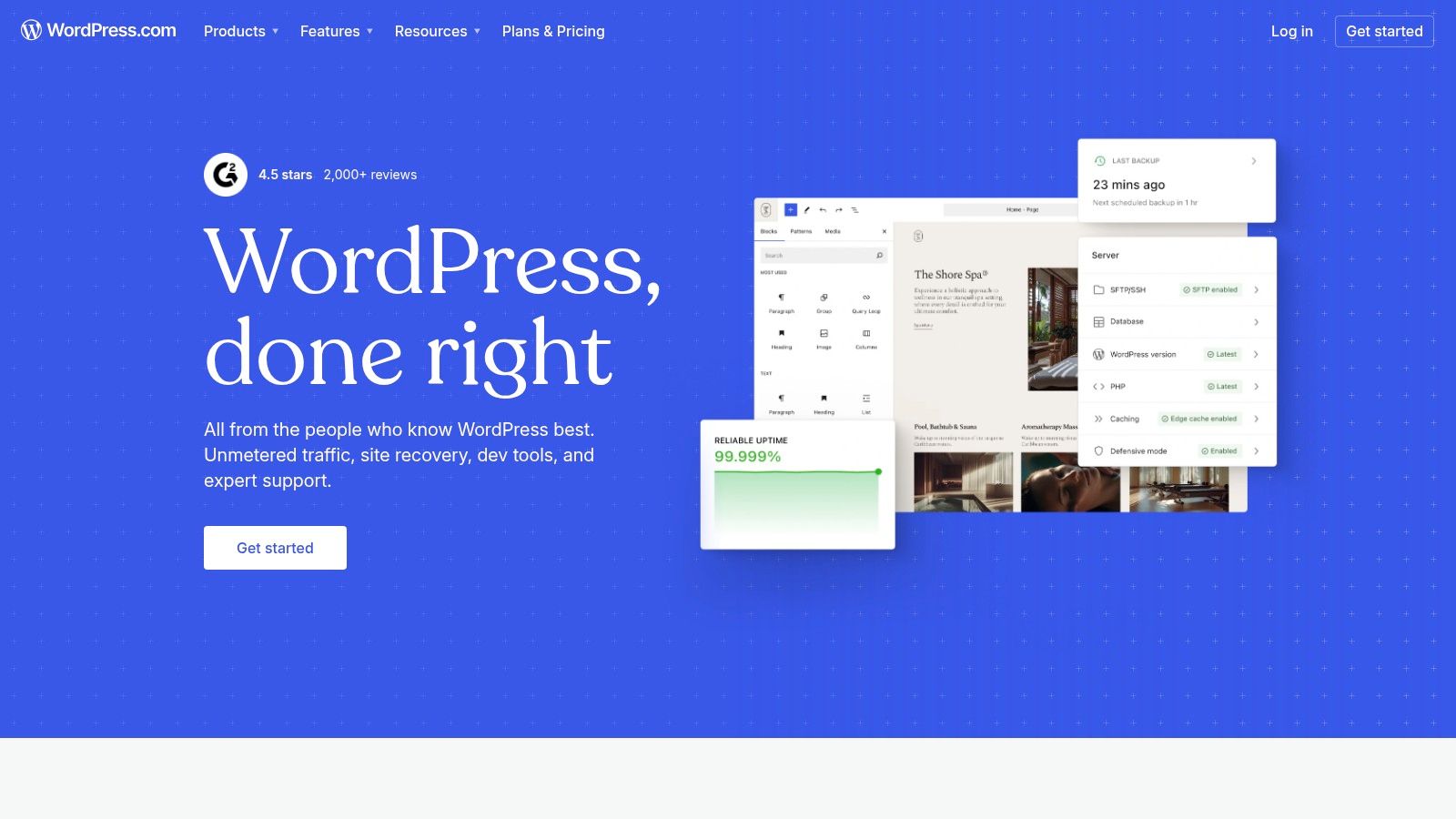
Its core advantage is its immense scalability. You can start with a simple blog and grow into a full-fledged ecommerce store using WooCommerce or a complex business site by unlocking plugin support on higher-tier plans. This path for growth ensures that your website can evolve alongside your needs, from a personal project to a commercial enterprise, all within a familiar and robust ecosystem.
Key Features & Considerations
WordPress.com is unique for providing a no-code experience built on an open-source foundation, ensuring content portability if you ever decide to migrate to a self-hosted environment.
- Best For: Bloggers, content creators, and businesses that anticipate future growth and want the option to add advanced functionality later.
- Pros: Vast ecosystem with themes and plugins, excellent content management tools, and the ability to export your site and content easily.
- Cons: The most powerful features, like plugin installation and advanced customization, are locked behind more expensive plans. The distinction between different plans can be confusing for new users.
- Pricing: A free plan with limited features is available. Paid plans start at $4/month (billed annually) for personal sites and go up to $45/month (billed annually) for ecommerce and business plans that unlock plugins and advanced tools.
Website: https://wordpress.com
8. Carrd
Carrd has carved out a unique niche among the best no code website builders by focusing exclusively on creating simple, elegant, and responsive one-page websites. It is the go-to solution for individuals and professionals who need a digital presence quickly, without the complexity of a multi-page site. The platform is ideal for building personal portfolios, link-in-bio pages for social media, or focused landing pages for specific campaigns or products.
Its core strength is its radical simplicity and affordability. The editor is incredibly intuitive, allowing users to select a template and customize it within minutes. While it lacks the sprawling feature sets of larger builders, its focused approach ensures a fast, streamlined experience for its intended purpose. If you're looking to create an effective landing page, you can get a detailed walkthrough on how to master the process. For those considering it for a "link-in-bio" tool, a detailed comparison of Linktree vs Carrd can help you decide if its features are the right fit.
Key Features & Considerations
Carrd excels with a minimal yet effective feature set that supports custom domains, contact forms, widgets, and custom code embeds on its premium plans, providing surprising flexibility for a one-page builder.
- Best For: Freelancers, creators, students, and anyone needing a personal portfolio, link-in-bio page, or a simple landing page.
- Pros: Extremely affordable, incredibly easy to use, and very fast to launch a professional-looking site.
- Cons: Strictly limited to single-page websites and lacks native CMS or advanced ecommerce functionality, requiring third-party embeds.
- Pricing: A free plan allows for up to three sites. Pro plans are exceptionally cheap, starting at just $19/year.
Website: https://carrd.co
9. Dorik
Dorik positions itself as a powerful yet affordable option among the best no code website builders, appealing directly to agencies, freelancers, and creators. It combines a user-friendly, flexible editor with a powerful integrated CMS and native membership functionalities, making it ideal for building content-driven websites with paywalled access. The platform focuses on delivering essential features without unnecessary complexity, offering a streamlined experience from design to launch.
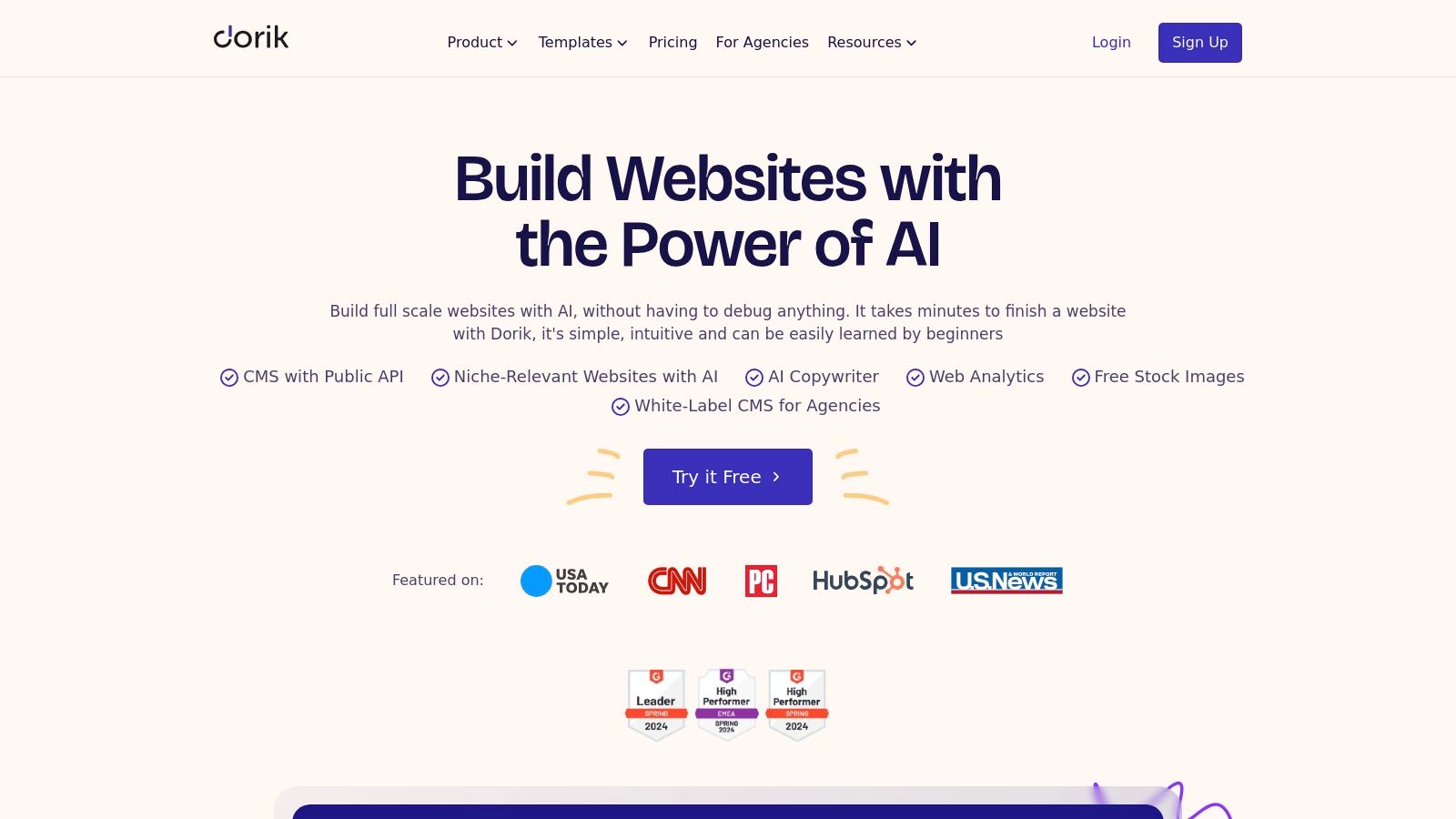
Its core advantage is the blend of high-value features like AI-powered site generation, a built-in blogging platform, and robust white-label options at a competitive price point. For agencies managing client projects, the ability to provide a custom-branded dashboard and handle billing directly is a significant workflow enhancement. This makes Dorik an excellent choice for those looking to scale their web design services efficiently.
Key Features & Considerations
Dorik’s standout feature is its comprehensive toolset designed for professional use, including a CMS with collections and native SEO tools that help users create and manage scalable content effectively.
- Best For: Agencies, freelancers, and content creators who need to build membership sites, blogs, or client projects with white-label capabilities.
- Pros: Strong value for CMS and membership features, white-label friendly for agencies, and occasional lifetime one-time deals.
- Cons: The platform's ecosystem and third-party integrations are smaller compared to giants like Webflow or Wix. Some advanced features are gated behind higher-tier plans.
- Pricing: A free plan is available. Paid plans start at $15/month (billed annually) for the Personal plan and go up to $199/month for the Agency plan with extensive white-labeling.
Website: https://dorik.com
10. Duda
Duda is a professional no-code website builder engineered specifically for digital agencies, freelancers, and SaaS platforms that manage multiple client sites. Its platform is built around efficiency and scalability, allowing users to create high-performing, responsive websites at scale. The editor combines a structured, section-based approach with drag-and-drop flexibility, ensuring both design consistency and creative freedom, a key factor for its placement among the best no code website builders for professional use.
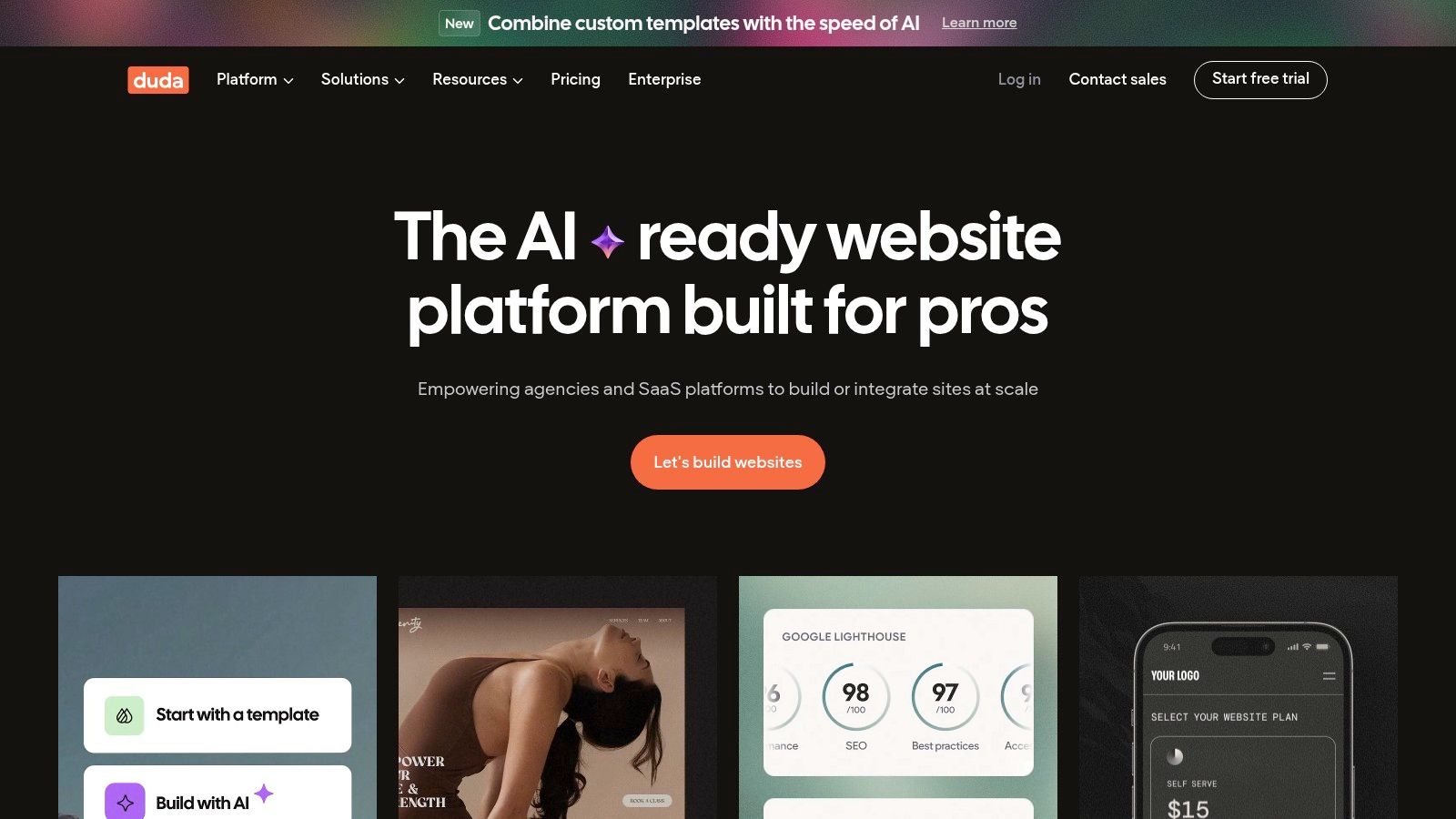
The platform's core strength lies in its powerful client management and collaboration tools. Features like white-labeling, user permissions, and on-site client commenting streamline the entire workflow from creation to hand-off. Backed by robust AWS hosting, Duda also guarantees excellent site speed and uptime, which is a critical selling point for agencies offering web services to their clients.
Key Features & Considerations
Duda's standout feature is its focus on agency-level efficiency, including reusable templates and sections that can be deployed across multiple client sites to accelerate development.
- Best For: Digital marketing agencies, freelancers with a large client base, and SaaS companies needing to offer a website builder as part of their service.
- Pros: Excellent for multi-site agency workflows, strong collaboration and client hand-off features, and highly scalable with reusable components.
- Cons: There is no permanent free plan available, and its pricing can be higher than consumer-focused alternatives.
- Pricing: Plans begin at $19/month (billed annually) for the Basic plan, which includes one website, and go up to custom pricing for large-scale agency and platform solutions.
Website: https://www.duda.co
11. Square Online (by Square)
Square Online emerges as a powerhouse among the best no code website builders for businesses that already operate within the Square ecosystem. It’s engineered specifically for restaurants, retailers, and service providers who need a seamless connection between their physical and digital operations. The platform's primary goal is to unify online sales, in-person payments, and inventory management into a single, cohesive system, eliminating the usual headaches of syncing separate tools.
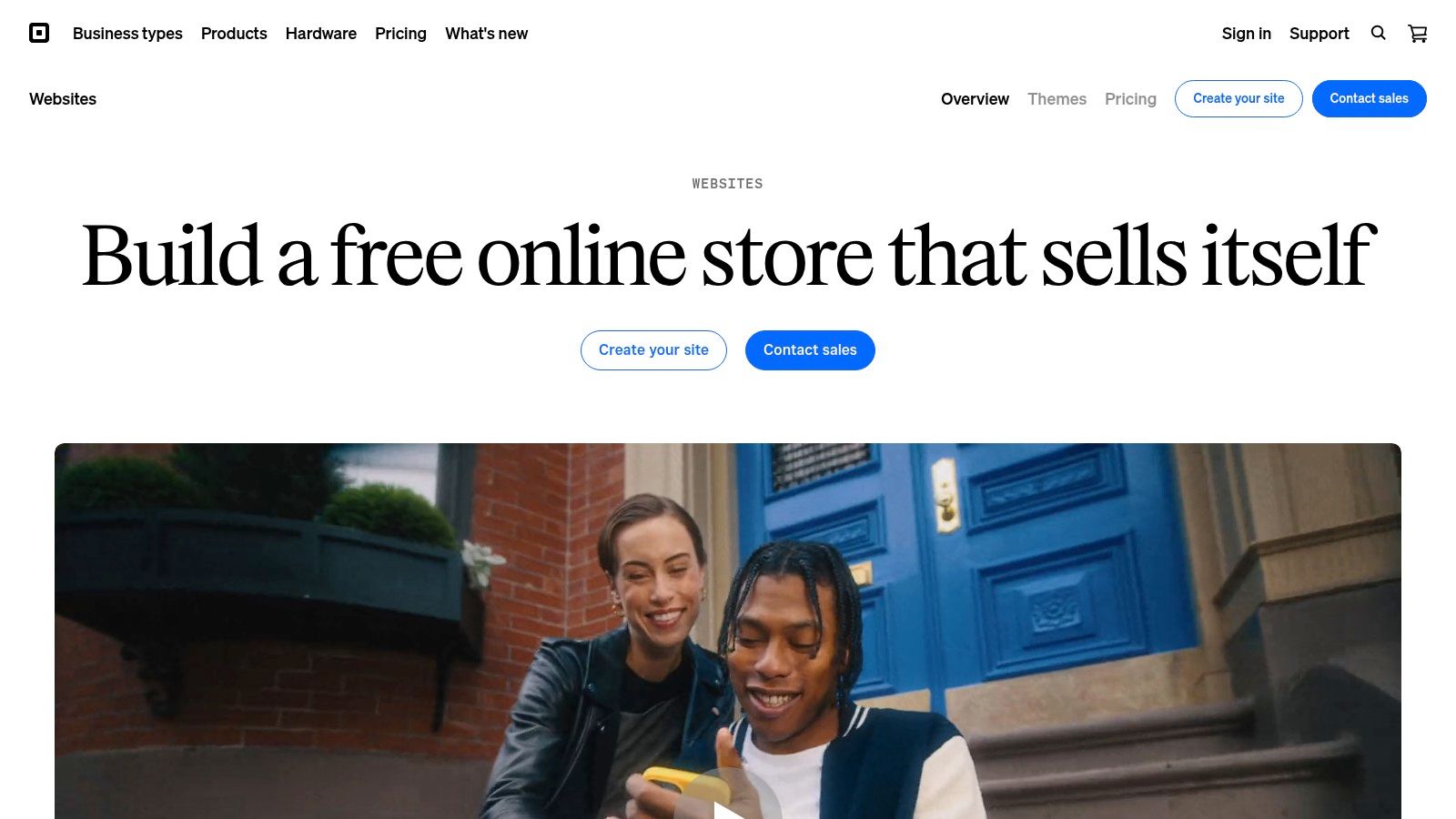
Its core advantage is the native integration with Square POS. When a customer buys a product online, the inventory is automatically updated across all sales channels, from your website to your brick-and-mortar store. This omnichannel approach simplifies everything from order fulfillment and customer management to financial reporting, making it an incredibly efficient choice for small to medium-sized businesses looking to expand online quickly.
Key Features & Considerations
Square Online stands out by offering built-in solutions for local commerce, including options for in-store pickup, local delivery, and QR code ordering, which are essential for modern retail and hospitality.
- Best For: Restaurants, retail stores, and local service businesses that use Square POS and need an integrated online store.
- Pros: Exceptional integration with Square POS and payments, simplified inventory management, and robust options for local fulfillment.
- Cons: Limited design customization compared to other builders, and transaction fees can be higher for businesses with low sales volume.
- Pricing: A free plan is available to start selling immediately. Paid plans, which offer more features and a custom domain, start at $29/month.
Website: https://squareup.com/us/en/online-store
12. Hostinger Website Builder
Hostinger Website Builder, formerly known as Zyro, is integrated directly into Hostinger's hosting ecosystem, offering a streamlined and budget-friendly path to getting online. It leverages AI-powered tools to simplify the creation process, including an AI site generator, logo maker, and content writer, making it an excellent entry point for those new to building websites. The platform is designed for simplicity, combining a grid-based drag-and-drop editor with a clean interface that removes much of the complexity found in more advanced builders.
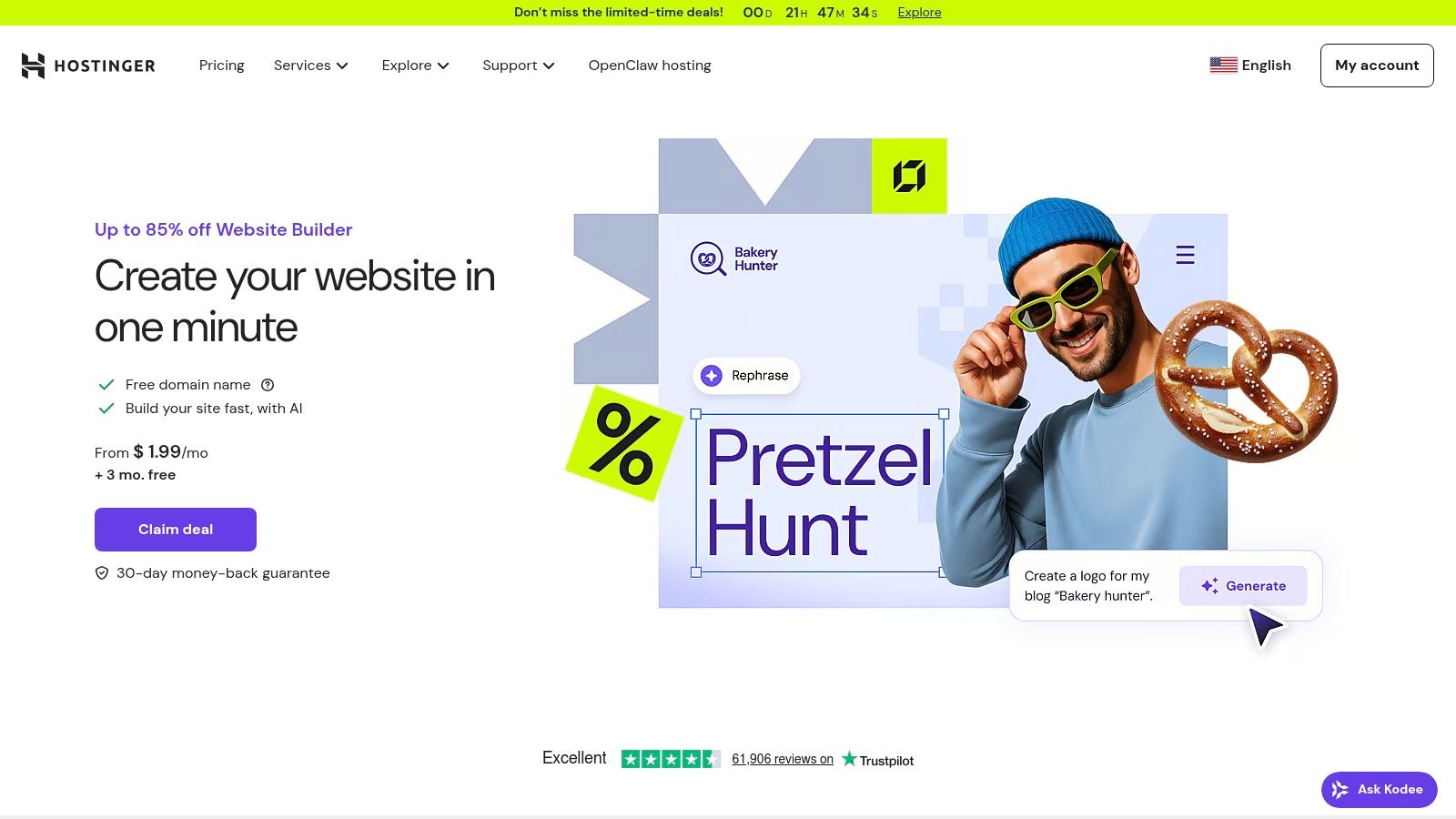
Its main appeal lies in its all-inclusive pricing model, which bundles the builder with high-quality web hosting, a free domain for a year, and business email accounts. This makes it one of the most cost-effective solutions among the best no code website builders, particularly for users willing to commit to longer-term plans. While it may not have the extensive app market of Wix, its native ecommerce and marketing tools are sufficient for many small businesses and personal projects.
Key Features & Considerations
Hostinger stands out with its powerful AI toolkit and zero platform transaction fees on sales, allowing merchants to keep more of their revenue.
- Best For: Startups, bloggers, and small business owners looking for an affordable, all-in-one package with solid hosting performance.
- Pros: Very low introductory pricing with long-term plans, includes a free domain and email, and features a suite of helpful AI tools for fast setup.
- Cons: The deepest discounts require a long-term commitment (up to 48 months) and renewal rates are higher. It offers fewer advanced design controls compared to competitors like Webflow.
- Pricing: All features are included in one primary plan, often priced as low as $2.99/month with a long-term commitment.
Website: https://www.hostinger.com/website-builder
Top 12 No-Code Website Builders Comparison
| Product | Core features | UX & Quality (★) | Price & Value (💰) | Target (👥) | Unique selling points (✨) |
|---|---|---|---|---|---|
| 🏆 Hostmora | Drag‑drop publish HTML/ZIP/PDF/MD/images, auto SSL, asset optimization, global CDN (35+) | ★4.9/5 — lightning loads (~12–24ms), very simple UI | 💰 Free tier; Starter ≈$4/mo, Pro ≈$9/mo; Enterprise options | 👥 Creators, agencies, SMBs, prototypes & docs | ✨ AI‑friendly links, instant QR codes, auto ZIP deploy, password protection, white‑label |
| Wix | Drag‑drop editor, templates, App Market, ecommerce & bookings | ★4.0/5 — fast to launch, lots of templates | 💰 Free tier; add‑on costs can add up | 👥 Freelancers, SMBs wanting many integrations | ✨ Huge plugin ecosystem & ecommerce add‑ons |
| Squarespace | Polished templates, commerce, scheduling, marketing tools | ★4.2/5 — best‑in‑class aesthetics, smooth onboarding | 💰 Paid plans (all‑in‑one value) | 👥 Creatives, boutiques, service SMBs | ✨ Design-focused templates + integrated marketing |
| Webflow | Visual designer, CMS, hosting, SEO controls | ★4.3/5 — pixel control; steeper learning curve | 💰 Free dev plan; paid hosting/CMS tiers | 👥 Designers, agencies, startups needing control | ✨ Pixel‑level design + robust CMS & SEO |
| Framer | Real‑time editor, CMS, staging, analytics, premium CDN | ★4.2/5 — fast prototyping & performance | 💰 Free/basic; usage/add‑ons for scale | 👥 Teams, designers prototyping interactive sites | ✨ Performance‑first outputs, staging & rollbacks |
| Shopify | Store builder, payments, checkout, POS, fulfillment | ★4.4/5 — enterprise ecommerce reliability | 💰 Paid plans + app/transaction fees | 👥 Retailers, merchants scaling online & in‑store | ✨ Integrated payments, POS & omnichannel tools |
| WordPress.com | Managed WP, themes, blocks, plugin support (higher tiers) | ★4.0/5 — extremely extensible; plan matrix complex | 💰 Free → paid; plugins on Business/Commerce | 👥 Bloggers to businesses needing extensibility | ✨ Vast ecosystem, portability & plugin flexibility |
| Carrd | One‑page site builder, simple editor, Pro widgets | ★4.1/5 — ultra‑fast, minimal & very easy | 💰 Very low cost; Pro for domains/forms | 👥 Freelancers, students, link‑in‑bio pages | ✨ Extremely affordable, quickest launch for one‑pagers |
| Dorik | AI generator, native CMS, memberships, white‑label | ★4.0/5 — good value for membership/CMS sites | 💰 Affordable tiers; occasional lifetime deals | 👥 Solo creators, agencies needing memberships | ✨ Memberships + white‑label + native CMS value |
| Duda | Drag‑drop responsive editor, client permissions, AWS hosting | ★4.2/5 — agency workflows & client handoff | 💰 No permanent free plan; agency pricing | 👥 Agencies & freelancers managing many sites | ✨ White‑label, multi‑site automation & client tools |
| Square Online | Online store + POS, inventory sync, pickup/delivery | ★4.0/5 — quick omnichannel setup | 💰 Free start; processing fees apply | 👥 Restaurants, retail & local SMBs using Square | ✨ Tight Square POS & payments integration |
| Hostinger Website Builder | AI site/logo/content tools, 170+ templates, ecommerce support | ★3.9/5 — budget focused, straightforward | 💰 Very low intro pricing; long‑term discounts | 👥 Budget users, long‑term hosting customers | ✨ Bundled hosting + free domain (eligible plans) |
Choosing Your No-Code Path Forward
The journey through the world of the best no-code website builders reveals a landscape rich with opportunity. We've navigated a diverse array of platforms, from the all-in-one powerhouses like Wix and Squarespace to the design-centric precision of Webflow and Framer. We've seen how specialized tools like Shopify dominate e-commerce and how ultra-focused builders like Carrd master the art of the one-page site.
The central takeaway is clear: the "best" platform is not a one-size-fits-all answer. Instead, it is a reflection of your specific goals, technical comfort level, and project requirements. The no-code revolution isn't about finding a single magic bullet; it's about empowering you to select the right tool for the job at hand, eliminating traditional barriers to digital creation.
Recapping Your Options: The Core Trade-Offs
Your decision ultimately hinges on a few key trade-offs. Are you prioritizing speed and simplicity over granular creative control? Platforms like Hostinger Website Builder, Carrd, and even the entry-level tiers of Wix excel here, getting you online in minutes.
Conversely, if your project demands pixel-perfect design and complex animations, builders like Webflow and Framer offer unparalleled control, but they come with a steeper learning curve. For e-commerce ventures, the robust, sales-focused ecosystems of Shopify or Square Online are purpose-built for transactions, a specialization that general-purpose builders often can't match.
A Framework for Your Final Decision
As you move from reading to doing, use this simple framework to guide your choice. Answering these questions honestly will illuminate the most logical path forward and help you select one of the best no-code website builders for your unique situation.
What is my primary goal? Is it to sell products (Shopify, Square Online), showcase a portfolio (Squarespace, Hostmora), build a complex marketing site (Webflow, Duda), or simply establish a basic online presence (Carrd, Dorik)? Define your "must-have" outcome first.
Who is the end-user? If you are a freelancer sharing a proposal, instant publishing and password protection might be key (Hostmora). If you're an agency building for clients, white-labeling and scalability are critical (Duda, Webflow).
What is my long-term vision? Consider your future needs. Will you need to add a blog, an online store, or membership features later on? Platforms like WordPress.com and Wix offer extensive app markets that allow your site to grow with your ambitions. Don't just solve for today; anticipate the needs of tomorrow.
What is my most valuable resource: time or money? A free or low-cost plan might seem appealing, but if it takes you weeks to learn, the "cost" is significant. Sometimes, paying for a more intuitive tool that saves you dozens of hours is the smarter financial decision.
The power of no-code lies in its accessibility. It has democratized web development, placing the ability to build, launch, and iterate directly into the hands of creators, entrepreneurs, and businesses. Your perfect tool is on this list. The final step is to align your unique project needs with the specific strengths we've outlined, sign up for a free trial, and begin building. The web is waiting for what you have to create.
Ready to skip the complex editors and publish your work in seconds? If your primary need is speed, security, and simplicity for sharing portfolios, prototypes, or client deliverables, Hostmora is built for you. Turn any file or folder into a secure, shareable link instantly at Hostmora.